Create an Online Ordering Account
Last updated: Oct 22, 2025, 10:49 AM
Toast's Online Ordering platform allows your guests to create a single account that can be used across all Toast Online Ordering sites.
Want to boost revenue with online ordering? Add the Toast Digital Ordering Suite to your account.
In this Article:
Create an Account
A guest can log in/create an account directly from your restaurant's Online Ordering Public Page. If a guest does not log in/create an account, they will be prompted to do so during checkout, or they can choose to place the order as a guest without creating an account.
For more information on setting up Online Ordering, please review Online Ordering Setup Options.
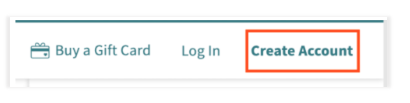
To create an online ordering account, guests can navigate to your Online Ordering page and select Create Account in the upper right corner.
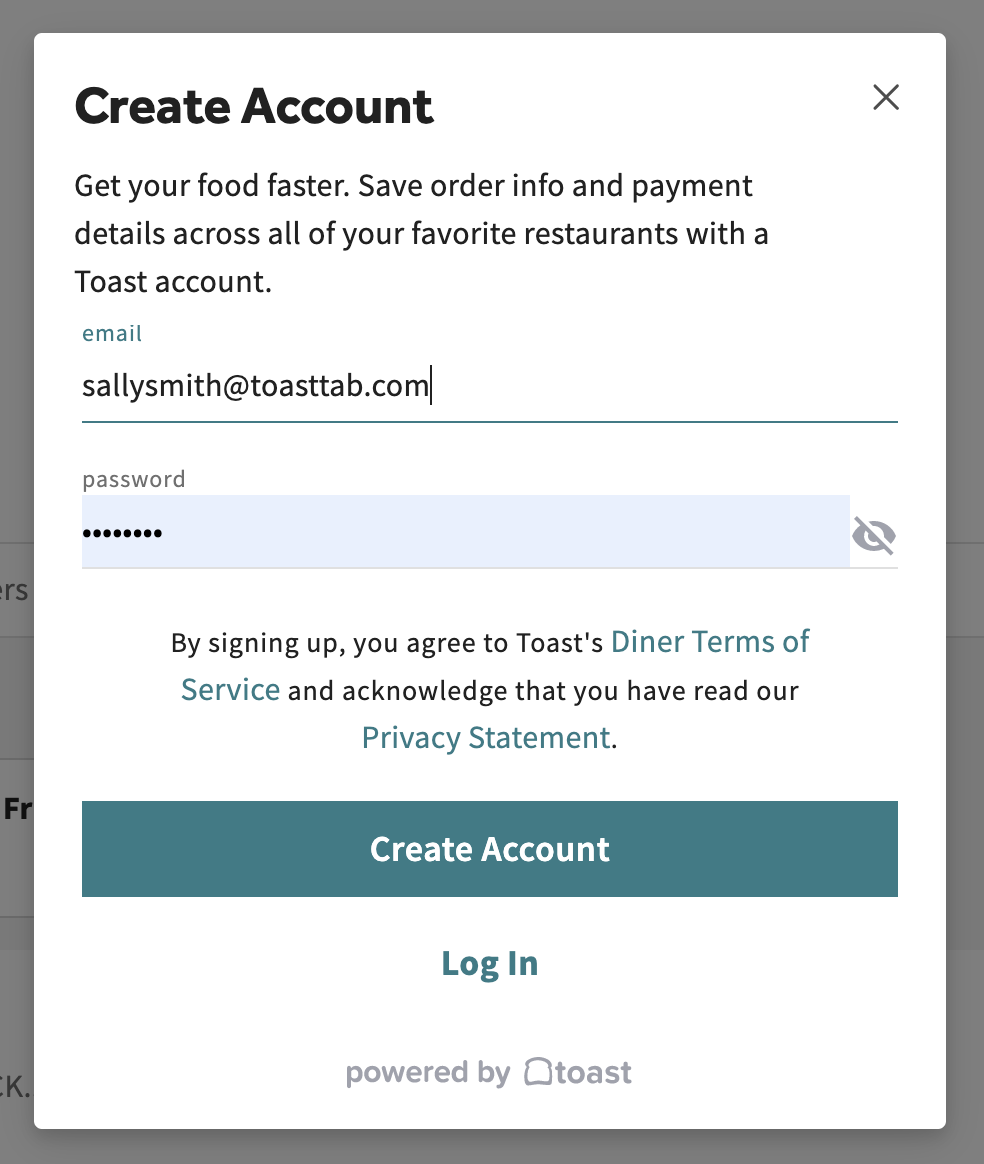
From here, guests will be prompted to enter their email and set a password. Once an email and password have been entered, select Create Account.
Once the guest selects Create Account, they will receive an email to verify their email address.
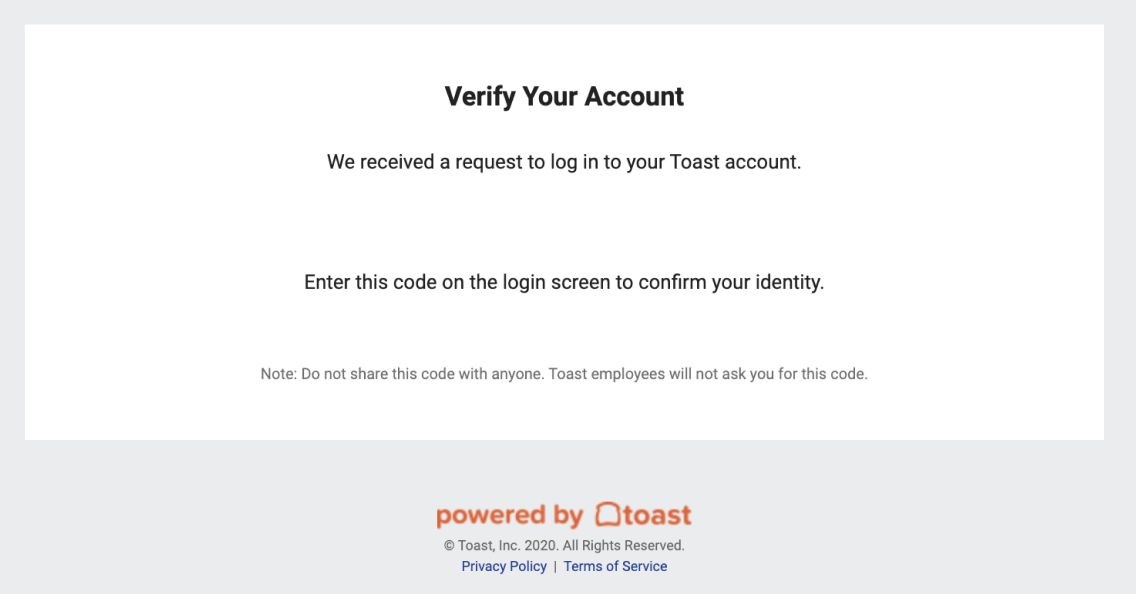
After verifying their email, they will have login capabilities and can begin using their account.
Save Information to an Account
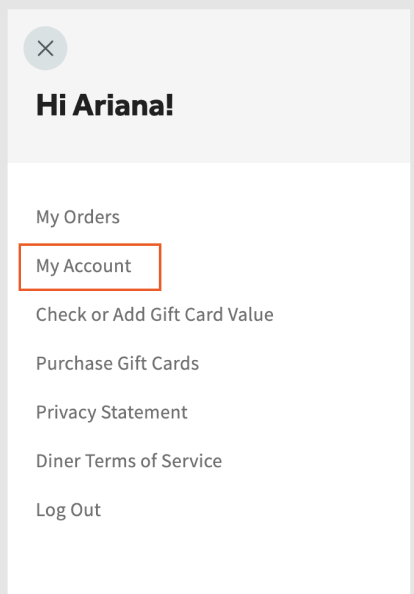
After verifying your email address, you may save additional contact information in My Account, such as payment options and information.
- From your Online Ordering page, guests can navigate to and select Welcome [Name]! in the upper left corner.
- From the drop-down, select My Account to review your saved contact and payment information or change your password.