Reinstate an Archived Employee
Last updated: Oct 27, 2026, 3:56 PM
Question
How do I reinstate an archived employee?
Answer
Archived employees may be reactivated to restore their POS and Toast Web access.
- In Toast Web, navigate to Team > Employees.
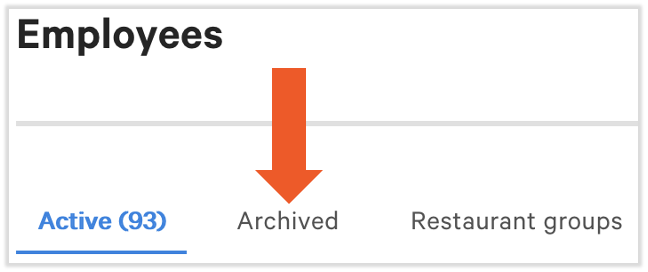
- Select the Archived tab near the top of the page.
- Locate the employee you wish to restore, and select the unarchive button on the far right side of the table.
- On the pop-up, select Confirm to restore this employee.

Note:
- The employee's POS access code must not match the POS access code of an employee who is currently active.
- If you receive a 500 Internal Error when you try to unarchive an employee, contact Toast Customer Care.