Toast Cash, Promo Codes, and Payment Options
Last updated: Nov 11, 2025, 2:22 PM
| Toast offers Promotional Toast Cash as a way for guests to have part or all of their meals paid through a promotional code. Promotional Toast Cash is not cash and does not represent prepaid or stored value. Promotional Toast Cash is not redeemable for cash or credit. Toast Cash is not currently available in Canada, Ireland and the UK. |
- Promotional Toast Cash Overview
- How Guests Pay with Toast Cash in Online Ordering, Local by Toast, Toast Mobile Order & Pay™, and Mobile Payments
Promotional Toast Cash Overview
Toast Cash is a promotional payment method your guests can use to have a part or all of a meal paid for. Think of this as a gift card from Toast to customers that can be used for online orders at any restaurant with takeout powered by Toast. Toast Cash is externally funded, meaning your restaurant can accept it like any other payment method. If Toast Cash is used at your restaurant, Toast will remit 100% of the value to your bank account the first week of the following month.
| Toast Cash Stored Value is different from Promotional Toast Cash because the funds come from restaurant guests purchasing Toast Cash as a gift instead of from a promotional code provided by Toast. Toast Cash Stored Value is in limited release with select customers at this time, but you can learn more about the beta product through visiting |
Toast Cash in Reporting
If you see the promo code "Toast Cash" or "Toast Takeout Reward" in your reporting, it means that a guest has chosen your restaurant to redeem their Toast Cash credits. Your "Toast Cash" balance will be ACH'd to your restaurant as a single transaction from Toast at the end of each month. For more information, see and review the question How does the refund for Toast-funded rewards work?
Note: Your sales reports will still be accurate. Orders and sales made with this payment option will appear as Other in the Sales Summary report in Toast Web and will be accounted for in net sales.
How Guests Pay with Toast Cash in Online Ordering, Local by Toast, Toast Mobile Order & Pay™, and Mobile Payments
In Toast Online Ordering and the Local by Toast app, guests can use their Toast Cash through the Promo Code input field or via their Toast Cash wallet, which is available for Guests using the Local by Toast app.
Promotional Codes
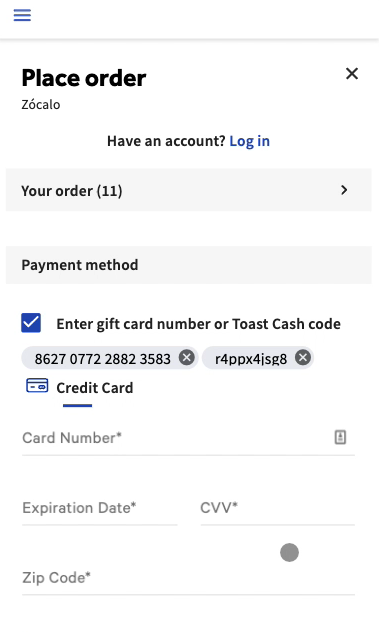
Toast Cash can be applied to online orders by adding the promotional code upon checkout, as shown below.
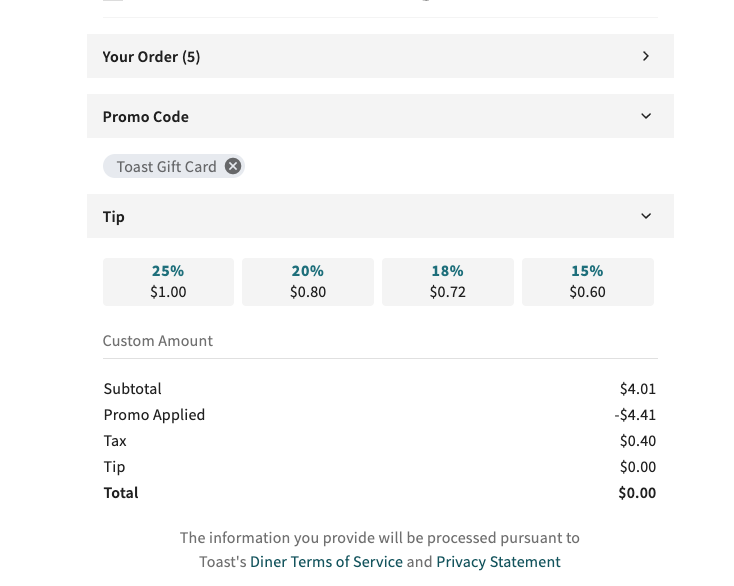
The following example depicts how this promotional code will appear for customers using a Toast Cash Promo Code.
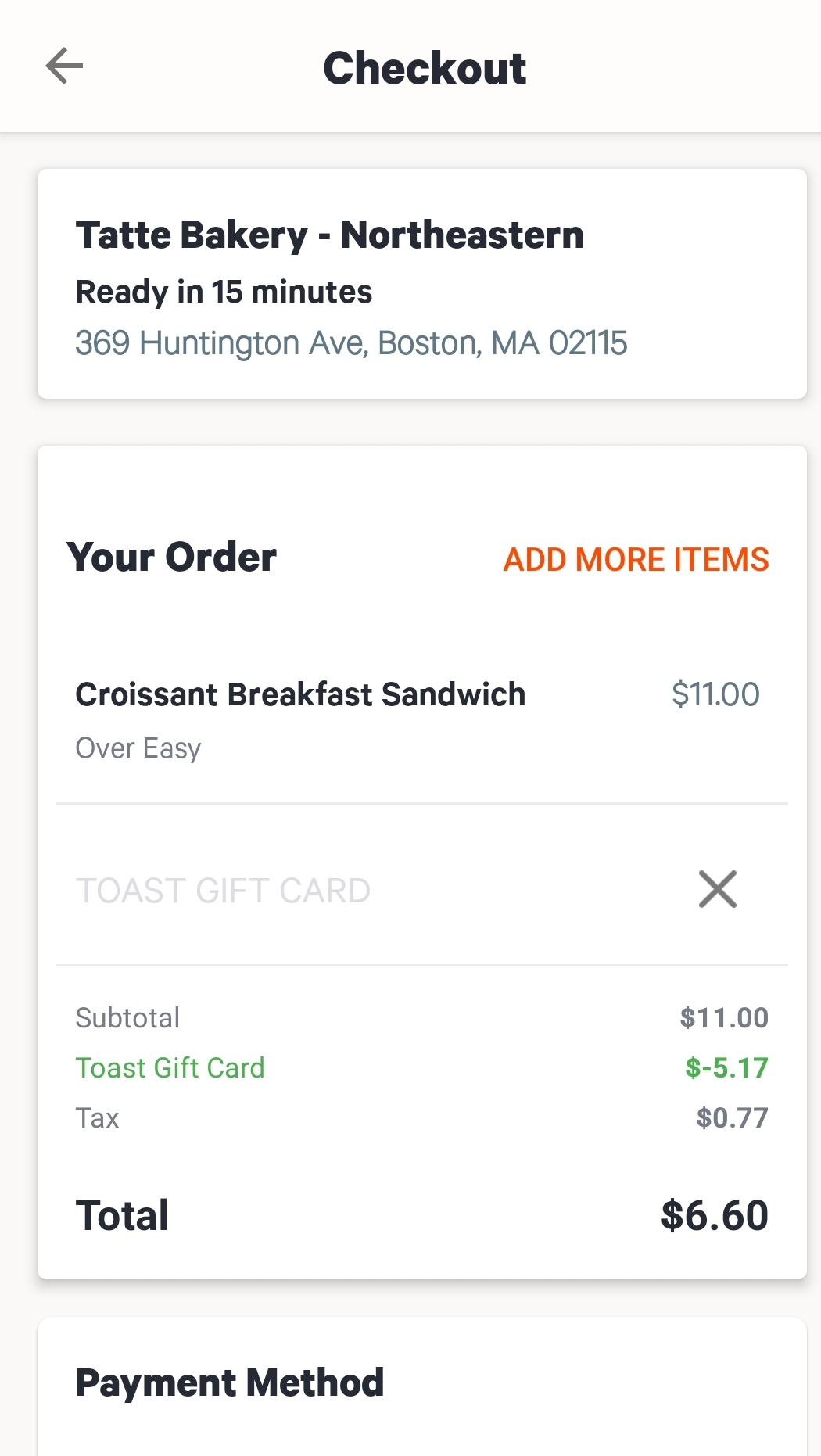
Guests can also use their Toast Cash through the mobile payments feature by entering it in the Promo Code field for mobile dining solutions.
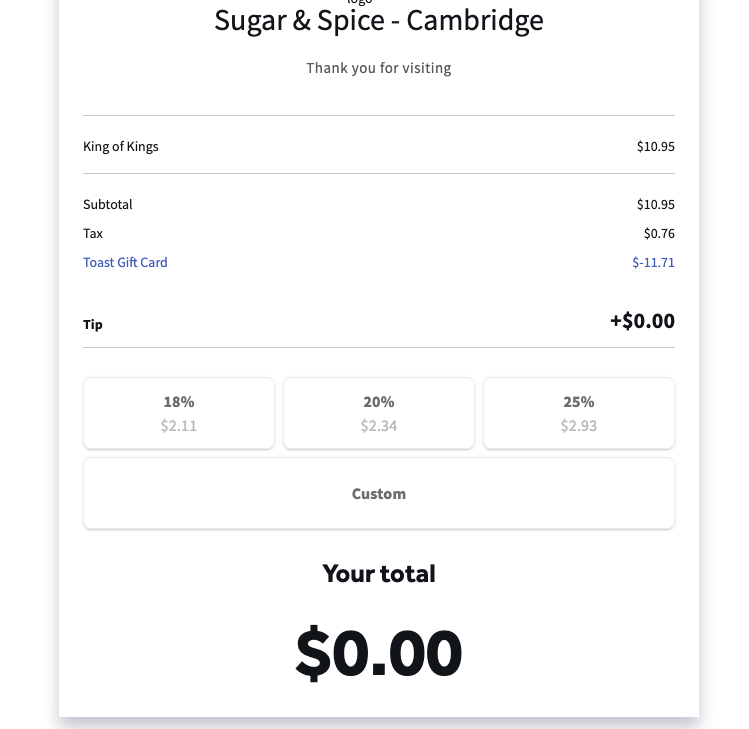
For Toast Mobile Order & Pay™, guests can use their Toast Cash by entering it into the Toast Cash payment type.
Toast Cash Wallet
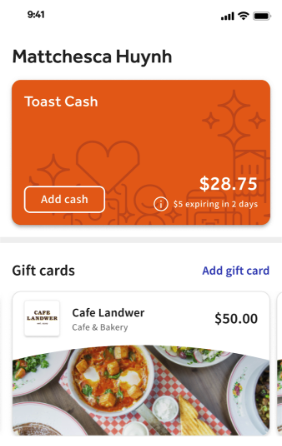
The Toast Cash Wallet allows guests signed into their Local by Toast app on an Apple (iOS) device to add one or more Toast Cash promotional codes and store them in a digital wallet for use across Toast restaurants. Toast Cash added to a wallet can also cover taxes and tips.
Note: The Toast Cash Wallet requires guests to have created a for use via the Local by Toast app.
Once a guest is logged in to their account, they can navigate to their "Profile" section of the app, where the Toast Cash Wallet is visible. Upon selecting "Add Code" and inputting the promotional code, the total value will be added to their wallet for use as a payment option during checkout.