Approve Online Orders Manually
Last updated: Sep 17, 2026, 10:54 AM
Toast Online Ordering can be configured so that any new orders must be manually approved before they are sent to the kitchen.
Set an On-Screen Notification for Online Orders
Enable on-screen notifications for when new online orders are received by following these steps:
- In Toast Web , navigate to the Front of house > POS notifications > Notification setup.
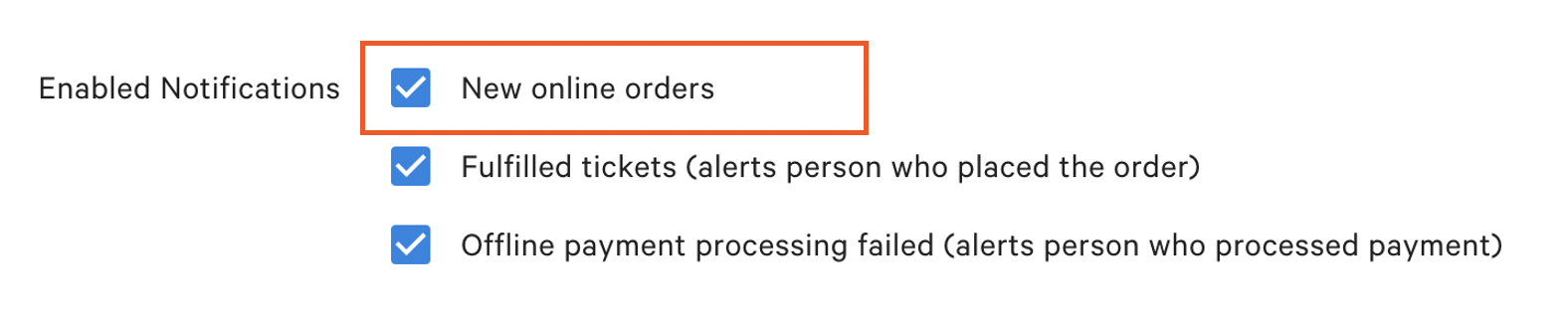
- Scroll to Enabled Notifications and select New Online Orders.
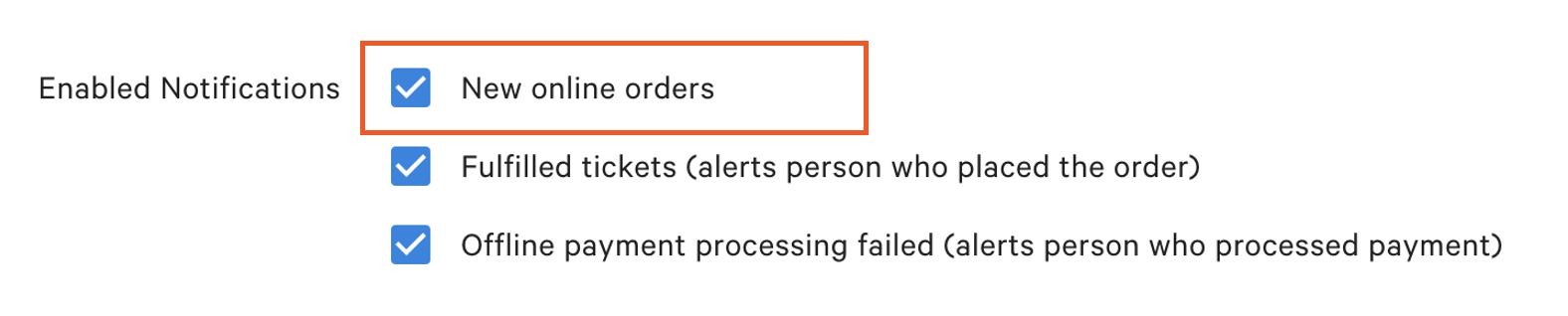
If you wish to configure your device's sound notification for when a new ticket is created, follow the steps indicated in this Support Center article, Change New Ticket Sound Notification on Your POS.
Manual Approve Online Orders
To approve an Online Order, the user must have access permissions to Approve Pending Orders. This mode of Toast is where Online Orders needing approval are stored. This is also the mode of Toast that holds orders scheduled for the future. For more information on permissions, see the Permission Reference Guide in Support Center.
Note: Permission 1.9 Edit Other Employees Orders is needed by any employee to approve online orders manually..
On the device:
- An online order is received, and a notification appears in the app. Select the order to be taken directly to the order to view the details.
- Navigate to the Pending Orders section of the Main Menu.
- The order will be listed under the Needs Approval section. The option to approve is in the top right corner.
- The order will be moved to the Payment Terminal once approved.
- If Cash was selected as the payment type, the order will appear in Open Checks.
- If Credit Card was selected as the payment type without TIP, the order will appear under Paid Checks for the tip to be added, and the check be closed later.
- If Credit Card was selected as the payment type with TIP, the order will move directly to Closed Checks.
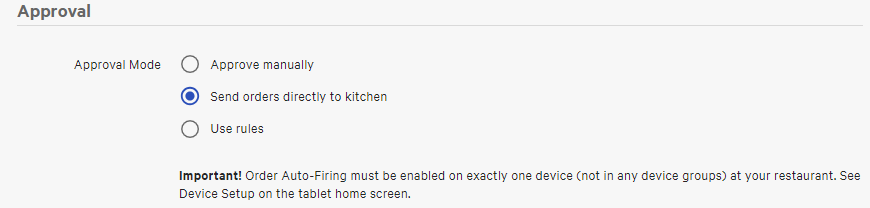
Note: To turn off manual approve for Online Orders select the option Send orders directly to kitchen.
Back to top