Add Catering Orders to Your Catering & Events Calendar
Last updated: Sep 17, 2026, 7:59 AM
Question
How do I add catering orders created outside of Catering & Events in the Catering & Events calendar?
Answer
To add alternate dining option catering orders to your Catering & Events calendar, follow the steps below:
- Log in to Toast Web and navigate to Catering & events > Settings > Additional orders.
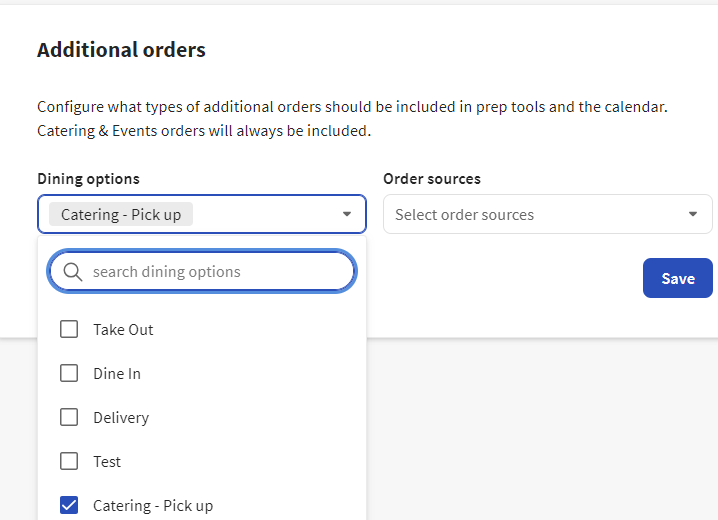
- Under Dining options, choose Catering - Pick up > then select Save.
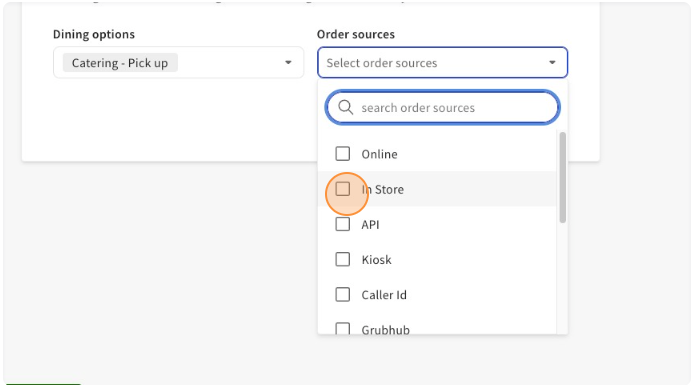
- You can also select the Order sources. Under Order sources > select In Store.
- Select Save. Orders placed outside of Catering & Events will now be displayed on your Catering & Events calendar.