Configure Your Printers to Display Euro
Last updated: Oct 8, 2026, 12:31 PM
Question
How do I set up my printers to display euro as the currency?
Answer
Follow these steps to complete the Euro setup for your printer on Toast Web.
- Navigate to Finance > Related > Settings > Printers & cash drawers.
- Select the name of the printer you wish to edit.
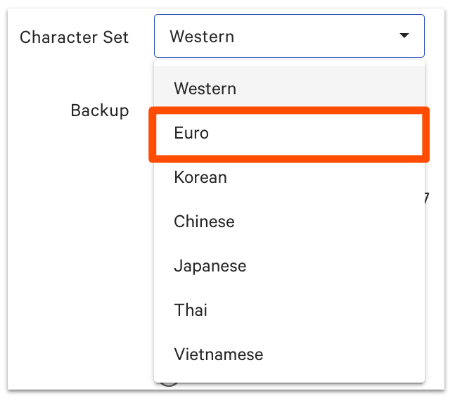
- In the Printer Configuration section, scroll down to the Character Set drop-down.
- Select Euro from the drop-down list.
- Save and publish your changes!