Get Help With Customer-Facing Pole Displays
Last updated: Sep 16, 2026, 12:29 PM
While the Customer-Facing Pole Display is no longer available for purchase in our Toast Shop, we continue to offer troubleshooting support for existing units.
| Please note that the Customer-Facing Pole Display is no longer available for purchase through the Toast Shop. |
In this Article:
Product Information
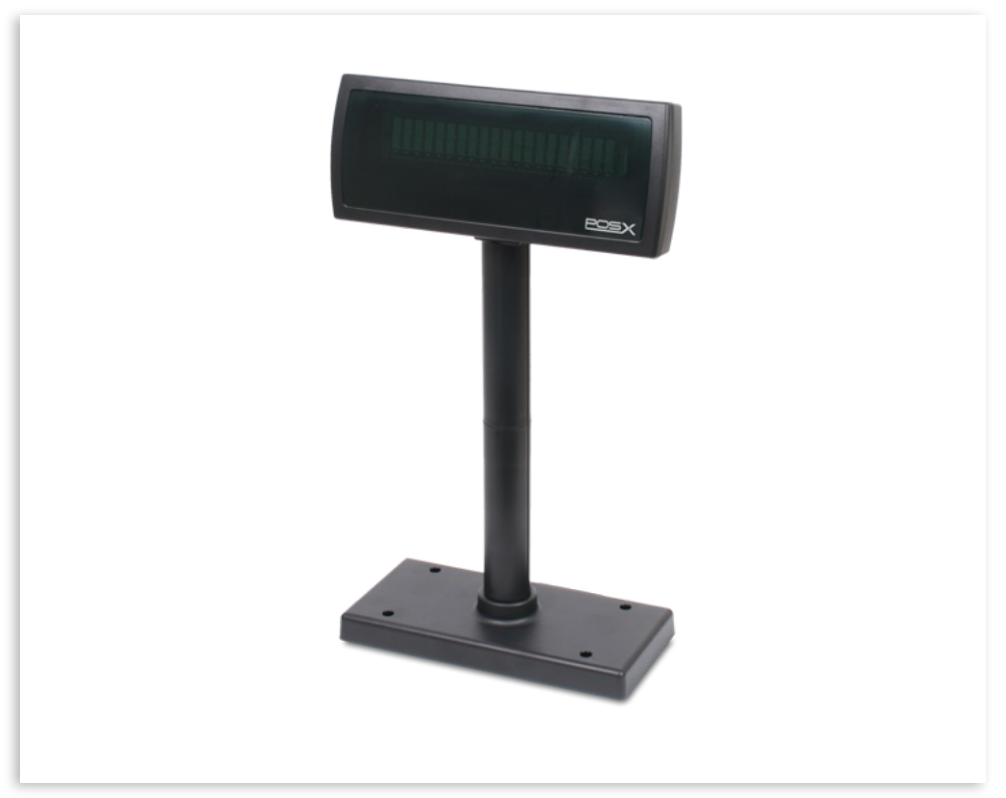
The Customer-Facing Pole Display is a USB 2.0 display on a swiveling stand.
- Product Code: PSX320
- Product Warranty: 2-Year Warranty
Troubleshooting
Not displaying the location name:
- Navigate to toasttab.com
- Locate the restaurant
- Navigate to the Marketing section
- Select Restaurant Info
- Ensure the restaurant name is correct and saved
- Unplug the USB from the USB Port
- Power Cycle, the device
- The bottom right-hand side of the stand locate the Power Button
- Hold the Power Button down (Approximately 10–15 seconds)
- Select Power Off
- Select Ok
- Reconnect the USB to the Customer-Facing Pole Display