Customize Online Ordering General Information
Last updated: Mar 31, 2026, 9:47 AM
- Add or Update Restaurant Info and Images
- Change Your Online Ordering URL
- What Your Guests Will See
- Use Location Picker
- Add Online Ordering Buttons to Your Website
Add or Update Restaurant Info and Images for Your Online Ordering Site
You can customize your online ordering website to include information about your restaurant, images of your choice, and a description. For a guided walkthrough of this setup in your Toast account, select the button below.
You can customize your online ordering page with your restaurant's description and images and item images and descriptions by following the steps below:
- In Toast Web, navigate to Takeout & delivery > Toast order sources > Restaurant info, or search for Restaurant Info in the Search field at the top of any page.
- Here you can view your business's General information and edit your Business description. Note: To update your Business and Location names, this must be done on the location information page.
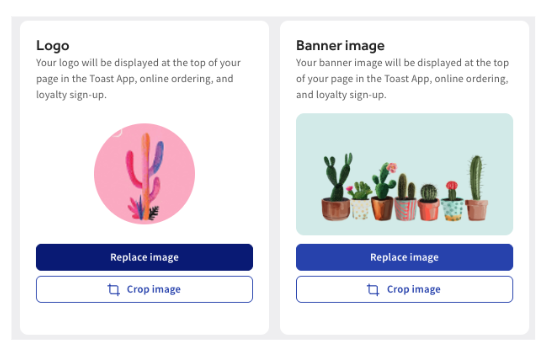
- To update your Logo or Banner, select Replace image in either module. If you are adding an image for the first time, you will select +Upload image.
- Drag and drop the file or select +Upload file. Note: Image requirements for Logos are a minimum resolution of 230px by 230px and a maximum file size of 5 MB. For Banners, the minimum resolution is 1400px by 788px, and the maximum file size is 5 MB.
- To update your eGift card image, select +Upload file or Replace image. Note: Minimum resolution 640px by 400px and maximum file size of 5 MB.
- Be sure to save and publish your changes.
- Next, locate your Toast Tab Page URL and add it to your restaurant's website.
- Then save and publish your changes.
Change Your Online Ordering URL
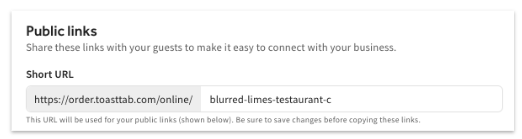
A restaurant's Online Ordering URL can be customized to specifically relate to the restaurant. This can be handy if a restaurant is going through a name change or if they want to shorten the URL.
- In Toast Web, navigate to Takeout & delivery > Toast order sources > Restaurant info.
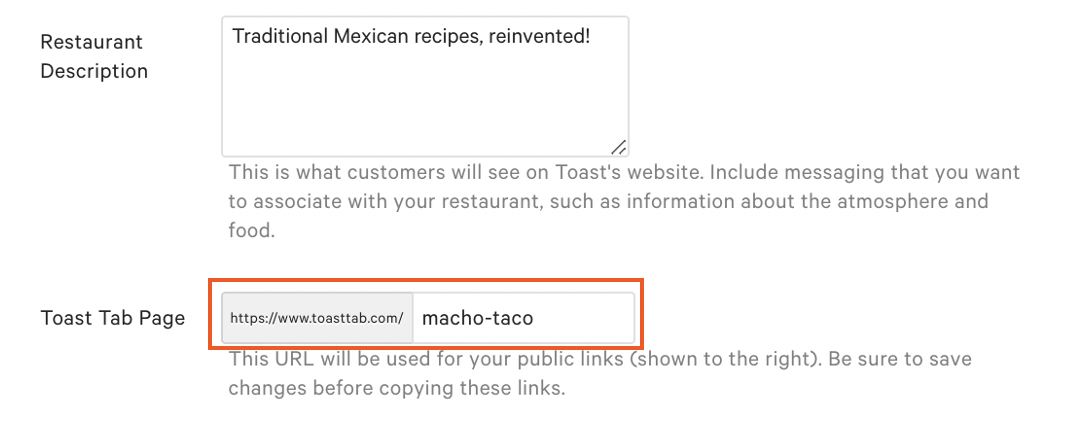
- Locate the Toast Tab Page section and enter your desired URL into the text box.
Note: This will only edit the URL after http://toasttab.com/
- Then Save and Publish your changes.
What Your Guests Will See
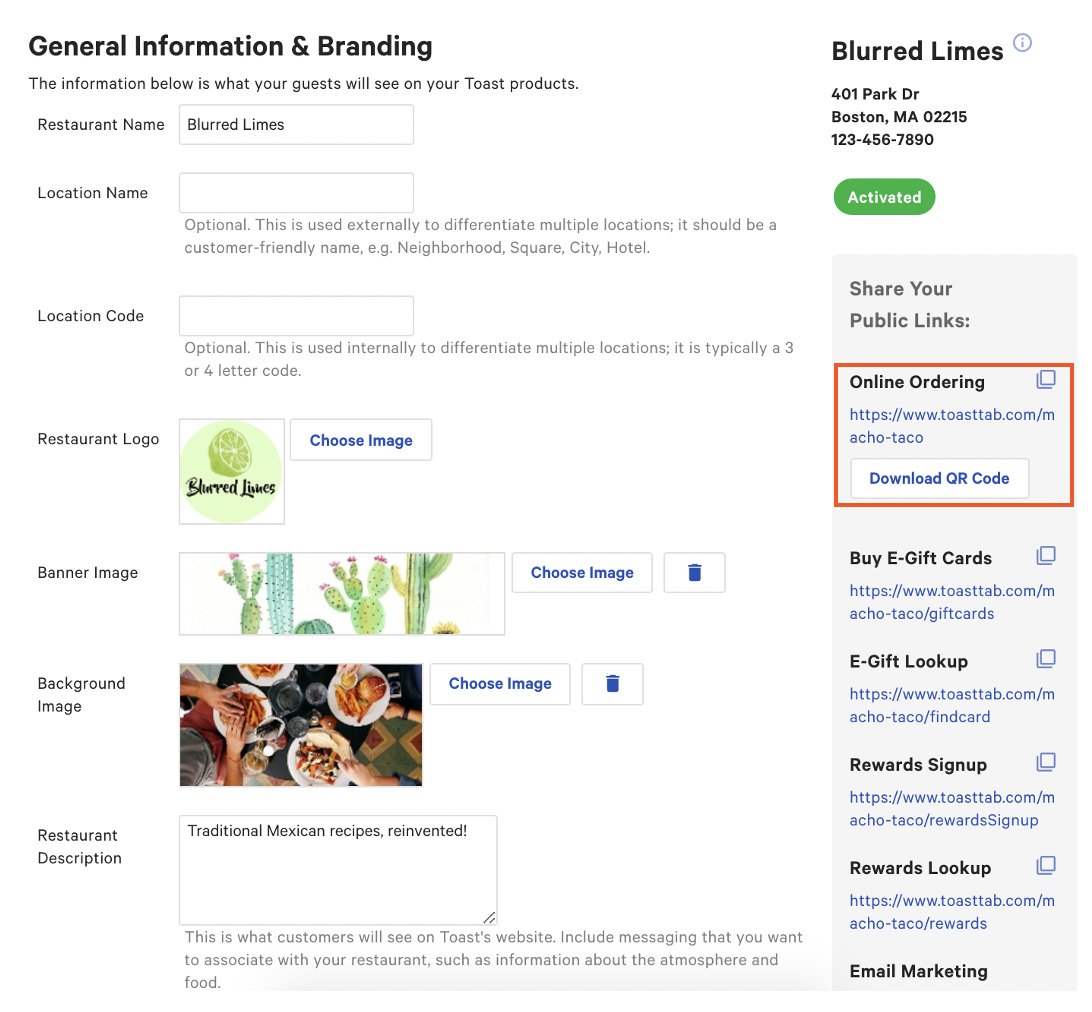
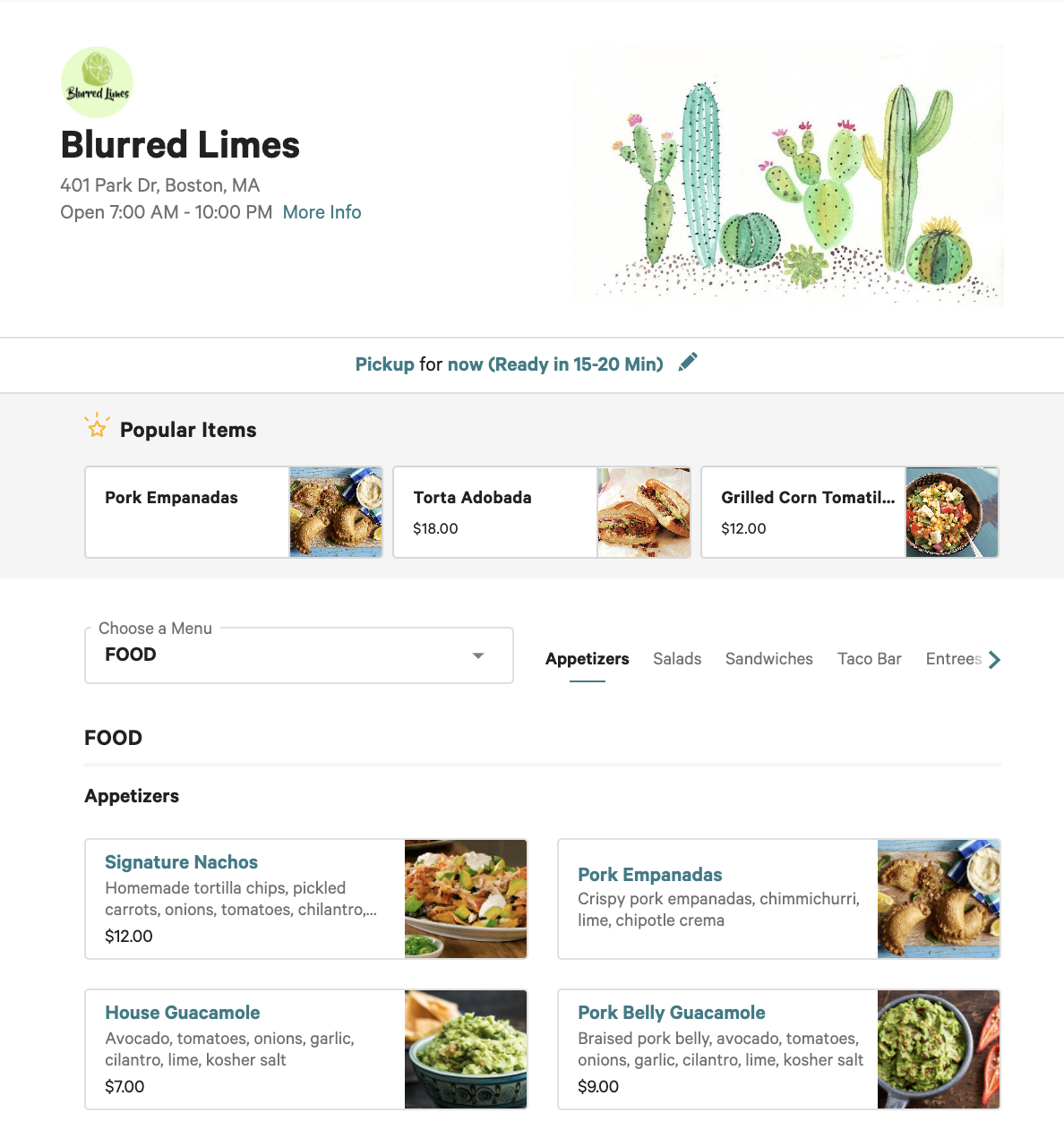
- Navigate to the Share Your Public Links section and select the link under Online Ordering to see how your guests will view your site. Restaurants can also select Download QR Code to download the specific QR code to their Online Ordering page. By easily printing it or adding it to the restaurant's website, guests can scan the QR code and see the restaurant's menu with the ability to order.
- You can then see how your guests view and interact with your site.
Use the Location Picker
The Location Picker is useful to organize your restaurant info if there are several restaurants in your group.
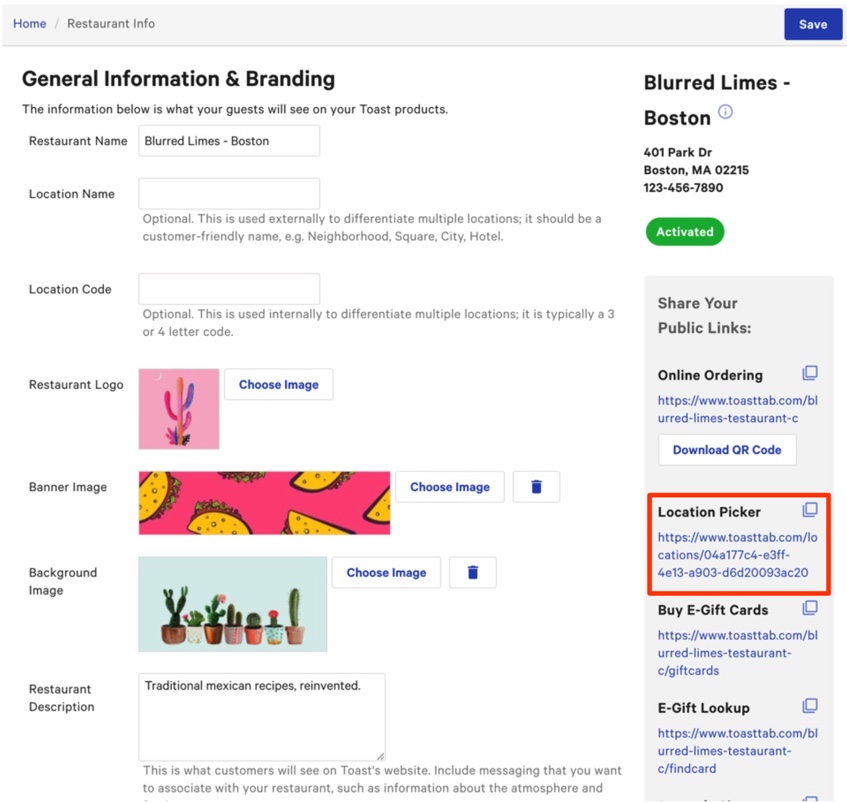
Unfortunately, the background image and logo were pulled from a random location in the restaurant group. That means a different logo may appear when guests use the Online Ordering page. The best way to manage that is to have every location use the same images in the back-end under background info. Ensure the background image has a high resolution to prevent blurriness on the Online Ordering page.
Note: If you're not seeing one or more of your restaurant locations in the Location Picker, navigate to Takeout & delivery > Branding & customization > Branding and customization configuration. Scroll to the bottom of the last tile named Settings. Expand the drop-down menu and select each location that was not present on the Location Picker. Save and Publish your changes. Once you return to the Location Picker, you may need to refresh your page to see your changes. Learn about adding a location to the location picker here: Online Ordering: Add a Location to the Location Picker.
Add Online Ordering Buttons to Your Website
Your restaurant's website is one of your most visible marketing assets, so showcasing your online ordering options is extremely important. If you want to add an Order Online button to your website, our article Adding Digital Ordering Buttons to your Website has buttons to download with the corresponding HTML.