Get Started With Toast Local
Last updated: Aug 26, 2026, 11:59 AM
Toast Local (formerly known as Toast Takeout) is a digital ordering app that allows you to receive more orders and delight diners without any additional work or commissions.
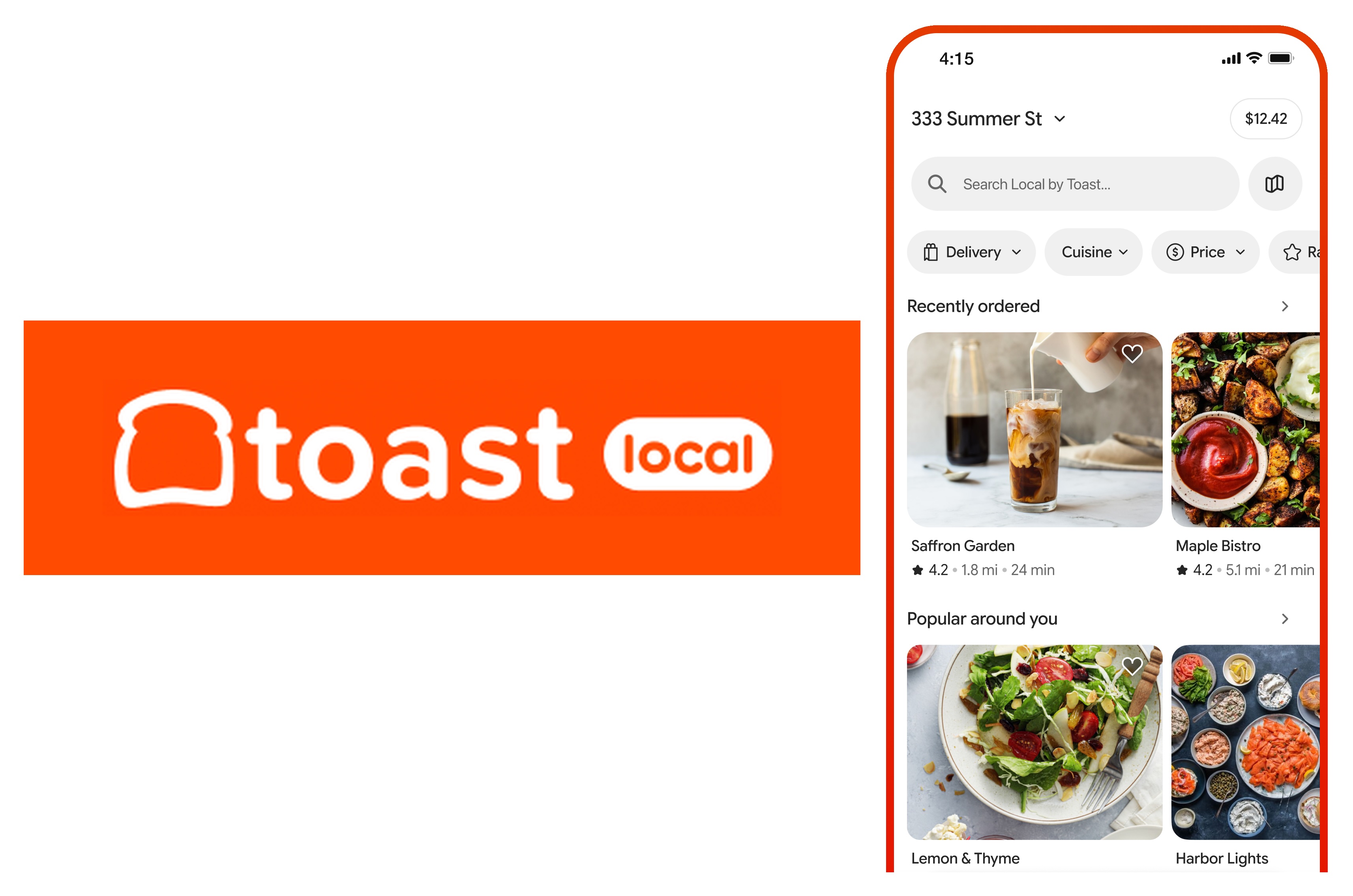
Use the buttons below to download Toast Local on your device and experience the app from your guest's perspective.
Access to the Toast Local app is included in the Digital Storefront suites. If you'd like to be a part of the Toast Local app but do not currently utilize the Digital Storefront Essentials or Pro suite, check it out in Toast Shop or view this Support Center article to learn more: Toast Suites Overview.
Note: Toast Local app is exclusively available to customers in the U.S. and is not available for customers in Australia, Canada, Ireland, or the UK.
Introduction to Toast Local
From the convenience of their iOS or Android phone, guests can browse and place an order from any nearby restaurant that uses Toast. Guests can create an account to store their payment information and view past orders. Recently visited restaurants, as well as recently placed orders, can be viewed in the Your Restaurants section of the homepage.
Once an order is placed and paid for, it will flow right into the POS with no additional effort from staff. Depending on your preferred workflow, you can send orders right to your kitchen printers or your Kitchen Display System (KDS).
Want to know the added bonus? As a restaurant operator, you'll only have to pay the credit card processing fees associated with orders placed. Other apps can charge fees of up to 20 - 30% of the total order price.
Back to top
Toast Local Setup & Configuration
Select the button below for a guided step-by-step walkthrough of Toast Local setup in Toast Web. Or, use the instructions listed in this article to manually enable Toast Local for your restaurant.
Toast Local uses the same settings as Toast Online Ordering, so the first step to setting up Toast Local is to set up your Toast Online Ordering page:
Once online ordering is set up, configure your settings for the Toast Local app by following the steps below:
- Log in to Toast Web and navigate to Takeout & delivery > Toast order sources > Toast Local app (formerly Toast Takeout).
- You will see the option List my restaurant on Toast Local toggle to On. Note: At this time, if this setting is disabled, your location will appear closed.
If you wish to set up your restaurant listing image, follow these steps:
- In Toast Web, navigate to Takeout & delivery > Toast order sources > Restaurant info.
- Scroll to Logo and Banner image and select Replace image to add or update your image.
- Drag and drop the image or select + Upload file. Note: Images must have a minimum resolution of 230px by 230 px and a maximum file size of 5 MB.
- Save and publish your changes.
Once your listing is set up, promote Toast Local to your guests as the best app for them to experience your restaurant! Download the Toast Local app here.
Have more questions about Toast Local? Check out the Toast Local FAQ.