Get Started With the Klaviyo Integration
Last updated: Jun 18, 2026, 4:43 PM
Learn how to set up the Klaviyo integration with Toast.
| This integration requires access to Toast Partner Integrations. To learn more, see Set Up Toast Partner Integrations. |
- Klaviyo Integration Features
- Enable Klaviyo Integration With Toast
- Klaviyo Integration: Troubleshooting and Support
Klaviyo Integration Features
Klaviyo powers smarter digital relationships, enabling businesses to break down data silos across their platforms and bring their customer data into one platform for their marketing channels.
Key Features:
- Develop your customer relationships with text and email automation. Use built-in flows for personalized communications that can be triggered by event data synced from Toast.
- You can easily track your sales and key metrics with customized reports. Dive into the details with real-time revenue data per automation, campaign, segment, and channel.
- Enjoy our content designer for emails, texts, and forms. With our drag-and-drop editor, design from scratch or choose from over 200 pre-built templates.
Enable Klaviyo Integration With Toast
To enable the Klaviyo integration with Toast, follow these steps:
- To enable Klaviyo with Toast, log into Toast Web and navigate to Integrations > Integrations management > Browse & purchase integrations.
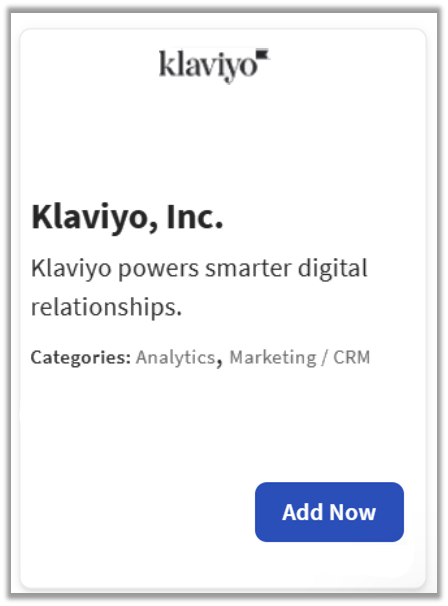
- Enter Klaviyo in the search field and select Add Now.
- If you have multiple locations, please select the restaurants you would like to connect to Klaviyo. Finally, select Apply.
- Note: Your restaurant must have access to Toast Partner Integrations to add this integration. To learn more, see Set Up Toast Partner Integrations.
- Review the data scope visibility terms and conditions, and select Confirm to accept. See the Data Scope Visibility article for more information.
- Once you select Add Now on the Klaviyo tile in Toast Web, you will select which restaurant(s) you would like to connect to your Klaviyo account, and select Apply
- After you select Apply, you will be forwarded to a confirmation screen.
- After adding the integration in Toast Web, the Klaviyo team will reach out to you directly to start your account setup and onboarding if you have yet to create your Klaviyo account.
Klaviyo Integration: Troubleshooting and Support
For any questions or support issues relating to the Klaviyo integration, you can contact Klaviyo at:
- General Support
- Email: restaurants@klaviyo.com