Special Instructions Not Showing Up on POS for Online Orders
Last updated: Sep 23, 2026, 3:27 PM
Question
How can I troubleshoot “Special Instructions”/"Special Requests" notes not showing up on POS from online orders?
Answer
If notes from your online ordering’s Special Instructions field aren’t showing up on your POS, first ensure that you’ve set the Special Requests option in Toast Web to “Allow Special Requests”. You can find this option by navigating to Takeout & delivery > Availability > Online ordering.
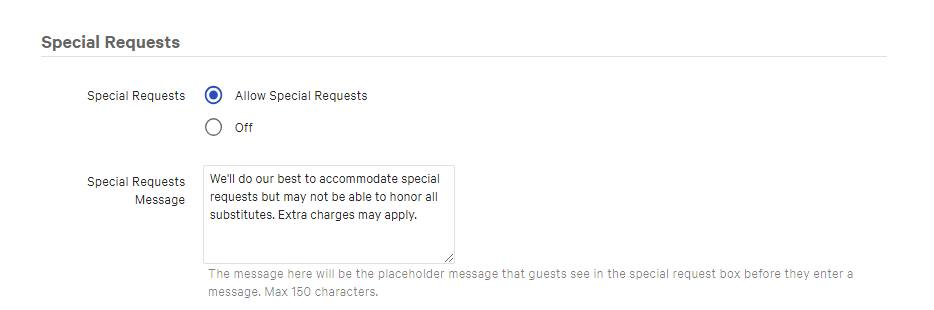
If it’s already selected and you’ve saved and published changes, toggle it on and off by selecting the “Off” option in Special Requests, reselecting “Allow Special Requests,” and saving and publishing again.
If this still doesn’t resolve your issue, please start a chat with Customer Support in Toast Now.