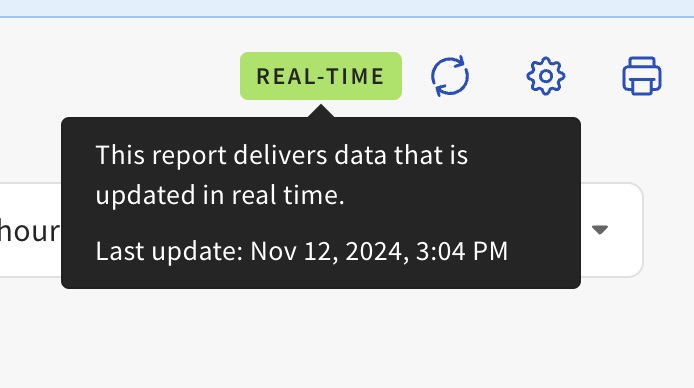
Determine if the Data Shown in Sales Summary Report Is Current
Last updated: Apr 13, 2026, 11:30 AM
Question
How do I check if the data shown in the Sales Summary report is current?
Answer
To check if the Sales Summary data that you are viewing is current, please follow these steps:
- In Toast Web, navigate to Reports > Sales > Sales summary.
- On the top right-hand corner of the Sales Summary page, just beside the Refresh icon, hover over the data indicator to view the status of the data that you are viewing.