Enable Portrait Orientation for Kiosk Mode
Last updated: Mar 25, 2026, 1:49 PM
Question
Answer
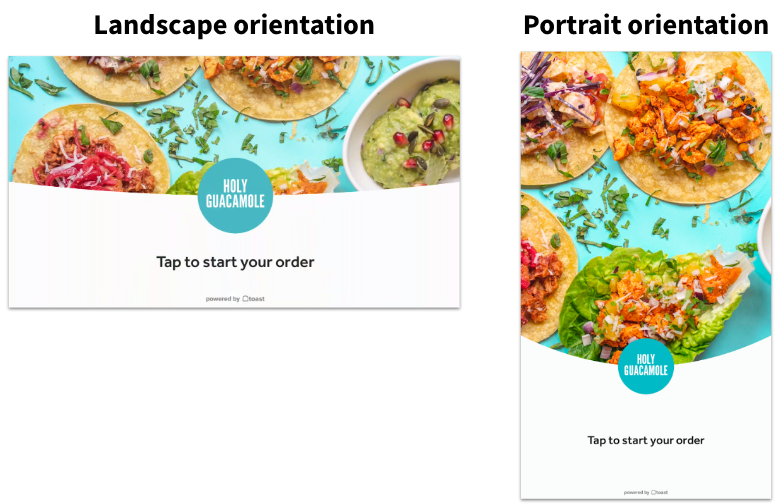
If you have a Toast Flex 22" or ELO v4 (15" or 22"): These devices should automatically rotate if you turn the device to a vertical position. If you're having issues switching to portrait orientation, navigate to your device's settings to ensure that the auto-rotate is enabled (Settings > Display > Auto Rotate Screen > Turn On).
Note: We do not recommend using a 22” ELO device in portrait orientation with a tabletop mount. Use of the 22" ELO device with a tabletop mount in portrait orientation may result in the collapse of the device, causing possible injury and/or property damage
If you have an ELO v3 (15" or 22"): Use the following steps via Android Home -
- Select Android Settings.
- Select Display.
- Select Advanced.
- Select Screen Orientation.
- Select 90 for standard portrait, or 270 for reverse portrait.
If you have a Toast Flex 14": Set your device to portrait orientation manually by following these steps -
- Navigate to Settings.
- Select Display.
- Select Display Direction.
- Turn off auto-rotate (top right toggle).
- Select Orientation.
Note: If you've got a Toast Flex 14" on Android 12, you'll need to make sure you're on firmware version 3.0.39 or greater. Not sure what firmware version you have? Check out this Support Center article, Manually Update Firmware on Toast Flex.