Toast Payroll: Assign Time Zone to Timesheets and Time Punch/XPunch
Last updated: Oct 19, 2026, 3:44 PM
Question
How do I assign a time zone to timesheets and time punch or XPunch?
Answer
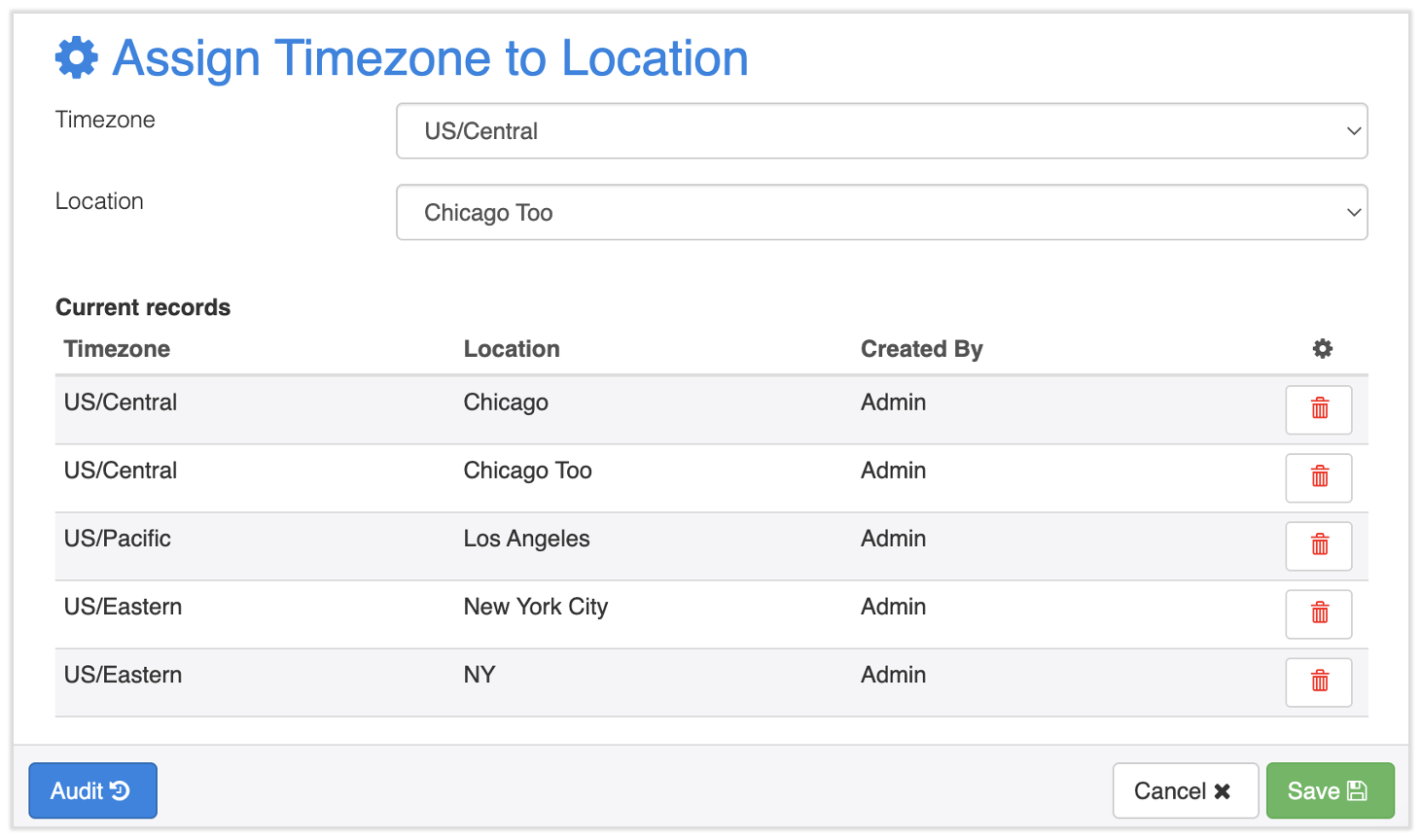
To assign a time zone to Timesheets and the Time Punch/XPunch feature:
- In Toast Payroll, navigate to Settings > Timekeeping > Assign Time Zone.
- If you do not see Settings on the left side of the screen, select Payroll from the Toast Web navigation rail on the left to make the Toast Payroll navigation rail appear.
- Select a Location and its appropriate Timezone.
- Select Save.
- You'll see this location added to the list of Current records.
- If there's more than one location, repeat steps 2 and 3 for each location. You can also use this process to update a location's timezone.