Identify Checks Paid by Credit Card
Last updated: Oct 8, 2026, 12:39 PM
Question
- How can I identify checks that are paid by credit card?
- How do I determine the type of payment used for a specific check?
- Is there a way to look up checks that are paid by credit card?
Answer
You can look up and view details of a check by navigating to Finance > Payments > Find checks & issue refund in Toast Web. Here, you have the option to find checks by check number, ID, customer info, credit card, and/or a more "Advanced Search". Learn more here: Find Checks.
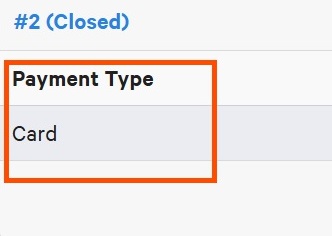
In order to identify the type of payment used for a specific check, locate the check in question and refer to the column "Payment Type", where checks that are paid by credit card are displayed as "Card".