Protect Your Devices With Antimicrobial Screen Protectors
Last updated: Nov 12, 2025, 12:28 PM
Learn more about how our Antimicrobial Screen Protectors are helping restaurants keep devices clean.
Interested in purchasing antimicrobial screen protectors? Navigate to Toast Shop now!
Antimicrobial Screen Protectors Overview
Available for your 22" or 14" Toast Flex and 8" Flex for Guest, our antimicrobial screen protectors help you protect your device against bacteria, glare, scratches, and fingerprints.
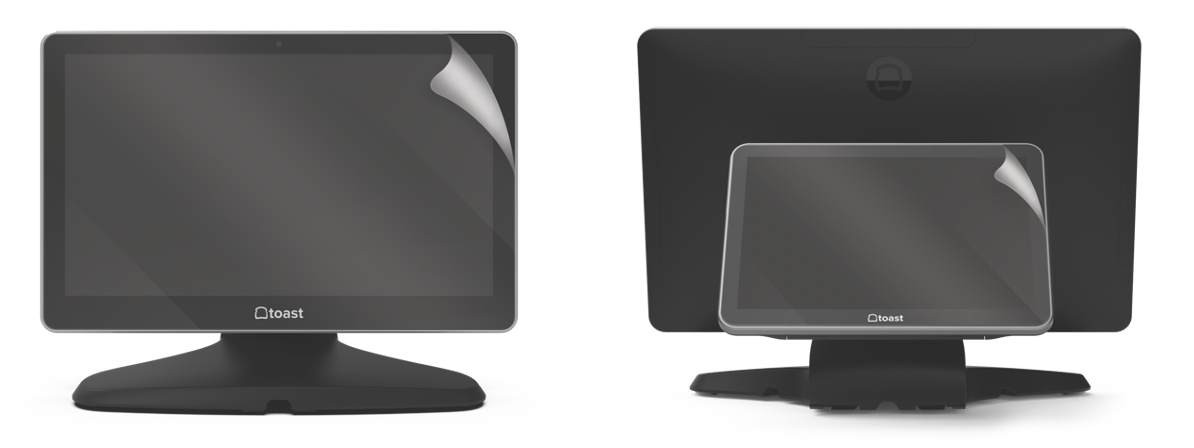
- It prevents bacteria growth using silver-antimicrobial agents and a super hydrophilic binder.
- It's long-lasting and durable with no deterioration in appearance or antimicrobial bacteria performance, even after 5,000 wipes with either a dry or damp cleaning cloth.
- Antimicrobial properties are built into this product to inhibit the growth of bacteria. This technology does not protect users from bacteria, viruses, germs, or other disease organisms, including COVID-19, and doesn't provide any direct or implied health benefit.
Install Your Screen Protector
A printable PDF version of the installation steps can be found here.
| 1. Using the installation kit, clean the surface of the screen with the cleaning cloth. If your screen is still dirty, you can use the wet cleaning wipe and dust removal stickers to remove any remaining debris from your screen. Note that we recommend wearing gloves to ensure a clean installation. | 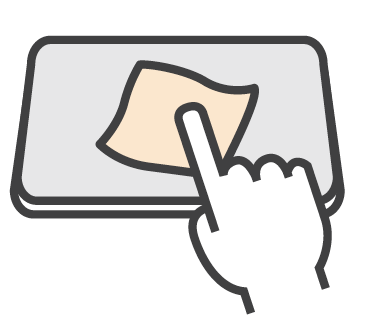 |
| 2. Remove the screen protector from its protective sleeve and position it on the screen of your device. Then attach the 3 guide stickers evenly spaced along the right edge of the screen protector and wrap them to the underside of the device. The guide stickers allow the screen protector to rotate back into place to ensure smooth installation. | 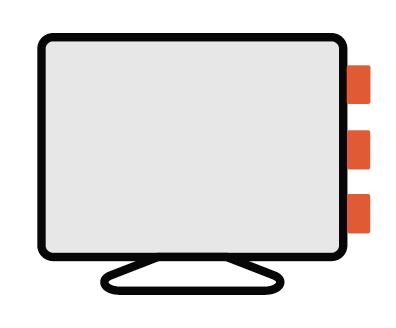 |
| 3. With the screen protector secured to the device by the guide stickers, open the screen protector like a book and remove the protective film on the screen protector by pulling the orange pull tab. | 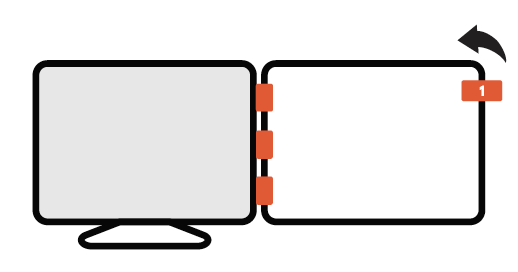 |
| 4. Using the guide stickers as a reference, line the screen protector up with the right edge of the screen and firmly adhere the screen protector to the screen from right to left. | 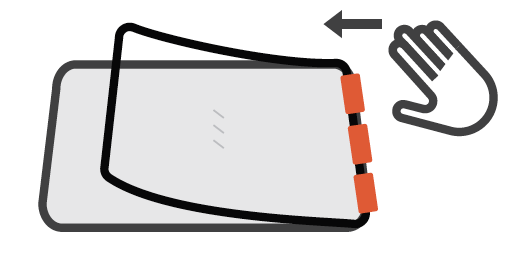 |
| 5. As you apply the screen protector from right to left, use the provided scraper to ensure a smooth application process and remove any air bubbles that remain on the device. | 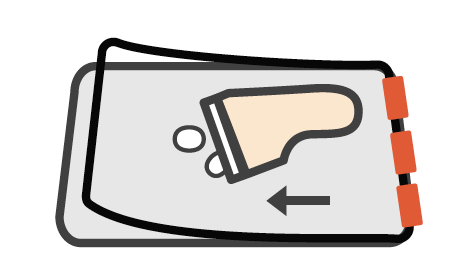 |
| 6. Lastly, remove the guide stickers from your screen protector and apply a sticker to show that your device is protected by antimicrobial technology. | 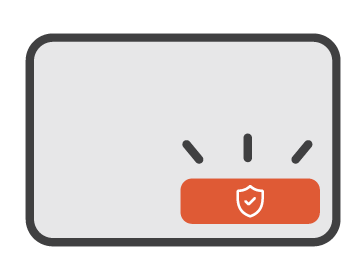 |