Show Item Sent Time on Device
Last updated: Nov 5, 2026, 12:13 PM
Question
When did I send an item or order to the kitchen?
Answer
- In Toast Web, navigate to Front of house > Order screen setup > UI Options > Order screen.
- Scroll down and toggle Show menu item sent time to the On position.
- Be sure to save and publish your changes.
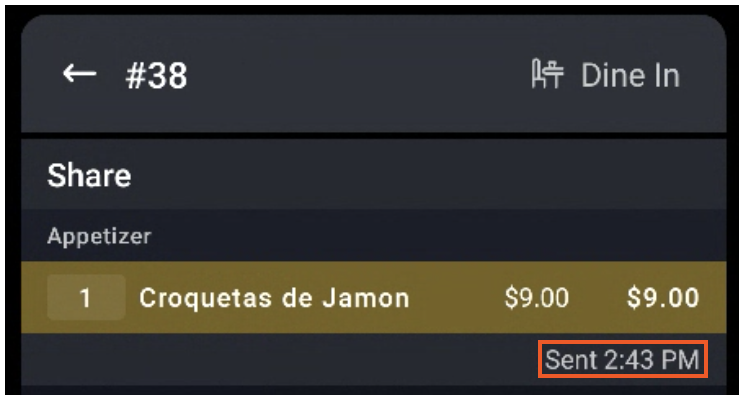
- On the POS, you'll now see a sent time beneath sent items.