Sling by Toast: Delete Company Account
Last updated: Aug 13, 2026, 12:25 PM
Learn how to delete your Sling account.
Delete Company Account
Only the user who is currently listed in the Sling database as the owner of the account has access to delete the account entirely. This is usually the person who created the account. Check out Sling by Toast: Account Ownership if the ownership of the account needs to be transferred to a different user.
Deleting the account removes the entire organization. It is not reversible. Even if there are other admins listed for the account, all users/profiles will lose access.
Note: If you have more than one account attached to the same email address, it is important to make sure you are actively viewing the one you wish to remove. Otherwise, you could delete the wrong account and it cannot be recovered.
From the Web
- Log in to the web version of Sling
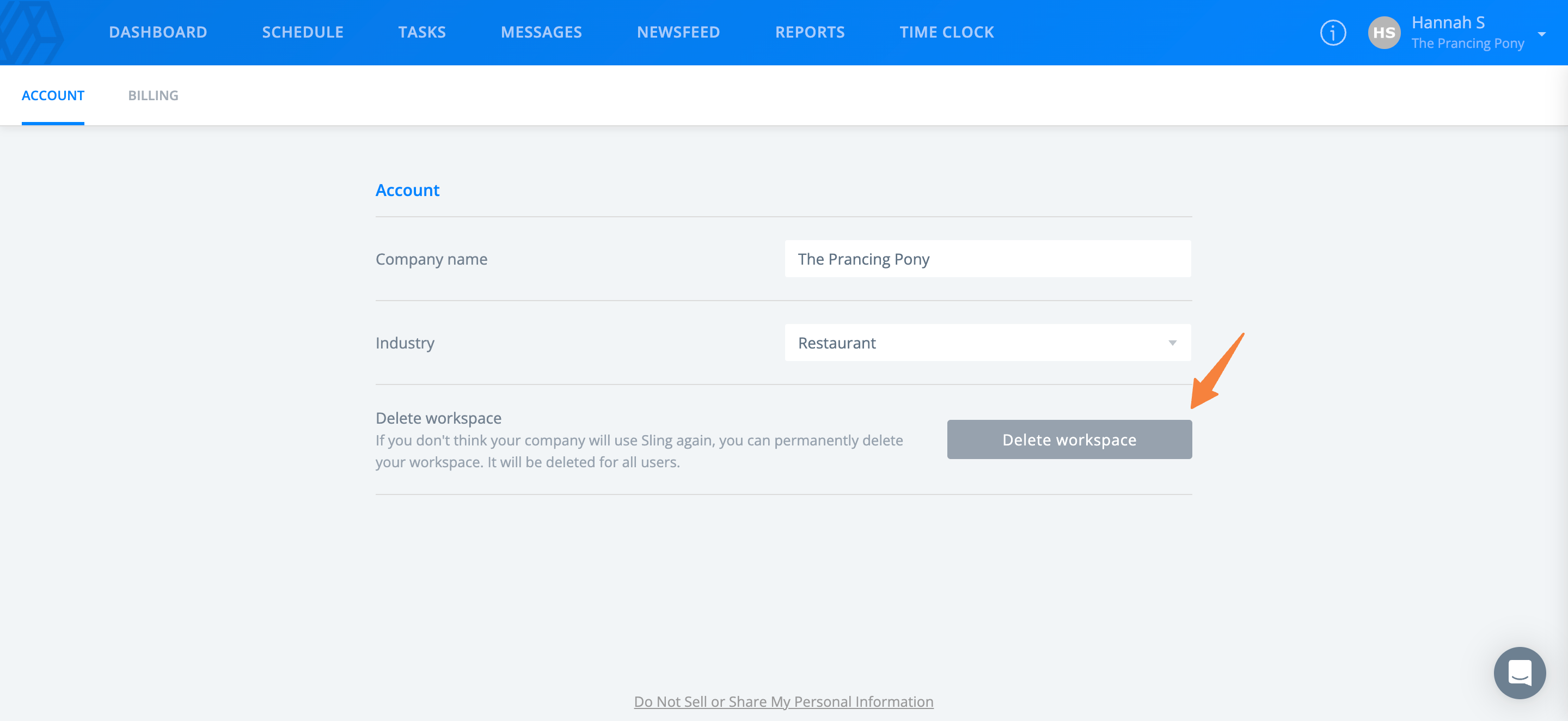
- Select your name in the top right corner, then select Account.
- Select Delete workspace.
- Indicate the reason for deleting the account. Once the reason has been selected, select Delete.
- Type in your password, then select Delete.
From the Mobile App
Note: The following steps will route you to the web version of Sling to delete the account.
- Access the Sling mobile app.
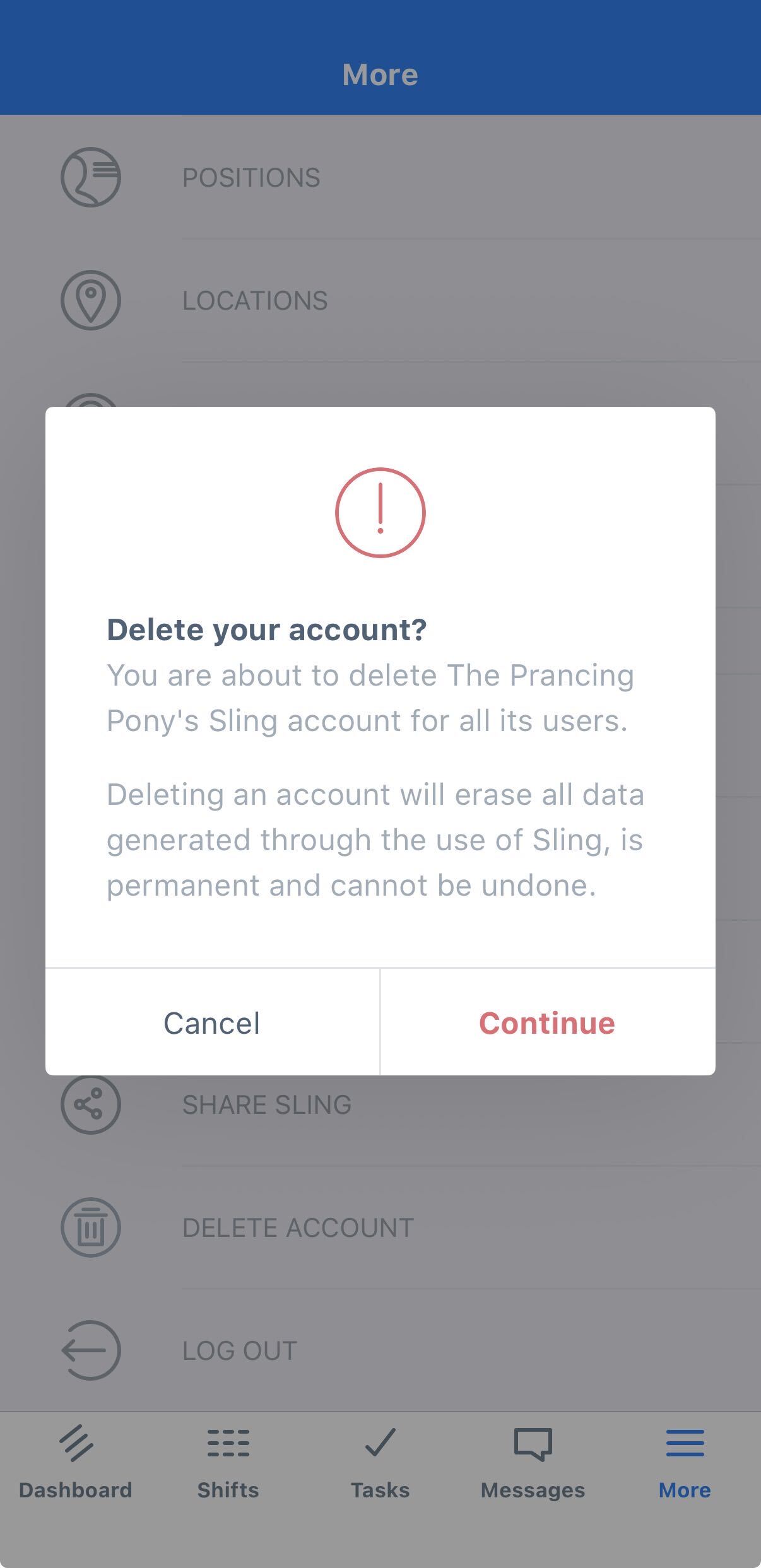
- Go to More.
- Select Delete Account.
- Select Continue.
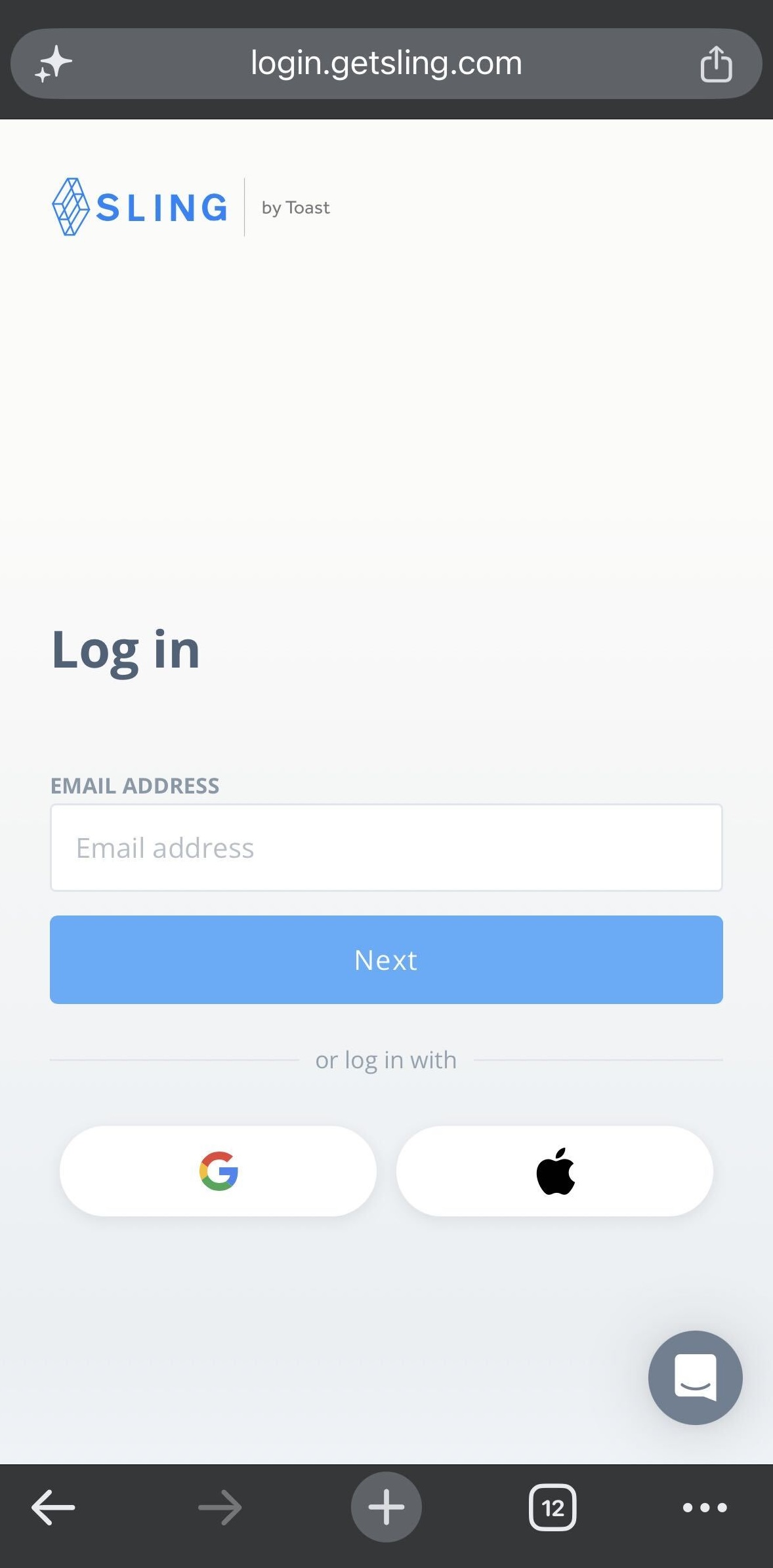
- You will be routed to the Sling website from here. Log in to the web version of Sling and follow the steps for deleting the account from the web.
If You Can't Delete the Account
If Delete workspace does not appear under [Your name] > Account, one of the following applies.
- If You Are Not the Account Owner
Only the account owner can delete an account. Ask the current owner to delete it, or see Sling by Toast: Account Ownership to have ownership transferred to you.
- If You Have More Than One Workspace
Switch to the workspace you want to remove before you delete it.
Note: Deleting a workspace is permanent.
- If You Are Using the Sling App
Deletion cannot be completed in the app. Select More > Delete Account to open the Sling website, then follow the steps in From the Web.
- If You Are an Employee on a Company Account
Employees cannot delete a company account. Ask your manager to deactivate your profile — see Delete Employee Account.
If none of these apply, see Contact Customer Support for Sling.
Delete Employee Account
As an employee, contact your manager about getting your profile deactivated from the company's Sling account.