Test Your Internet Speed
Last updated: Sep 17, 2026, 12:15 PM
Question
How can I check my Internet speed?
Answer
To check your Internet speed, please follow these steps:
- Connect your computer to the Internet network.
- Open an Internet browser such as Google Chrome, Safari, Firefox, etc.
- Go to www.speedtest.net.
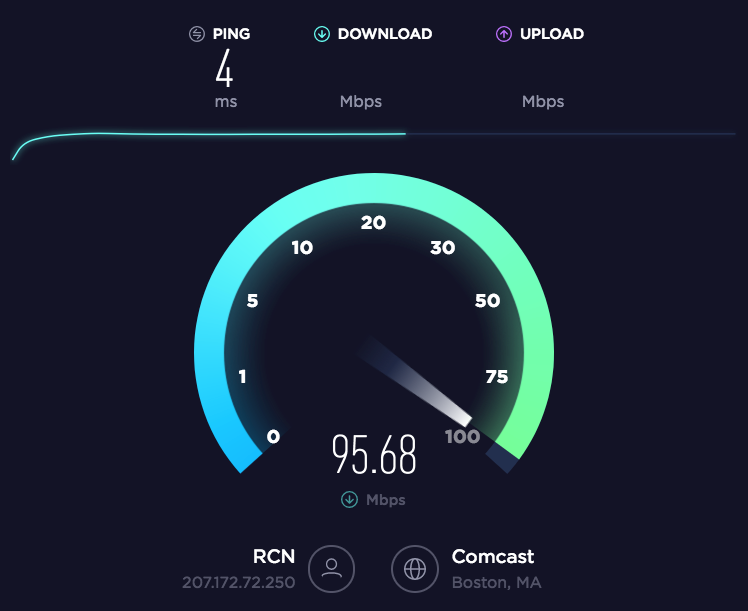
- Select Go. You'll see this screen while the test is running.
- Give time for the speed test to finish. Your download and upload speeds will be displayed at the top of the results page.
You can also test it via a Toast device:
- Navigate to Settings.
- Select Device status.
- Select Test internet speed - Start test.
In order to optimize your experience, Toast recommends an Internet speed of 15 Mbps download and 5 Mbps upload.