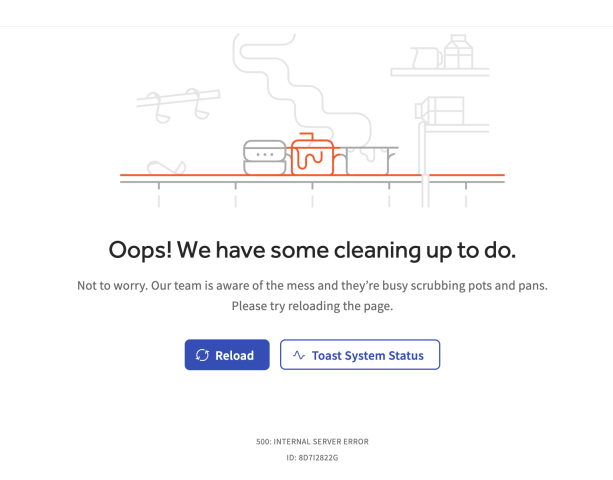
Troubleshoot "Oops, we have some cleaning up" Gift Card Error
Last updated: Oct 27, 2026, 5:56 PM
Fix gift card errors on the eGift card purchase or Balance Lookup page, typically caused by an invalid restaurant Short URL.
- Before You Begin
- Quick Fix
- If the error appears on one device
- If the error appears on every device
- Related Articles
Before You Begin
Applies to: Toast Web, Toast Gift Cards module, Gift Card Balance Lookup site
Permissions needed:
- 4.2 Restaurant Operations Setup
What you'll accomplish: Resolve the error so guests and staff can look up gift card balances again.
Quick Fix
| Symptom | Most Common Cause | Quick Fix |
| "Oops, we have some cleaning up" error on the Gift Card Balance Lookup page | Restaurant Short URL contains extra spaces or invalid characters | Correct the Short URL under Restaurant Info and republish |
| Guests can't buy eGift cards online, and the error appears for every guest | Restaurant Short URL contains an apostrophe, spaces, or other invalid characters | Correct the Short URL under Restaurant Info and republish |
If the error appears on one device
Clear the browser cache and confirm the network connection, then reload the page.
If the error appears on every device
- Navigate to Toast Web > Takeout & Delivery > Toast Order Sources > Restaurant Info.
- Under Public Profiles, update the Short URL field so it uses only letters, numbers, and hyphens. Remove any apostrophes and replace spaces with hyphens (for example, change restaurant's downtown to restaurants-downtown).
- Select Save and Publish.
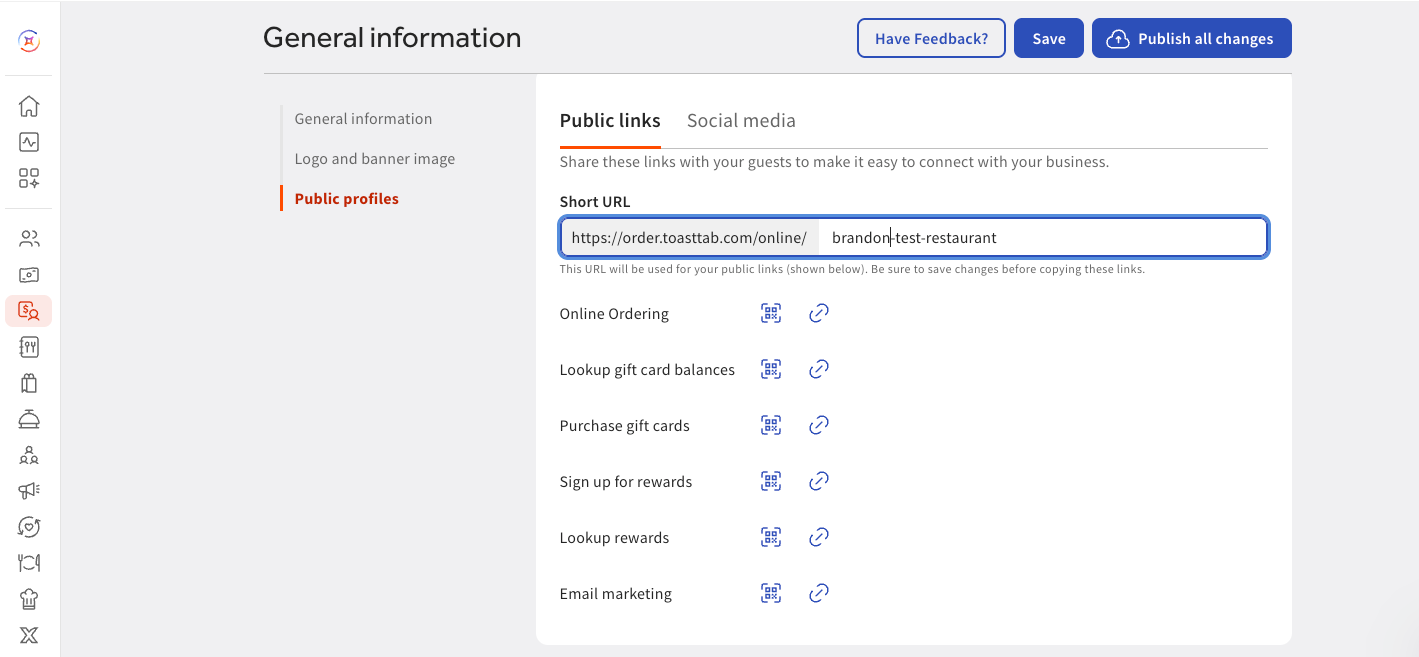
Note: Each location has its own Short URL. If only one of your locations shows the error, update the Short URL for that location.
Note: Your Short URL is also part of your online ordering link. After you change it, update any links to your online ordering or eGift card page on your website or social media.
Expected outcome: The Gift Card Balance Lookup page loads without the error, and guests can buy eGift cards online again.
Related Articles