Use Toast Launcher
Last updated: Mar 25, 2026, 1:44 PM
| This feature is currently in limited release with select customers. If you don't see this feature yet, stay tuned for a future update. |
In this Article:
- Toast Launcher Overview
- Access the POS with Toast Launcher
- Access Admin Functions with Toast Launcher
- Help Functionality with Toast Launcher
- Access Settings with Toast Launcher
Toast Launcher Overview
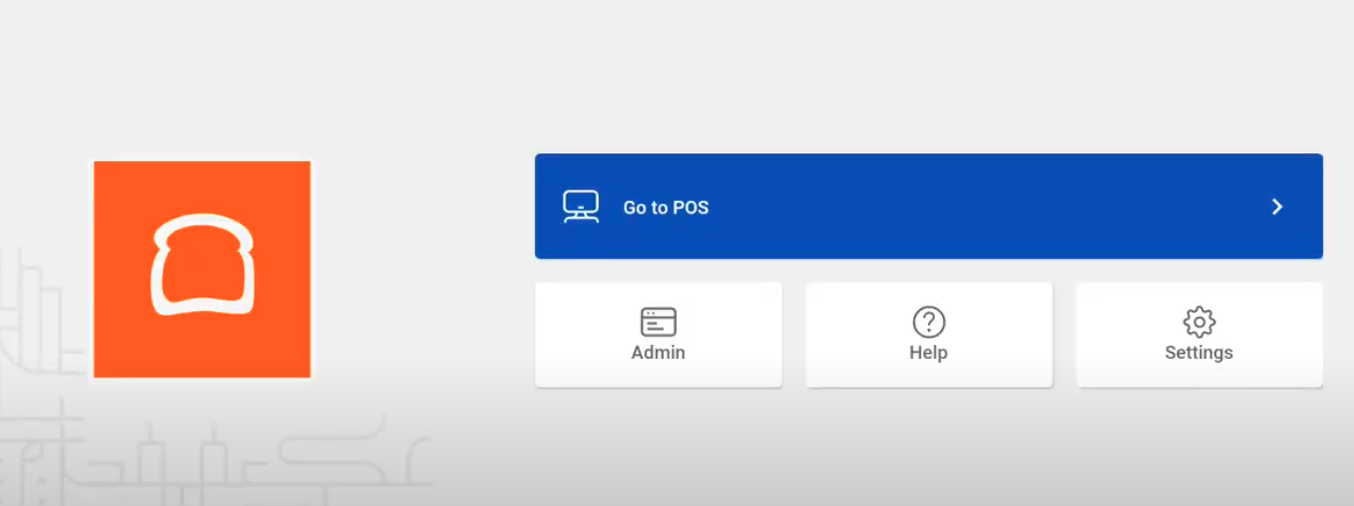
Toast Launcher provides a new home screen design to support Toast giving quick access to the POS, Admin, Help, and Settings. Learn more about the updated features in this article, or by watching the video overview below.
Access the POS with Toast Launcher
When the POS device is turned on, you'll have immediate access to the POS by selecting Go to POS on Toast Launcher.
- Select Go to POS.
- Swipe a manager card or enter your passcode.
Access Admin Functions with Toast Launcher
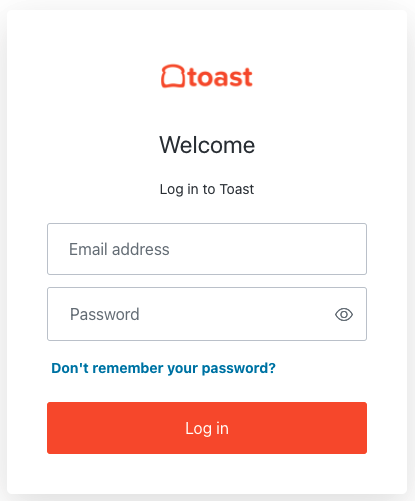
Selecting Admin will direct you to the login screen of Toast Web to perform back-end functions.
| Job permissions will affect what employees see when logging into Toast Web. A General Manager, for example, might be able to access reports and add employees directly from the POS, but a host or dishwasher might not be able to based on their jobs' permissions. Learn more about permissions in our Permissions Reference Guide. |
Help Functionality with Toast Launcher
The Help feature will direct you to support and troubleshooting tools for your business. Support options available from the Help feature include the following:
- Support Center - view articles, troubleshooting, and FAQ.
- Toast Classroom - video training and tutorials.
- Customer Care - for additional support
The Help feature also provides additional support features for the POS device:
- Clear Toast POS cache: To help the Toast app run properly, you can select Clear Toast POS cache.
- Test card reader: To troubleshoot and test your card reader select Test card reader from the Help menu. This is a great tool to use when trying to troubleshoot your card reader and find out if it's functioning correctly.
- Manage devices with Toast Guardian: If reinstallation for the Toast app is needed, select Manage devices with Toast Guardian. Here, you'll easily be able to re-install the Toast app.
- Check for firmware updates: To ensure your device is up to date, you can check for any firmware updates by selecting Check for firmware updates.
Access Settings with Toast Launcher
Selecting the Settings feature will give you access to Network settings and Device settings.
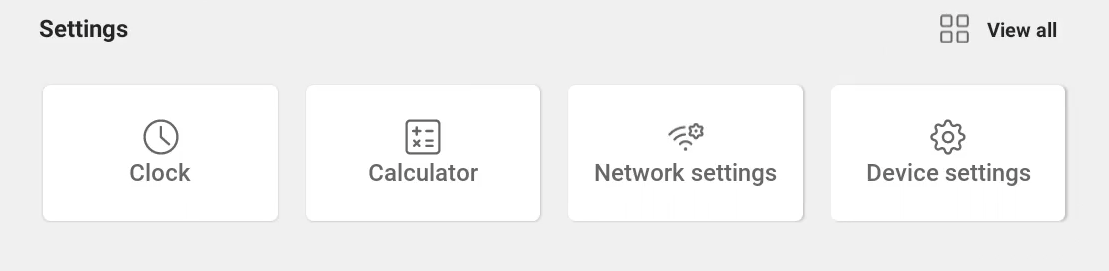
Network settings will give you access to the Wi-Fi and Ethernet settings.
Device settings will give you access to general device settings for the POS.