View Your Toast Products
Last updated: Sep 17, 2026, 1:33 PM
 | Please note this feature is currently in limited release with select customers. If you don't see this feature yet, stay tuned for a future update. |
Products Overview
Beyond your point of sale, Toast offers a whole ecosystem of tools designed to help streamline your operation - or just make things a little easier.
The Products page in your Toast account allows you to quickly access and review all the Toast tools currently at your disposal, as well as introduce potential add-ons.
Back to top
Review Your Products
To access your Products page, select Products from your left-hand navigation menu in Toast Web.
Here, you'll see a number of Toast products across Digital Ordering & Delivery, Management & Operations, Marketing & Loyalty, and your Point of Sale Core services.
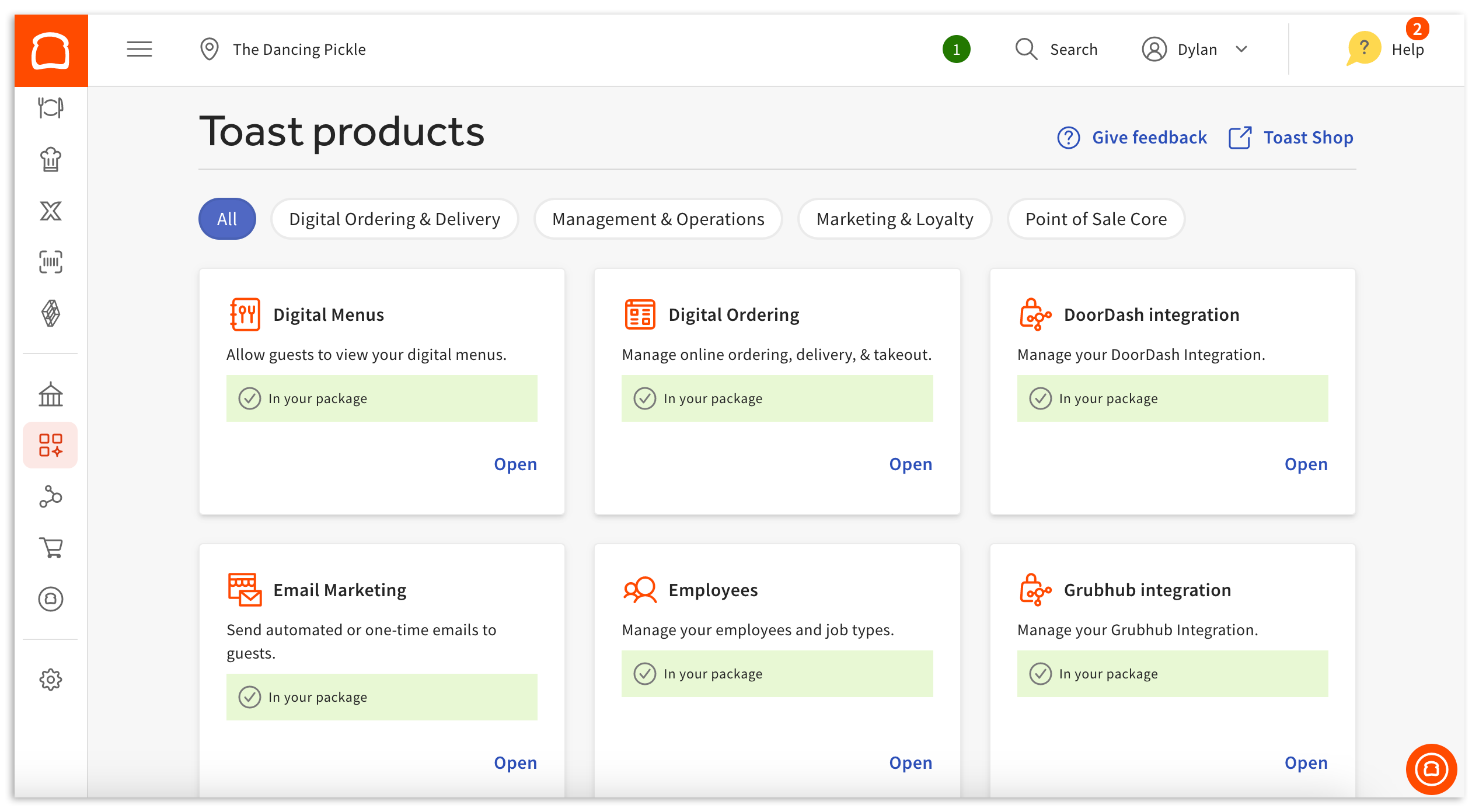
Several of these services may already be included in your Toast package, whereas others can be purchased later on - should the need for them arise! You can quickly discern between your active and inactive Toast services by looking at the product itself.
Active Toast products will be marked with an "In your package" message (pictured below). Selecting Open on these services will bring you to their respective Toast Web pages.
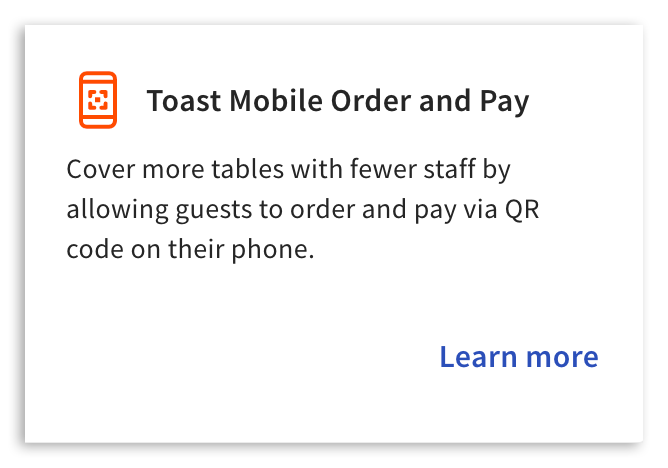
Inactive Toast products (pictured below), on the other hand, will simply include the service name, a brief description, and a Learn more button that can be selected to visit the corresponding products page in Toast Shop.