Where is the banner image on the Restaurant info page used?
Last updated: Sep 16, 2026, 4:13 PM
Question
Where does the banner image appear on my Toast Online Ordering page?
Answer
In Toast Web, navigate to Takeout & Delivery > Toast order sources > Restaurant info, or search for Restaurant Info in the Search field at the top of any page.
Where is the banner image used on the Restaurant Info page?
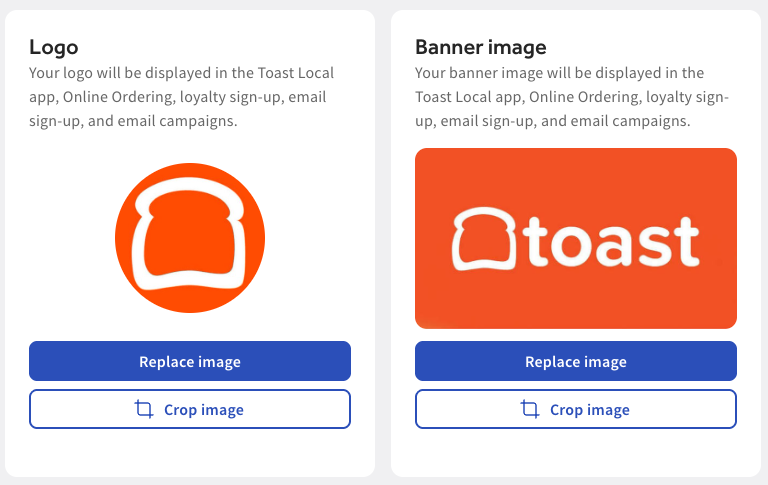
The banner image on the Restaurant Info page (under Takeout & Delivery) appears in the Toast Local app, Online Ordering, loyalty sign-up, email sign-up, and email campaigns.
Make sure your Banner Image meets the following specs:
- Minimum resolution: 1,400 x 788 pixels
- Maximum file size: 9 MB
- Accepted file types: .jpg, .jpeg, .png
Where is the gift card image used on the Restaurant Info page?
The gift card image on the Restaurant Info page appears on your eGift cards.
Make sure your Gift Card Image meets the following specs:
- Minimum resolution: 640 x 400 pixels
- Maximum file size: 9 MB
- Accepted file types: .jpg, .jpeg, .png