xtraCHEF: Mobile Notifications
Last updated: Apr 28, 2026, 4:21 PM
Mobile Notifications
Allowing xtraCHEF to push notifications on your mobile device helps ensure invoices reconcile in a timely manner and approvals, action-needed invoices, unmapped invoice items, or extraction failures do not delay your accounts payable process.
Notifications are also available on the xtraCHEF website, so you don't have to check the app to see them.
Back to top
Enable and Disable Notifications
Upon logging into your xtraCHEF mobile app for the first time, xtraCHEF will prompt you to enable notifications. To enable these notifications, select Allow Notifications.
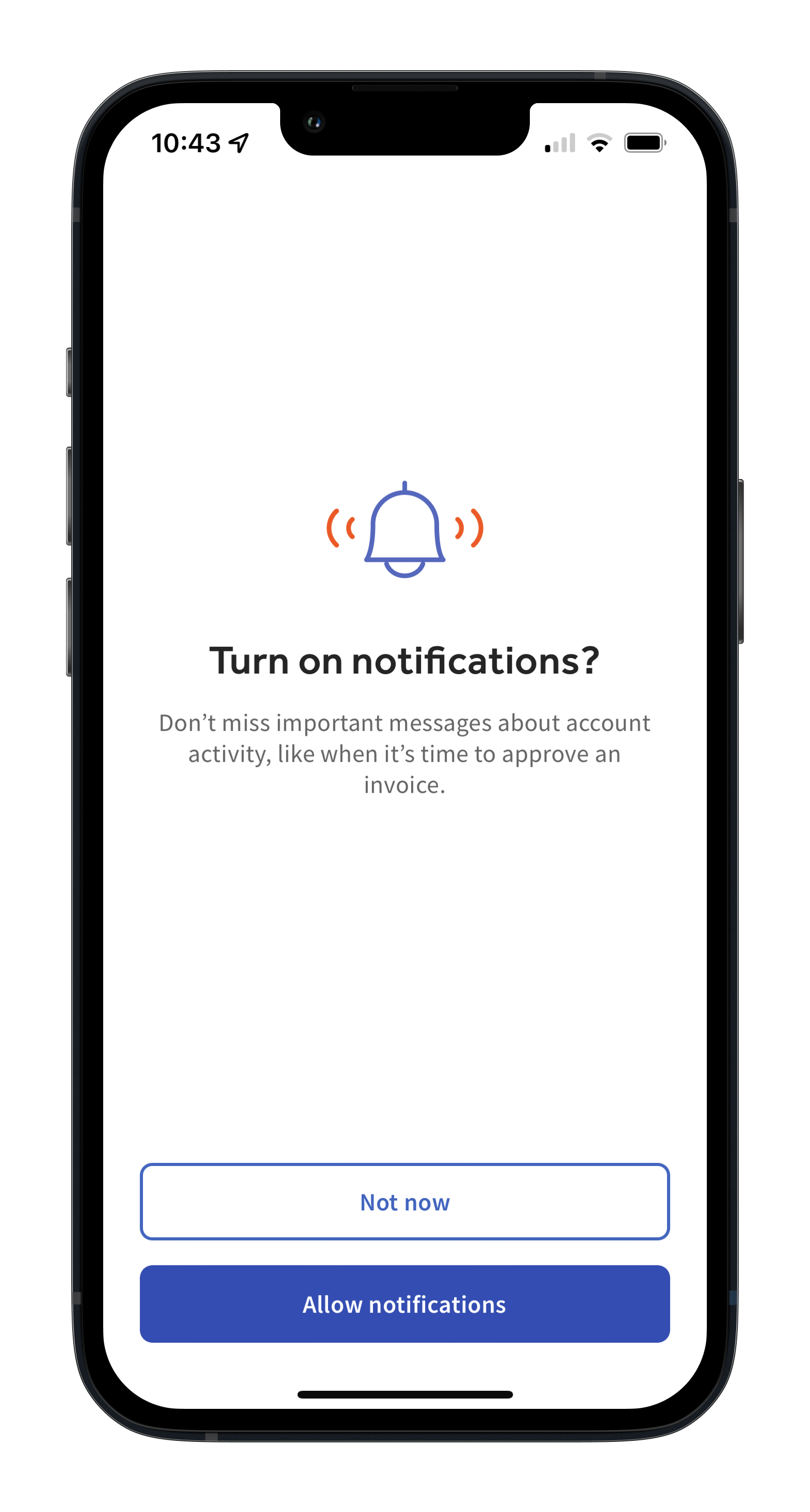
If you select Not now, you can still enable push notifications by editing the notification settings on your specific device.
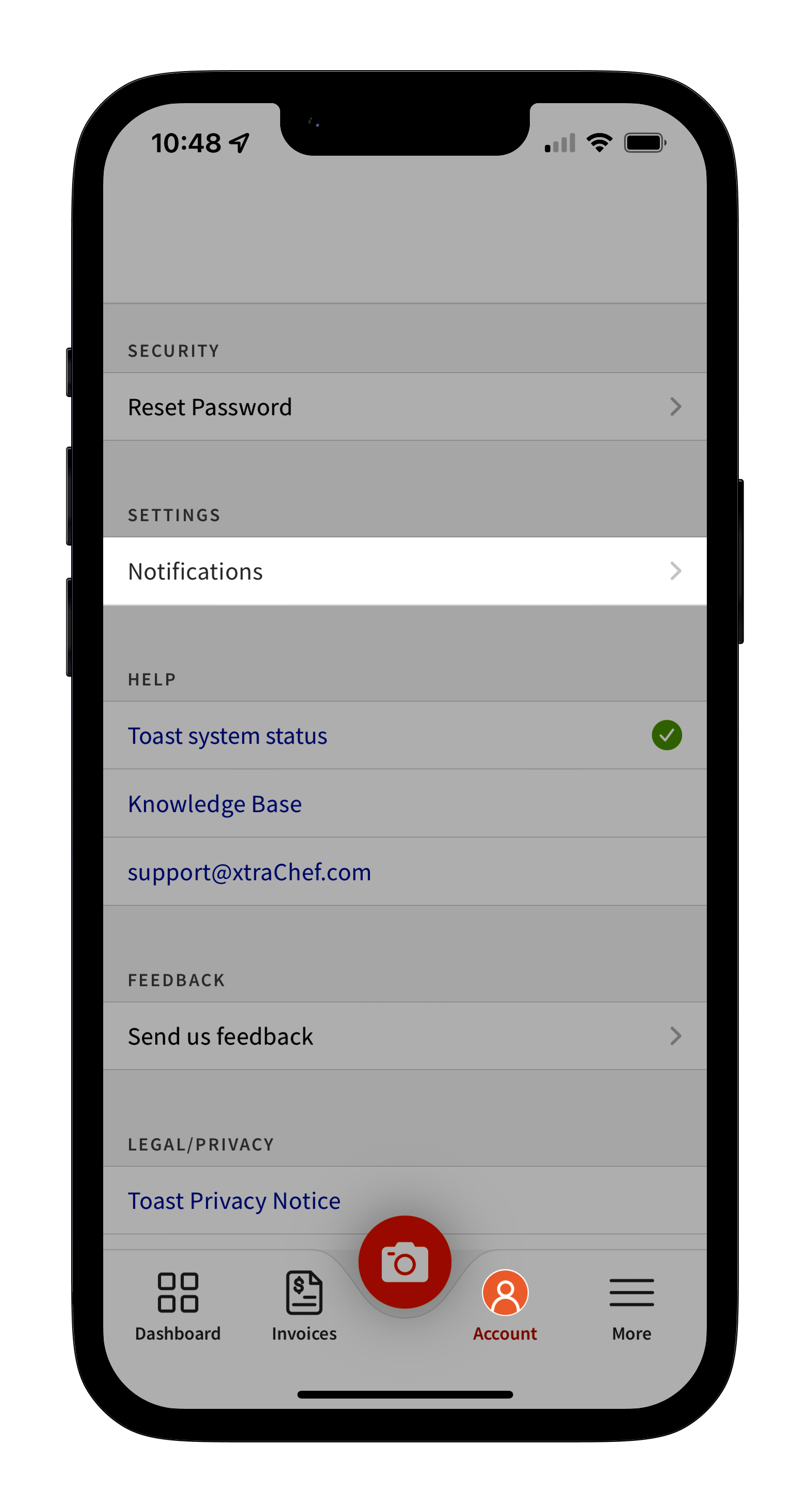
From your Notifications page, you can toggle on or off specific notification types according to your preferences.