Get Started With Toast Giving
上次更新时间:2026年11月25日 11:33
Learn how UK restaurants can set up a Toast Giving campaign so guests can donate to verified non-profits when paying by card.
| Toast Giving is currently in limited release with select customers in the United Kingdom. Check back soon for updates! |
Toast Giving Overview
Toast Giving lets UK restaurant guests add a charitable donation to a verified non-profit when paying by card in-store. After a guest's meal payment is approved, the card reader displays three fixed donation amounts. Guests donate with a single selection on the same card, and nothing is ever pre-selected or added to the bill automatically.
Toast Giving is powered by Adyen and supported by its donation partner Goodstack:
- Adyen processes each donation as a separate transaction from the guest's meal payment.
- Goodstack verifies and onboards non-profits (though Adyen directly onboards a small number of non-profits) and pays out donations.
Toast Giving is free to use. Adyen covers all transaction fees so that 100% of each donation goes to the non-profit, and donations do not count toward your card processing fees. Review the Toast Giving Terms for full details.
Toast Giving is supported on all international card readers available in the UK: Toast Go 3 (TG3), S1E2L, V400m, P400Plus, and P630. It is available in-store only and is not available for Toast Online Ordering, Toast Pay, Mobile Order and Pay, printed receipts, or third-party ordering channels.
Before You Begin
Applies to: Toast POS, Toast Web (United Kingdom)
Permissions needed:
- 4.8 Marketing Info
What you'll accomplish: You will create and publish a Toast Giving fundraising campaign on your location's card readers.
Set Up a Toast Giving Campaign
- Log in to Toast Web and navigate to Marketing > Fundraising Campaign (or enter "Giving" in the search bar at the top of the page and select Create and manage a fundraising campaign).
- Select Create campaign.
- Choose a verified non-profit from the list provided by Adyen and Goodstack.
- If the non-profit offers a specific cause, such as an emergency appeal, you can also select that cause.
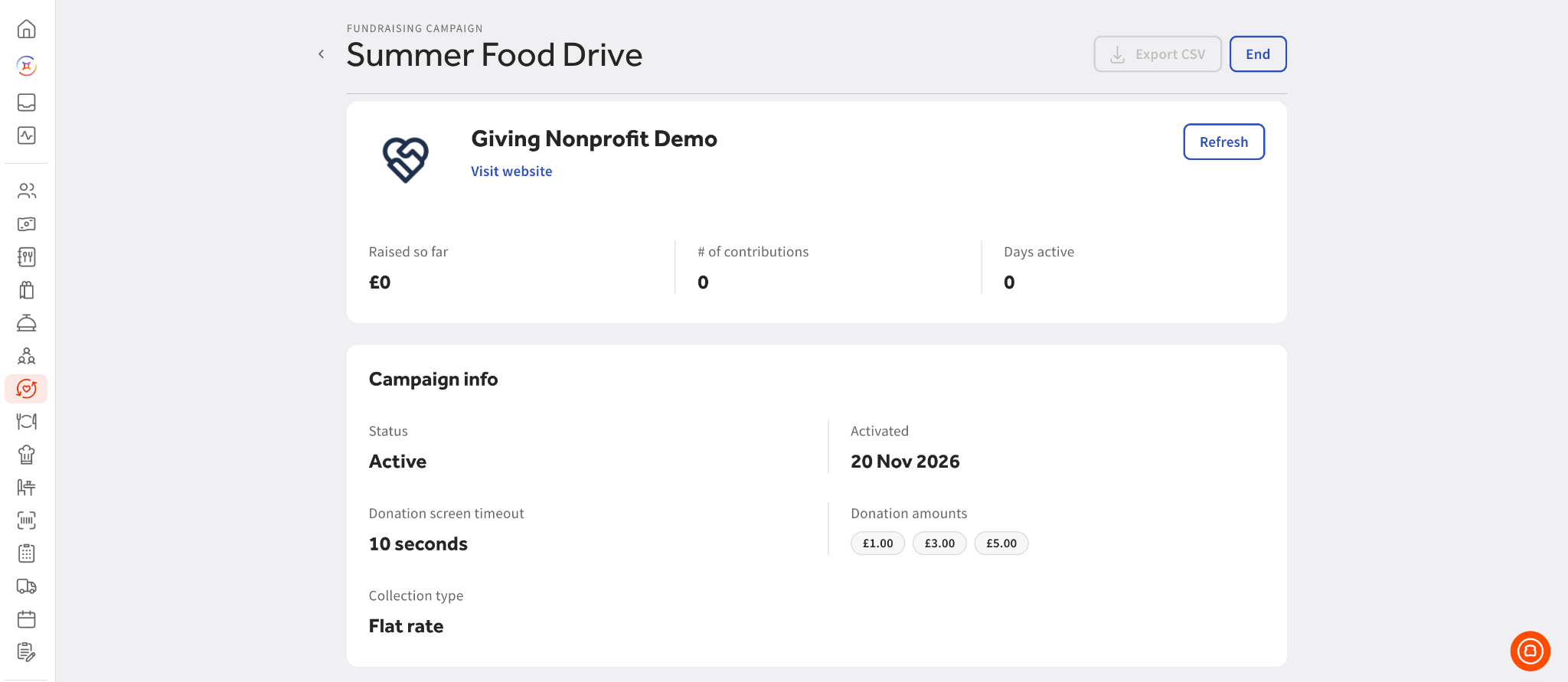
- Enter three fixed donation amounts between £1 and £30 (for example, £1, £2, and £5).
- Select a Donation screen timeout between five and 15 seconds to set how long the donation prompt appears on your card reader.
- Select Continue to review your campaign settings.
- Read the Toast Giving Terms and select the checkbox to accept them.
- Select Publish.
Expected outcome: Your campaign is published and appears on all card readers at that location within 24 hours.
Note: It can take up to 24 hours for a new campaign to appear on your card readers and up to 24 hours for an ended campaign to stop appearing. Publish or end your campaign at least one day before you want the change to take effect.
Note: You can run only one active campaign per location, and it runs on every card reader at that location. Once a campaign is live, you cannot edit it; to make changes, end the active campaign and create a new one.
Related Articles