上次更新时间:2026年3月26日 16:40
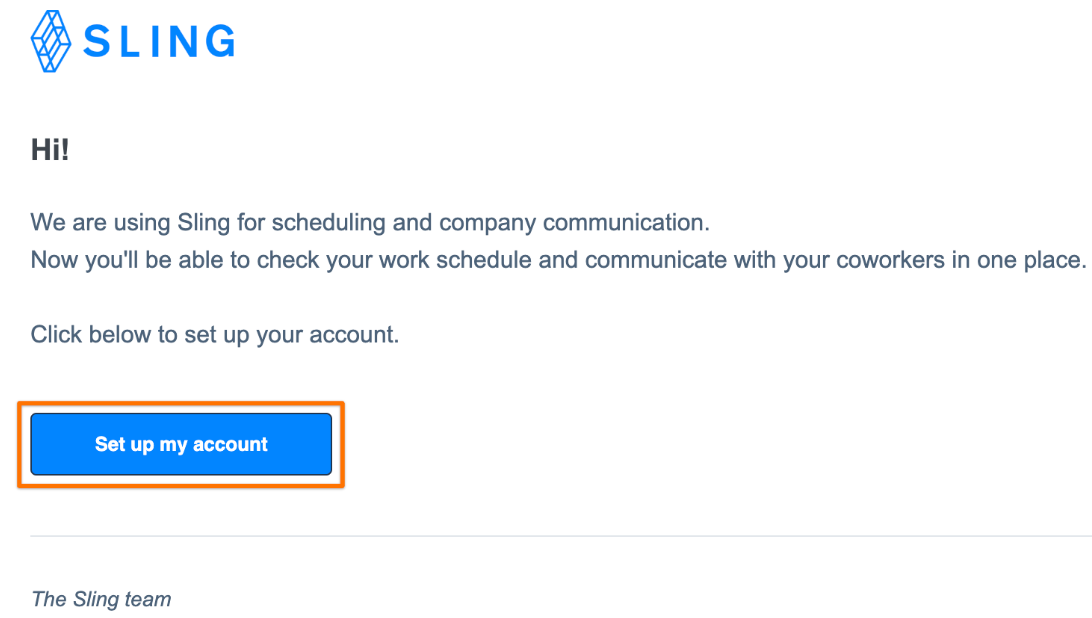
If your company uses Sling, a manager or admin must send you an invitation to join their account. This invitation link is required to access your schedule and use Sling.
You may receive your invitation by email or text message.
If you receive a text message invitation, it is recommended to download the Sling mobile app before selecting the link to set up your profile.
If you receive an email invitation, you must use that same email address to create your Sling profile.
Your email address serves as your login ID, so it must be active and accessible.
Once you receive your invitation, you can select the link in the email or text invite and follow the prompts to set up your account.
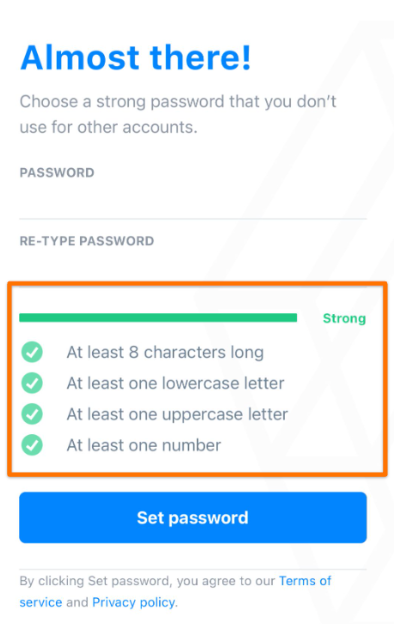
Set up a strong password as indicated in the image below.
Note: If needed, you can after joining the account.
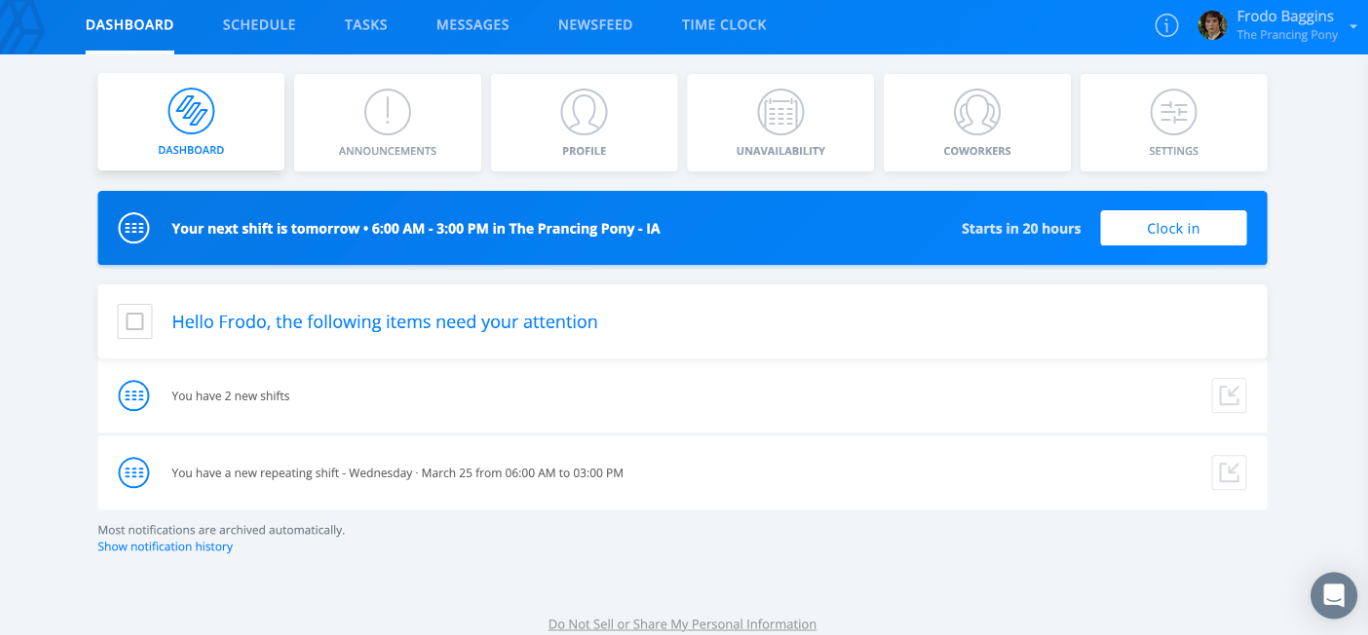
After completing the setup, you will be logged into Sling to view your schedule and access the features your company has enabled.
If you accidentally create a new account instead of joining your company's account, you must and rejoin using the correct invitation link.
If you receive multiple invitations, use the most recent link. Older links may expire and display an error.
If you cannot find the invitation email, check your spam and junk folder.
If the email is still not found, add scheduling@toasttab.com to your contacts and request a new invitation from your manager.