Remove DoorDash, Grubhub, or Uber Eats From “My Integrations”
Last updated: Feb 27, 2026, 1:41 PM
Question
Why can’t I remove DoorDash, Grubhub, or Uber Eats from “My Integrations”?
Answer
To remove DoorDash, Grubhub, or Uber Eats direct integrations with Toast, you can now request a cancellation through the Subscriptions page in Toast Web.
- Navigate to Toast Web > Toast account > My Products > Subscriptions.
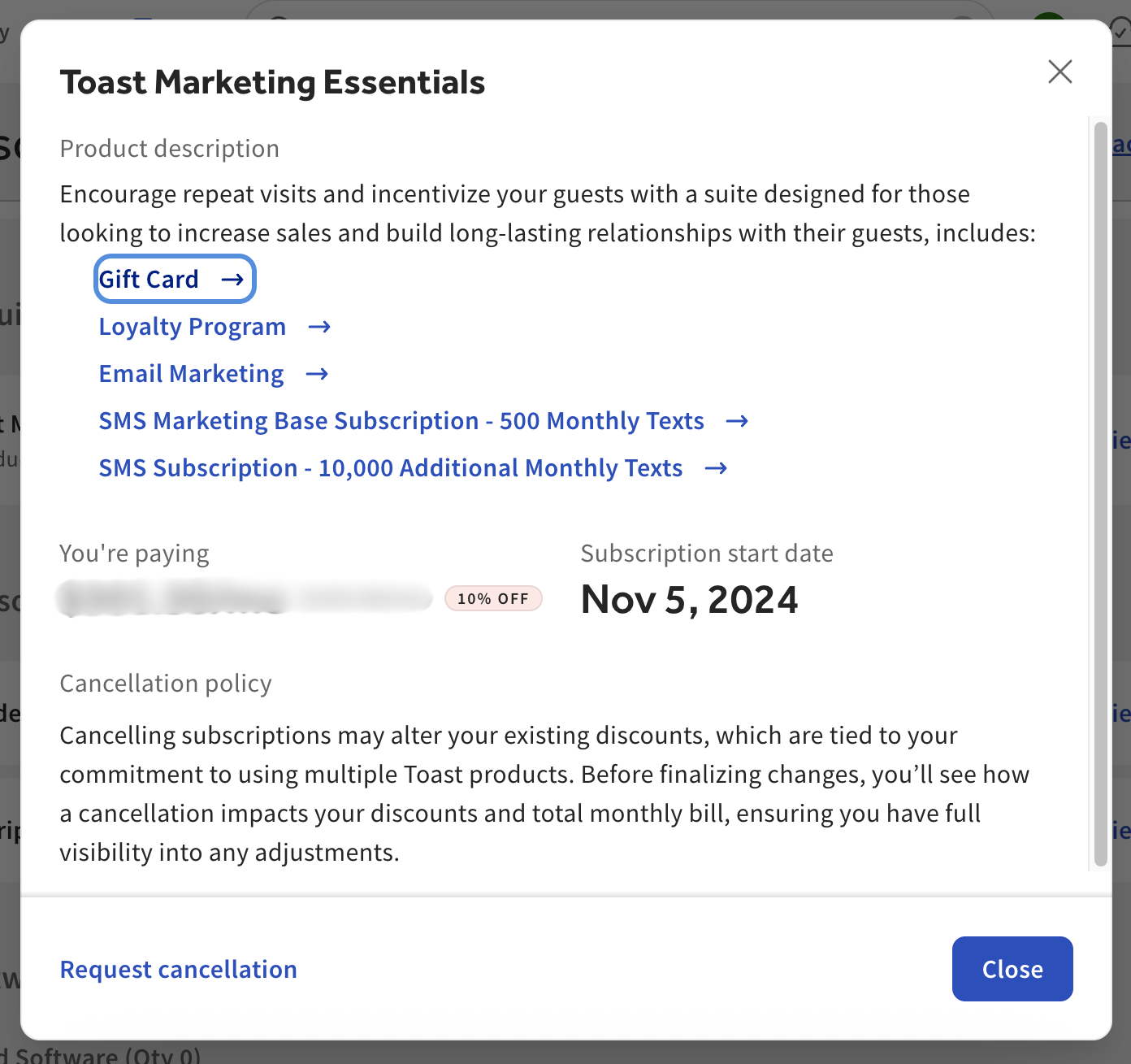
- Select View and manage to see the billing period and cost for a given subscription, as well as the option to request a cancellation. You’ll see this pop-up:
- Select Request cancellation to begin the process.
Note: Toast Retail customers have view-only access to the Subscriptions page. Please contact Customer Care to make changes. Those with a Retail module can still make self-service changes as outlined here.