Optimize Your Order Screen With Additional Ordering Tools
Last updated: Sep 15, 2026, 2:41 PM
Enable additional ordering tools on your order screen to easily assign seat numbers, dining options, courses, splits and special requests.
Toast has five built-in additional ordering tools that are commonly used in quick service and table service restaurants.
In this Article:
Enable Additional Ordering Tools
These settings can be enabled or disabled through UI Options under the Front of house setup section in Toast Web.
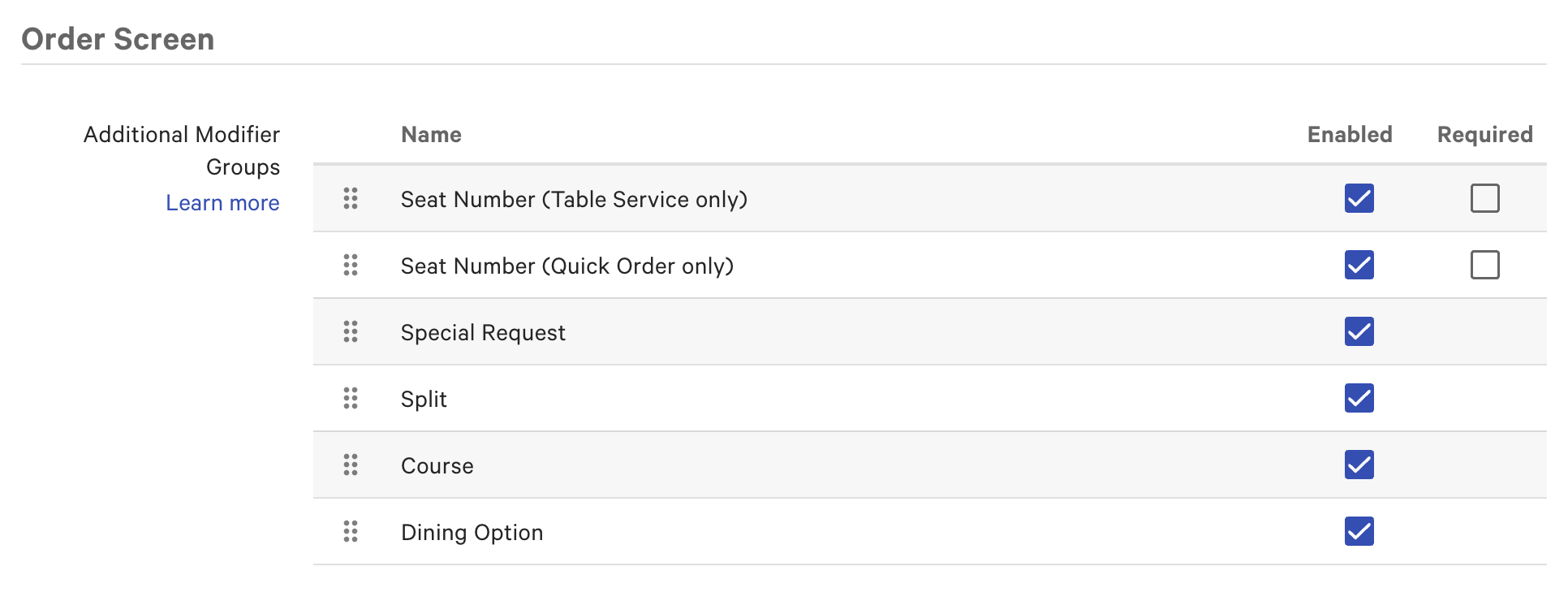
Under the Order Screen section, you can enable or disable the following tools:
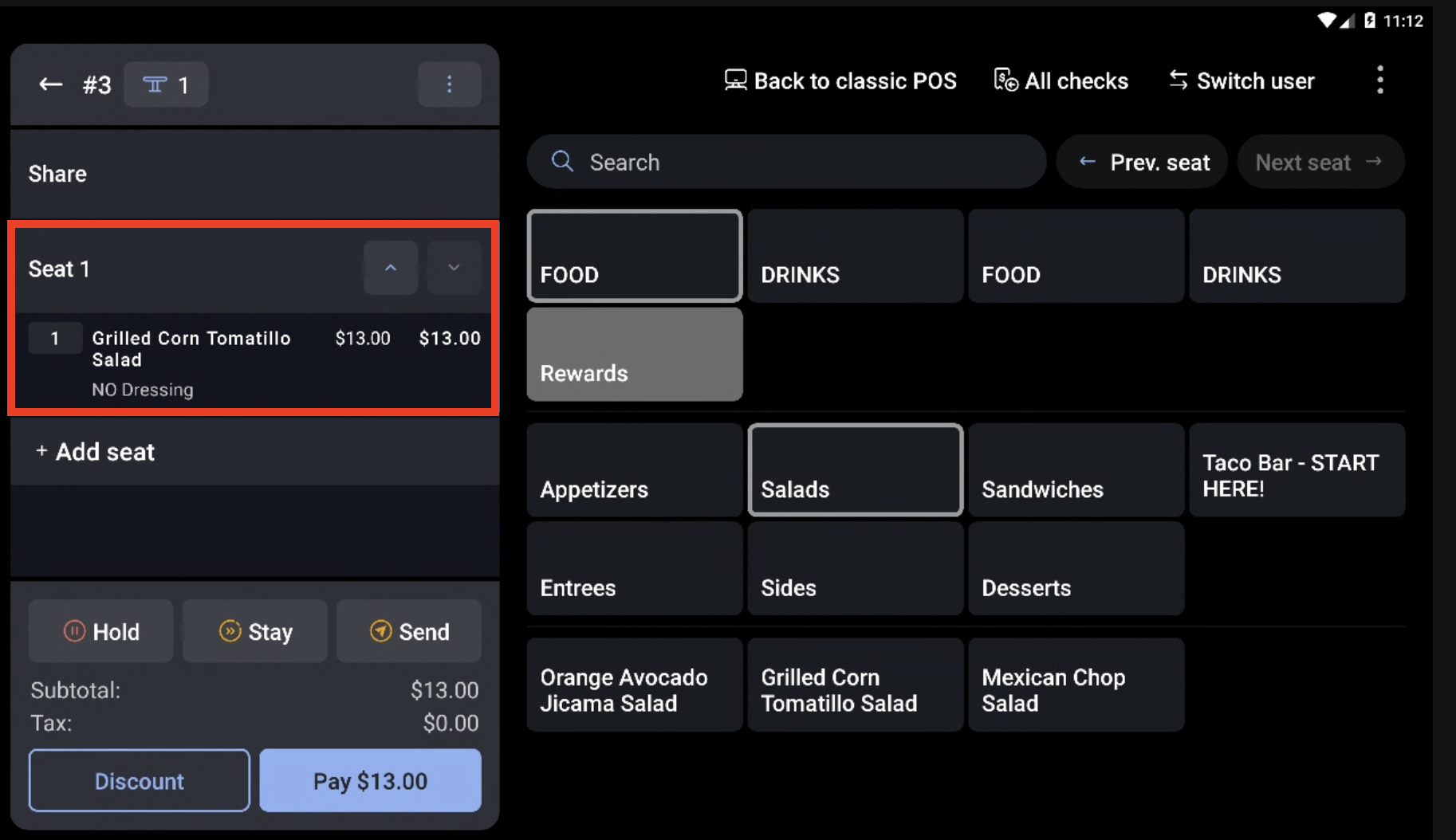
- Seat Number - When enabled, staff can assign items to a seat number.
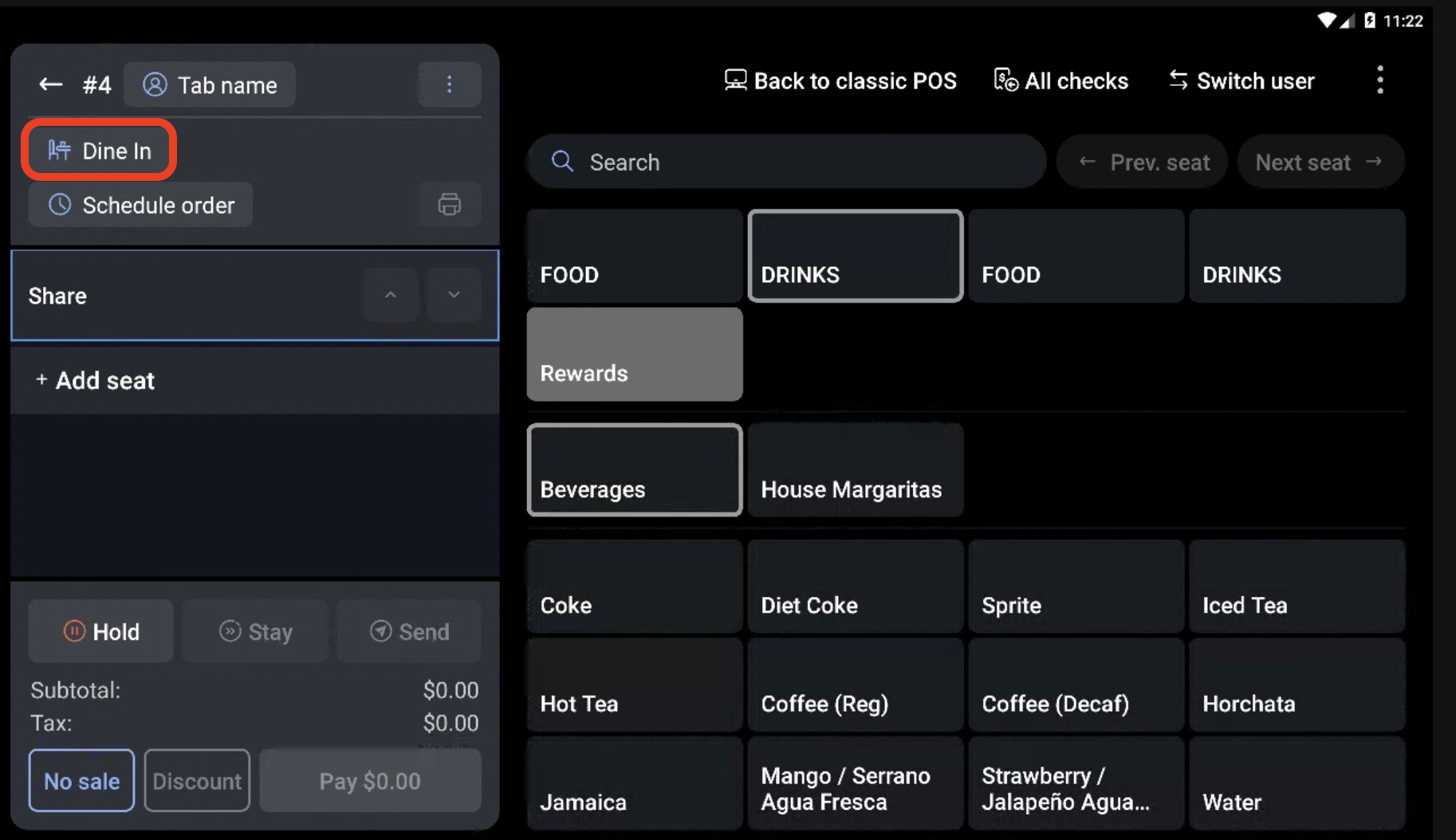
- Dining Option - When enabled, staff can assign items to Dine In or Take Out. This option is useful when you need to assign an item to Take Out while preserving the rest of the order as a Dine In check.
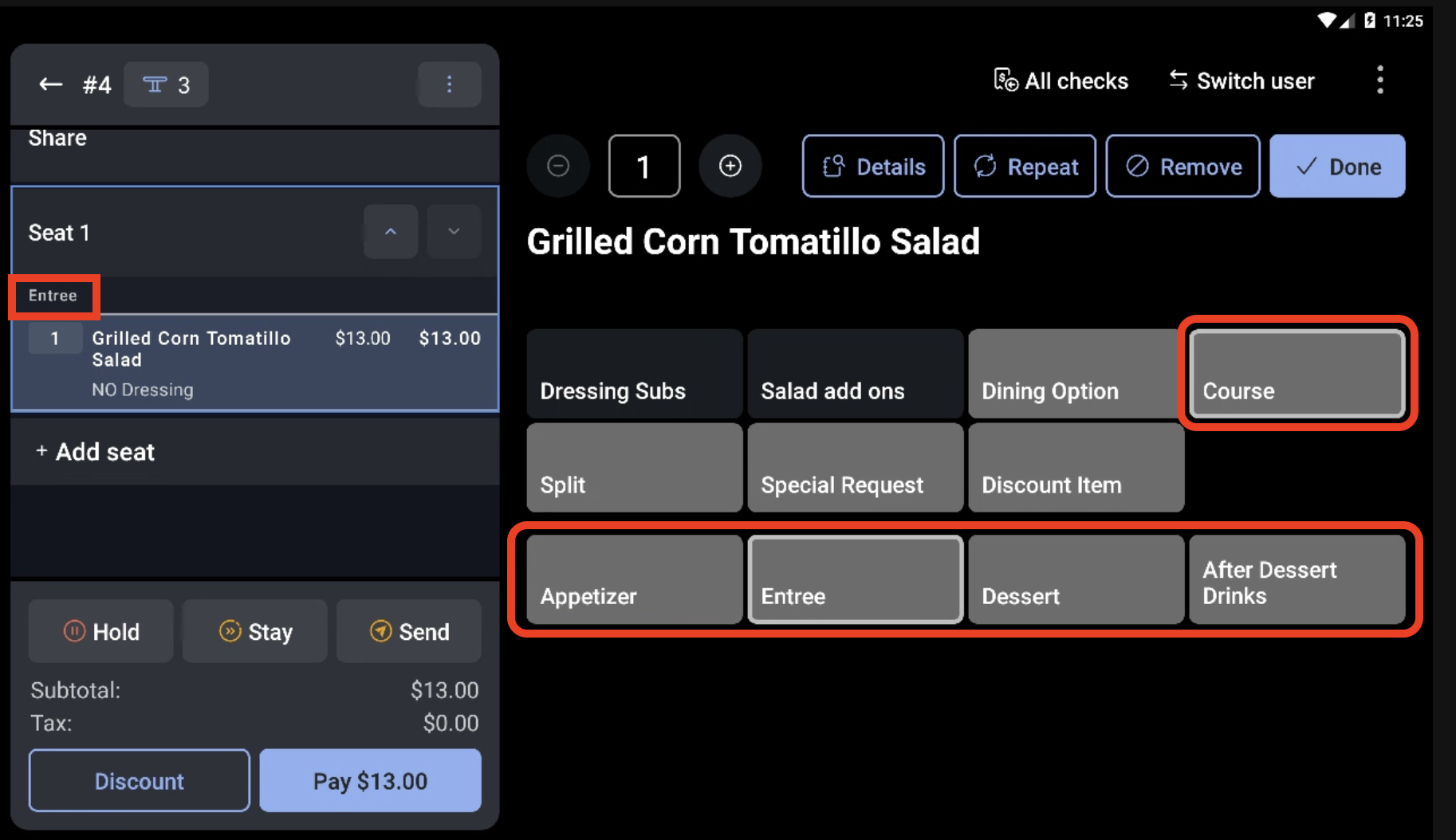
- Course - When enabled, staff can assign items to specific courses. This will display any courses you have created from the Kitchen Setup page.
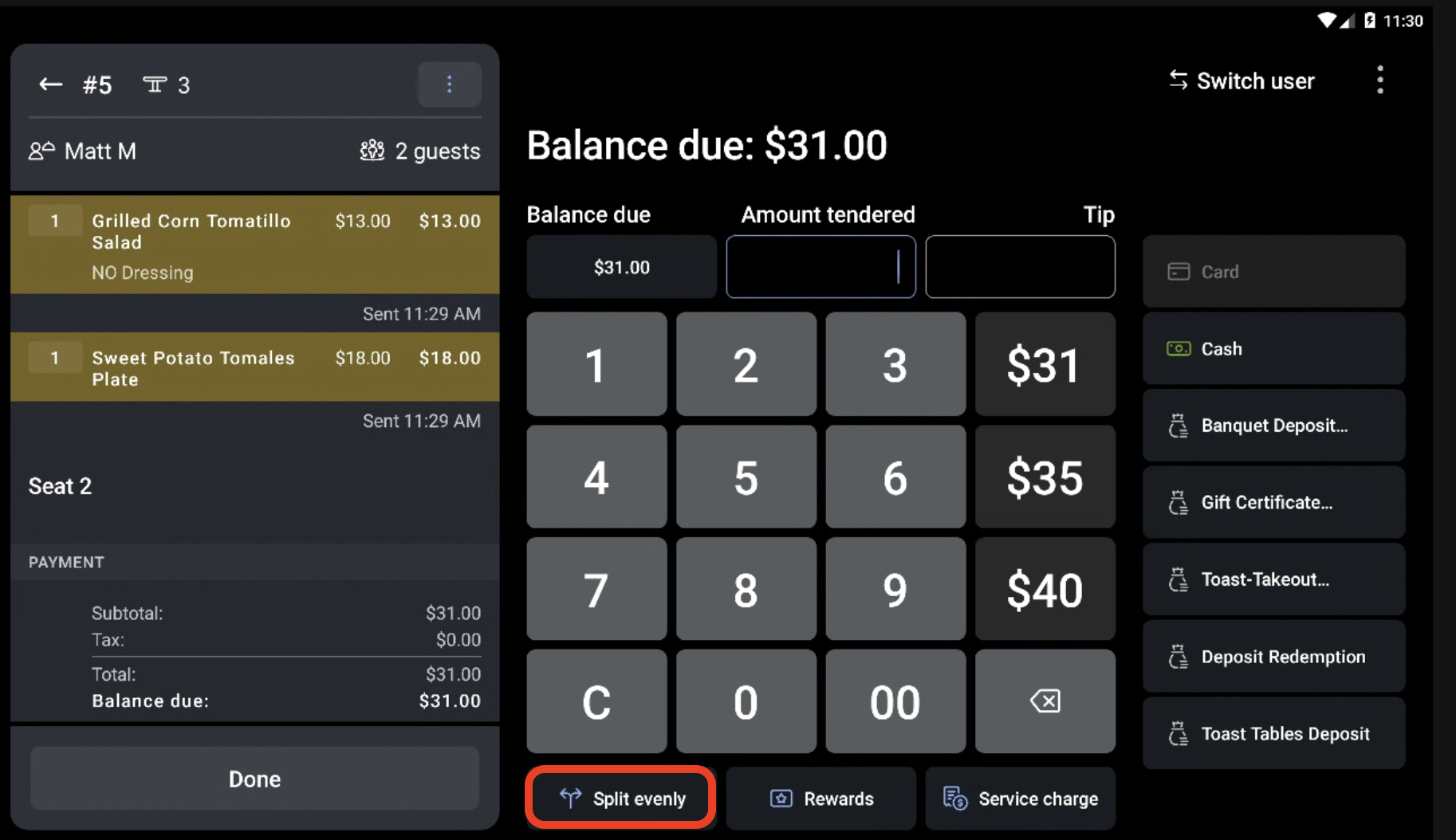
- Split - When enabled, staff can assign items to be split by multiple guests.
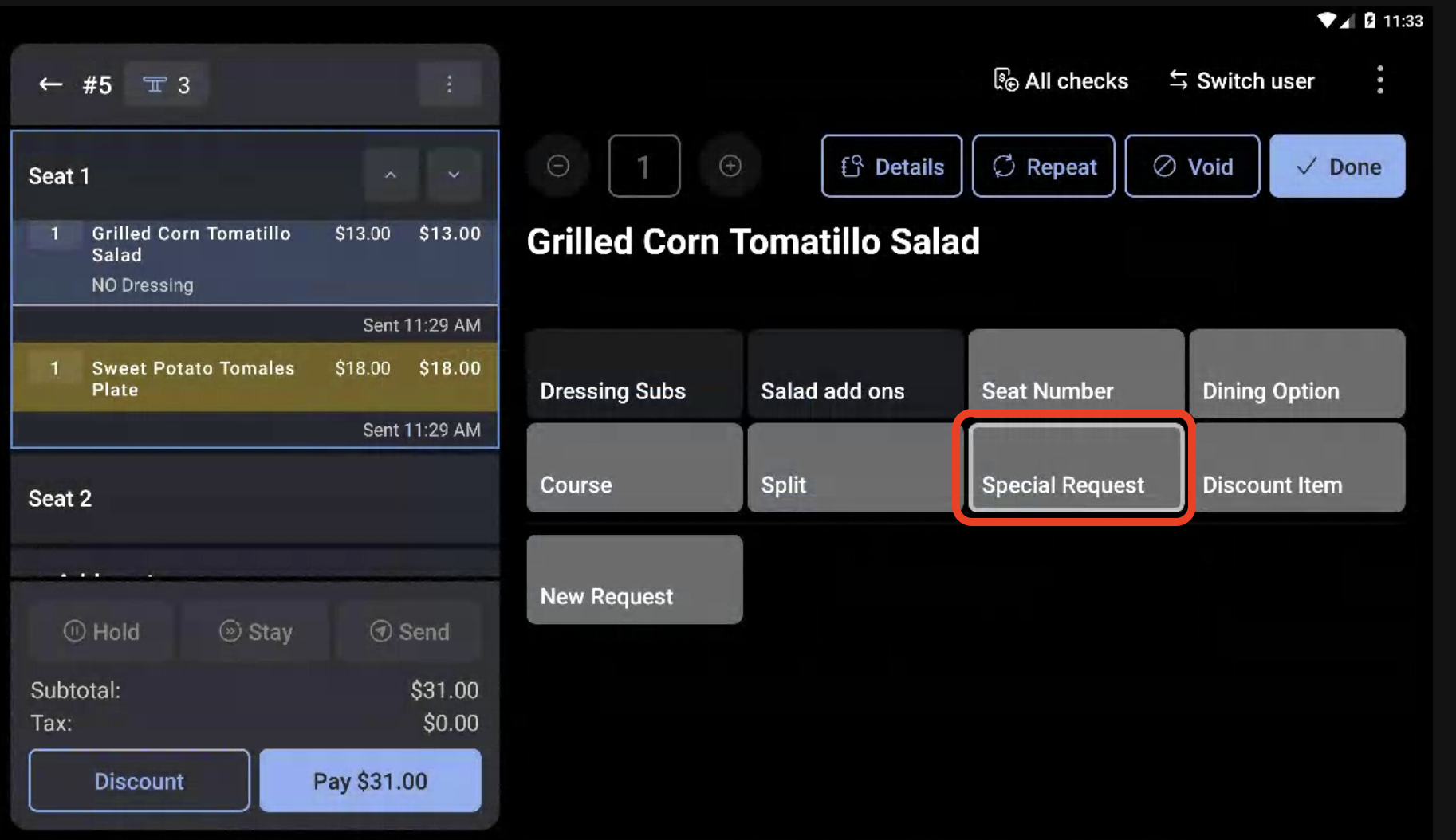
- Special Request - When enabled, staff can enter a special request modifier for items and indicate a price.
Use Additional Ordering Tools
Once you have enabled Toast's additional ordering tools in Toast Web you will be able to access them from the table service or order screen of any open check, depending on which tool you're utilizing.
Seat Number
Dining Option
Course
Split
Special Request