Locate Auto Clock Out Time Entries
Last updated: Sep 11, 2026, 10:56 AM
Question
Why does the Time entry management report show clock outs at 4:00 a.m.?
Answer
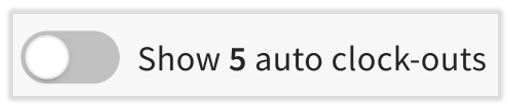
On the Time Entry Management report in Toast Web, it's easy to find time entries for employees that have been auto-clocked out. The toggle at the top of the page will list how many employees in the selected time period and location have been automatically clocked out. Enable this toggle to view only auto clocked-out employee shifts.
- Users can now update an employee's time entry directly from the Time Entry Management page. Select the Time out field for that shift and edit it in-line, making sure to match the format used (12-hour, include "AM" or "PM"). Select the checkmark to save.
- Once a user updates the clock-out time, the entry will no longer be auto-clocked out and will no longer appear in this toggled view.
- When a user has been auto-clocked out, a time entry cannot be added for them on that day. If you receive an error saying an employee already has a time entry in this time period, you will need to adjust the auto-clock out time before adding the time entry.