Catering & Events Pro: Task Reminders
Last updated: Sep 16, 2026, 2:30 PM
Question
- How do I create a task reminder in Toast Catering & Events?
- Can I assign tasks to other team members in Toast Catering & Events, and how do I track their progress?
- What types of tasks can I record in Toast Catering & Events, and how do I set reminders for them?
Answer
Toast Catering & Events Pro now includes the ability to create task reminders.
- In Toast Web, navigate to Catering & Events.
- Under Discussions & Tasks, select Tasks. Here you will be able to:
- View open, past due, completed, and all tasks.
- You will also have the option to select locations either by Restaurant groups or Locations.
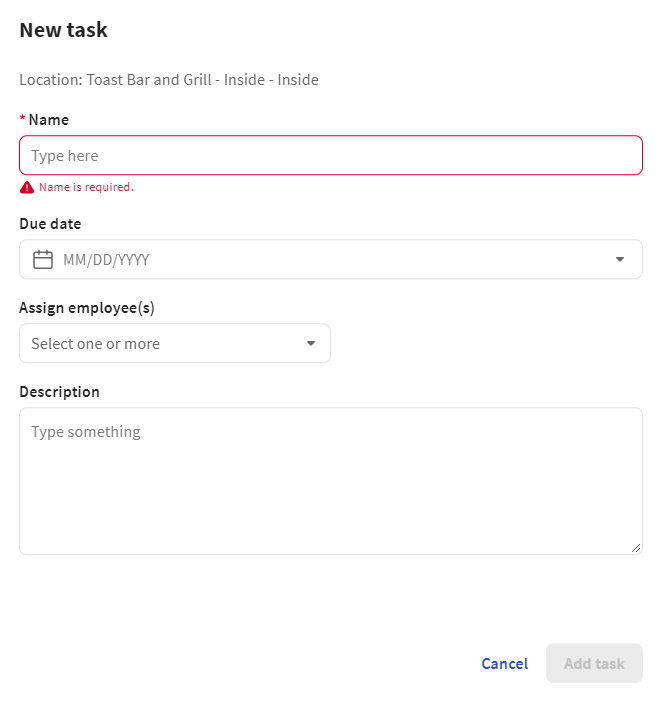
- You can also create a new task by selecting + Add task and adding the information below:
- Name:
- Due date
- Assign employee(s)
- Description