Identify Your Card Reader Type

Last updated: Oct 13, 2026, 11:09 AM

Learn how to identify the type of card reader you have at your restaurant.

In this Article:


Check Your Card Reader Model

If your Toast device is already working with a card reader, you can check the type of card reader you are using within your Toast app:


  1. From the Toast app main menu, navigate to Setup > Device Setup.
  2. Scroll down to the Card Readers section.
  3. The Card Reader Model will indicate which card reader is used with your device.


The name shown depends on which generation of reader you have:

  • Legacy Toast Tap® (either On-Counter or Direct Attach) shows as BBPOS Chipper 2X(USB).
  • Toast Tap® Direct Attach - TDA300 shows as TDA300 Direct-Attach Card Reader(USB).
  • Toast Tap® On Counter - TOC300 shows as TOC300 On-Counter Card Reader(USB).


If you're trying to identify a reader without a Toast device, see the glossary below for some images you can match to your device.


Back to top

Card Reader Glossary

Toast Tap® (On-Counter) — legacy

  • Toast's contactless payment reader, separate from the terminal
  • Accepts tap, dip, and swipe payment, including Apple Pay, Google Pay, and Samsung Pay
  • Not currently available outside the U.S.
Toast Tap® (on-counter), legacy

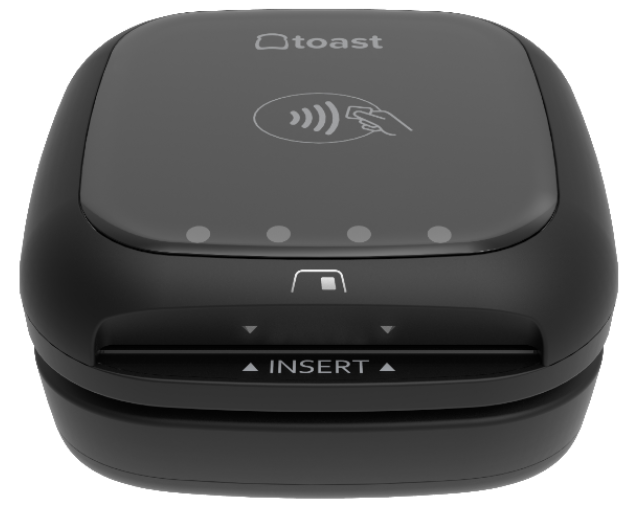
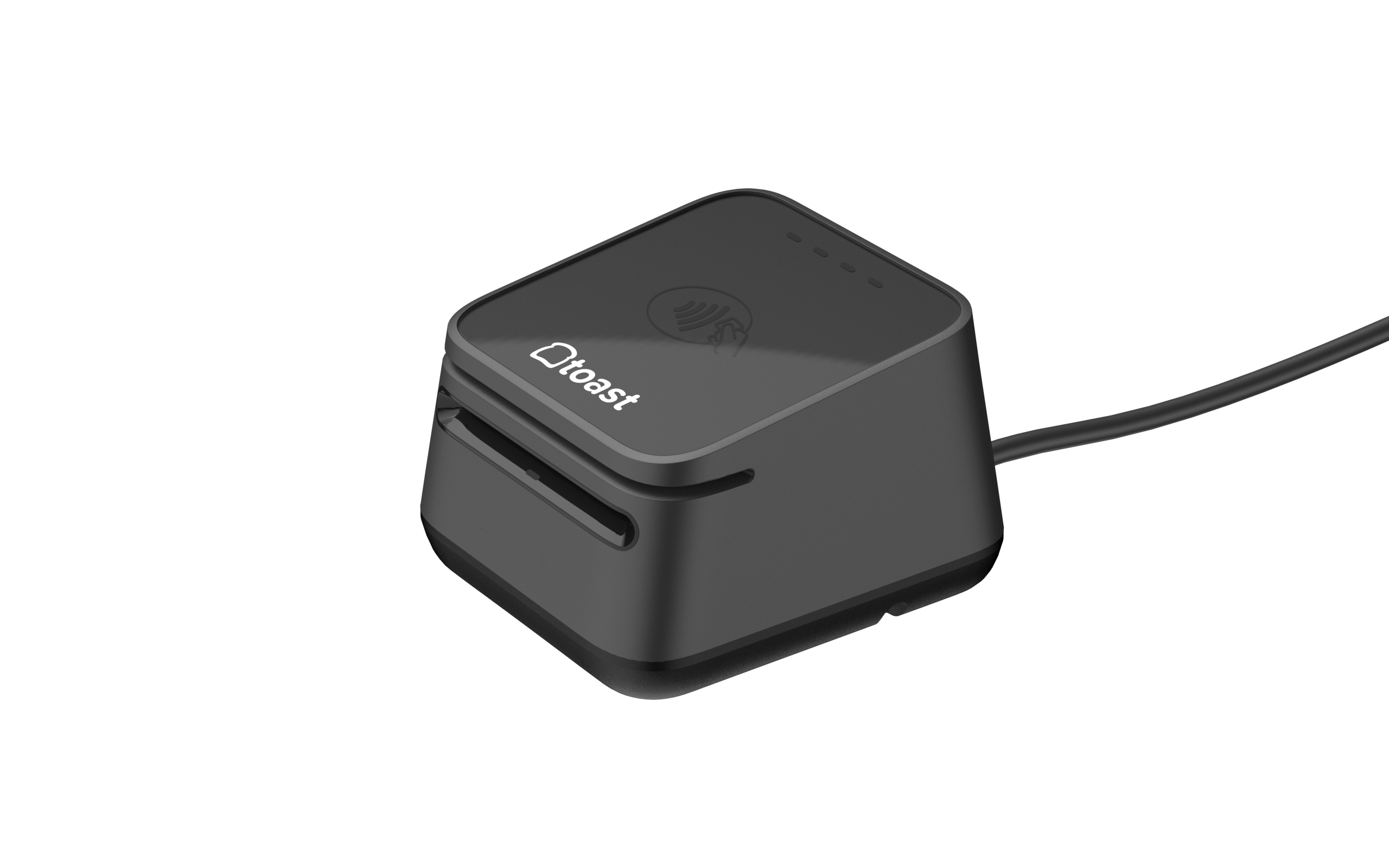
Toast Tap® On Counter - TOC300 - current generation

  • Toast's current-generation contactless payment reader, separate from the terminal
  • Accepts tap, dip, and swipe payment, including Apple Pay, Google Pay, and Samsung Pay
  • Not currently available outside the U.S.
TOC300 On-Counter card reader, a black cube-shaped reader with the Toast logo and a contactless symbol on top

Toast Tap® (Direct Attach) — legacy

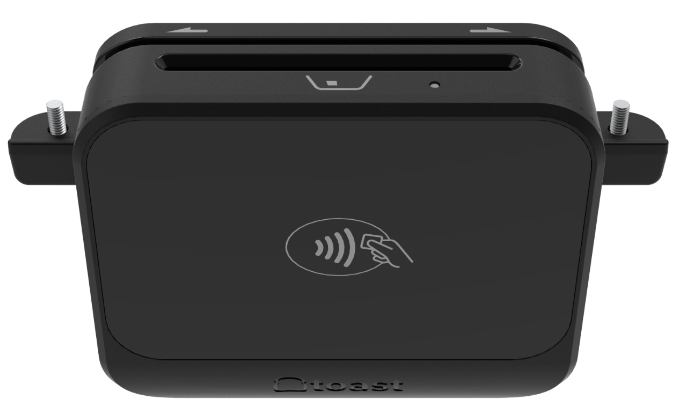
  • Toast's contactless payment reader, connects and screws onto the terminal
  • Accepts tap, dip, and swipe payment, including Apple Pay, Google Pay, and Samsung Pay
  • Not currently available outside the U.S.
Toast Tap® (direct attach), legacy

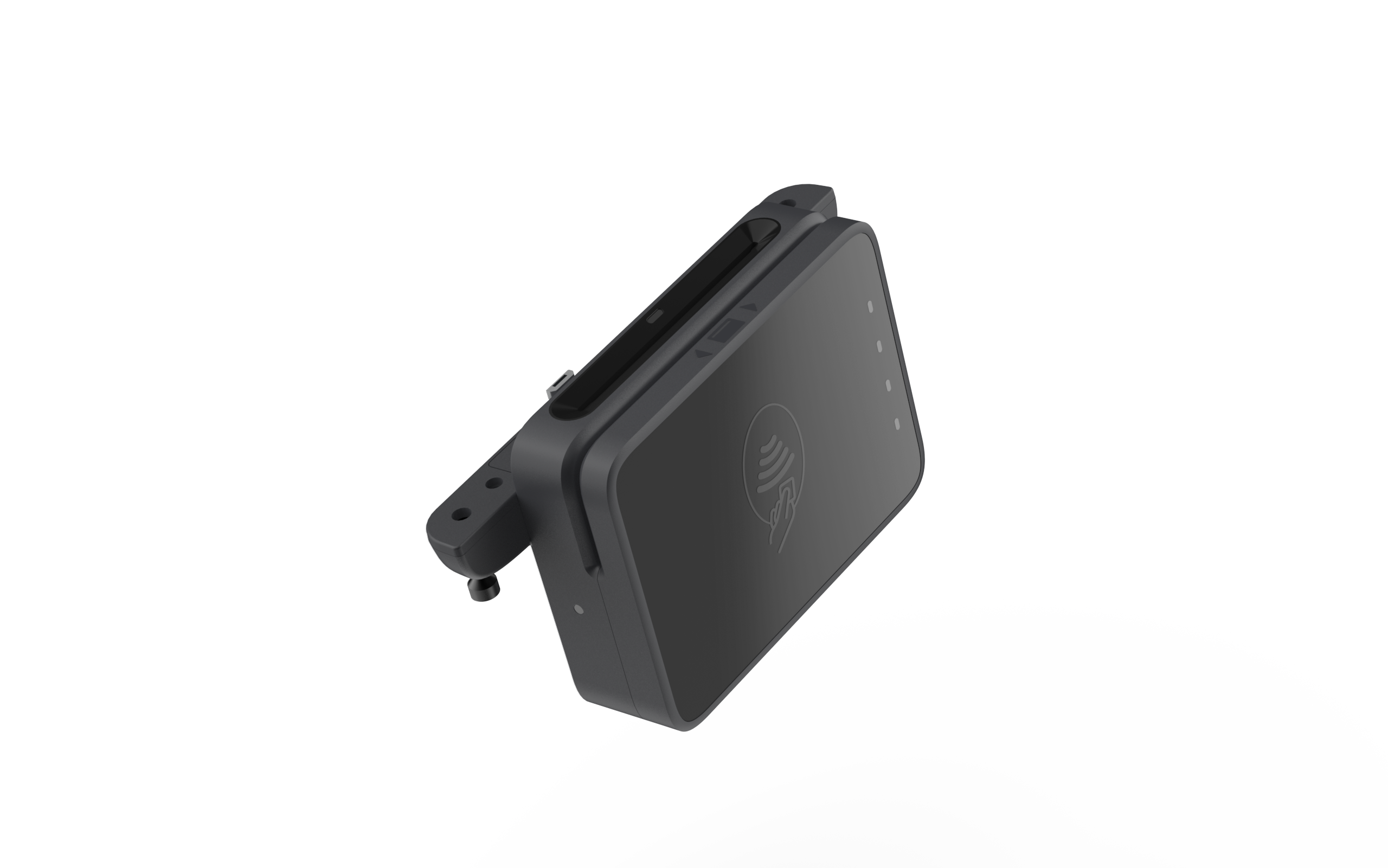
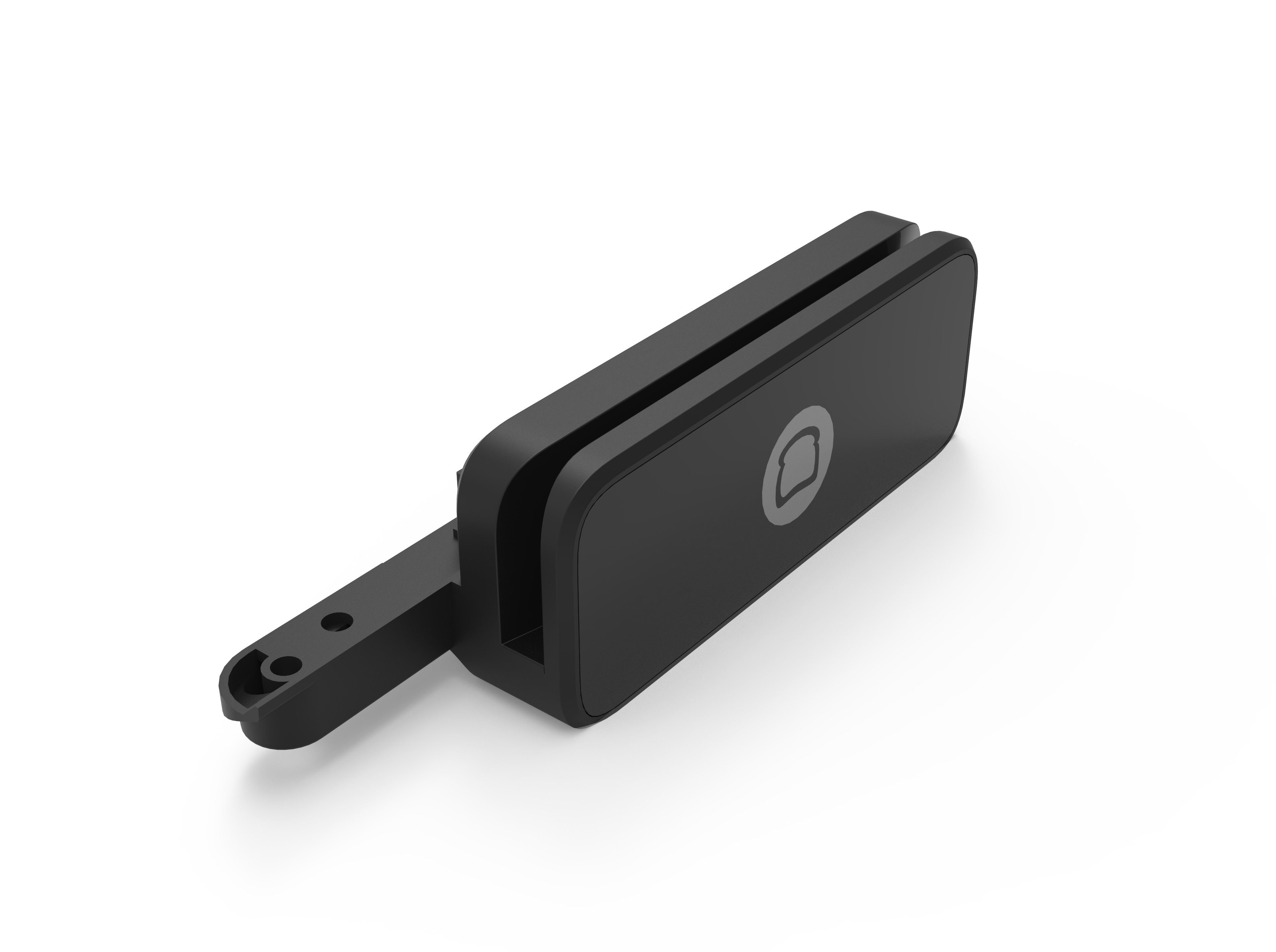
Toast Tap® Direct Attach - TDA300 - current generation

  • Toast's current-generation contactless payment reader, connects and screws onto the terminal with three captive screws (no separate hardware to lose)
  • Accepts tap, dip, and swipe payment, including Apple Pay, Google Pay, and Samsung Pay
  • Not currently available outside the U.S.
TDA300 Direct Attach card reader, a slim black reader with a contactless symbol that screws onto the terminal

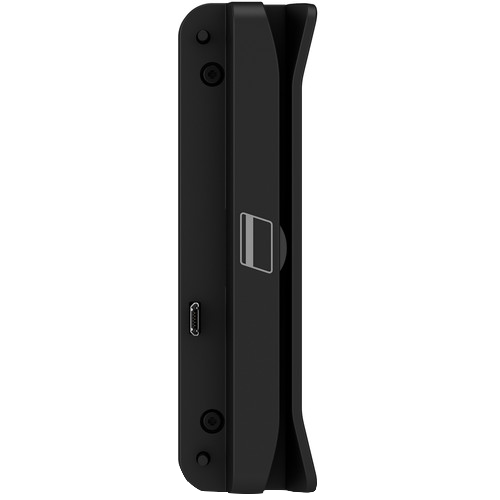
Toast MSR

  • Swipe Only
  • USB Data / Power
  • End-to-end encryption
  • Not currently available outside the U.S.
Toast MSR, a black magnetic stripe card reader with a swipe slot and the Toast logo

MagTek Dynamag/Elo MSR

  • Swipe Only
  • USB Data / Power
  • End-to-end encryption
  • Not currently available outside the U.S.
MagTek Dynamag/Elo MSR, a slim black USB magnetic stripe card reader


Back to top

Card Reader Glossary for UK, Ireland, and Canada


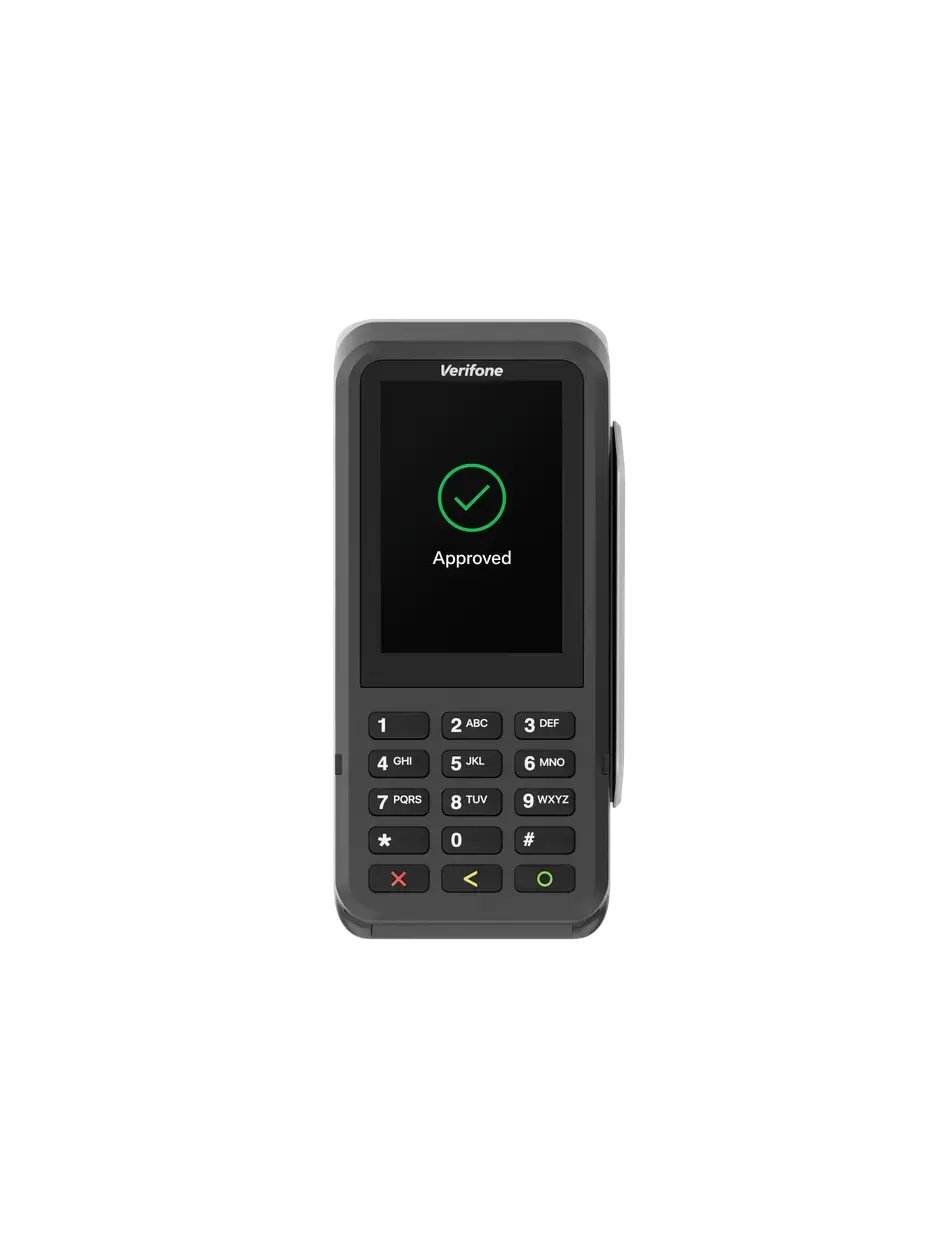
P630 Card Reader

  • Connected through Ethernet cabling
  • Accepts swipe, dip, and tap payments
  • Not currently available to US customers
P630 card reader, a black handheld-style reader with a color screen showing an Approved message and a numeric keypad

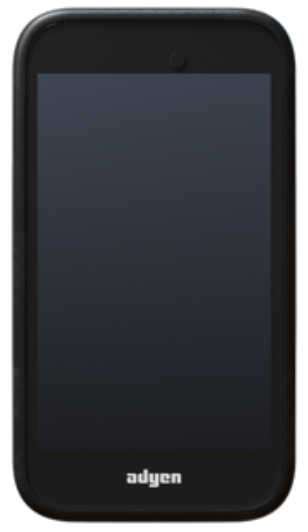
AMS1 Card Reader

  • Wirelessly paired to the Toast Go® 2
  • Accepts swipe, dip, and tap payments
  • Not currently available to US customers
AMS1 card reader

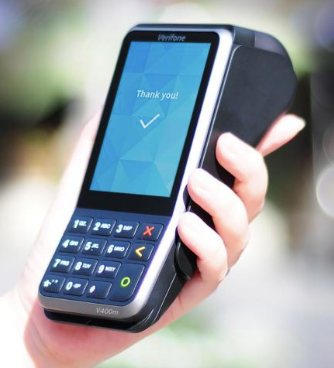
V400m Card Reader

  • Wirelessly paired to a Toast POS
  • Accepts swipe, dip, and tap payments
  • Not currently available to US customers
V400m card reader
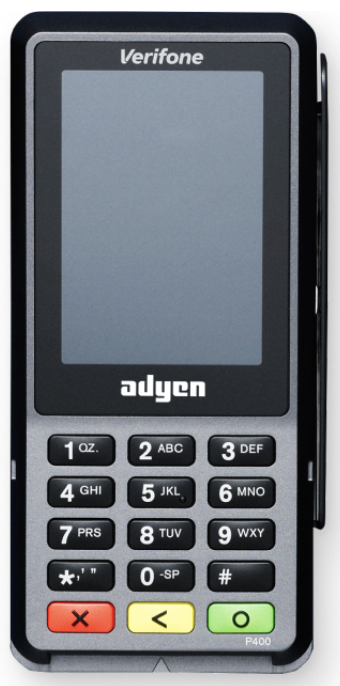
p400 Card Reader
  • Connected through Ethernet cabling
  • Accepts swipe, dip, and tap payments
  • Not currently available to US customers
p400 card reader

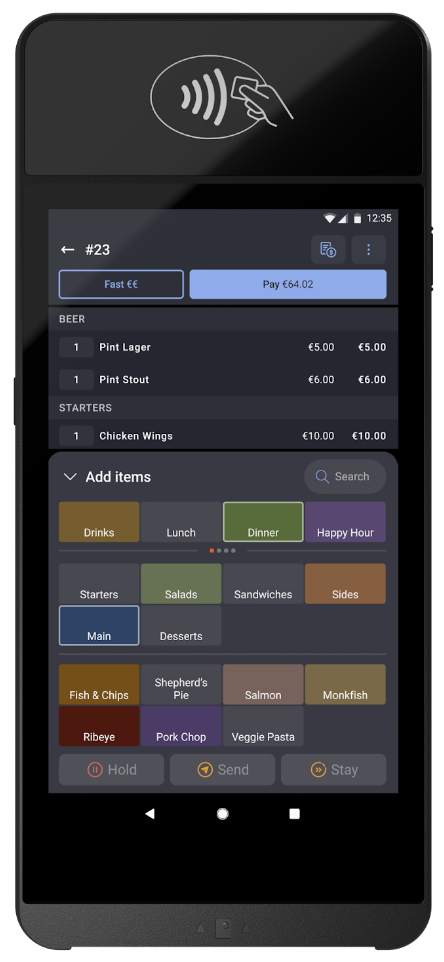
S1 Handheld and Card Reader

  • All-in-one mobile POS and card reader
  • Accepts swipe, dip, and tap payments
  • Not currently available to US customers
S1 handheld and card reader

e285 Card Reader

  • Toast no longer supplies this reader, but we still troubleshoot and support it
  • Not currently available to US customers
e2854 card reader


Back to top