Create & Sync Your Sling By Toast Account
Last updated: Oct 2, 2026, 2:00 PM
- Review integration overview
- Understand synced data
- Connect a new Sling account
- Connect an existing Sling account
- Frequently Asked Questions
- Helpful links
Through your Toast account, you can use Sling Lite or Sling Pro version. This article explains what data syncs, how to create a new Sling account, and how to connect an existing Sling account to Toast.
Review Integration Overview
Sling integrates with Toast to sync employee, scheduling, and operational data between platforms. The available functionality depends on whether you use Sling Lite or Sling Pro.
Note: Sling communicates with Toast Web, but not Toast Payroll.
Note: Sling Lite supports employee data sync only. Additional features require Sling Pro.
Understand Synced Data
Employee Data: Employee information such as names, positions, locations, and wages syncs from Toast to Sling. Update employee details in Toast to keep Sling accurate.
Timesheets: Timecards created in Toast sync to Sling, allowing you to compare scheduled versus actual hours and costs, analyze discrepancies, and export timesheets for payroll.
Timesheet details sync in real time. Employees can clock in using Toast POS or Sling, provided time clock settings match across both platforms.
Sales: Sales data syncs from Toast POS to Sling, enabling comparisons between projected and actual sales and labor percentages.
Connect a New Sling Account
Follow these steps if you do not already have a Sling account:
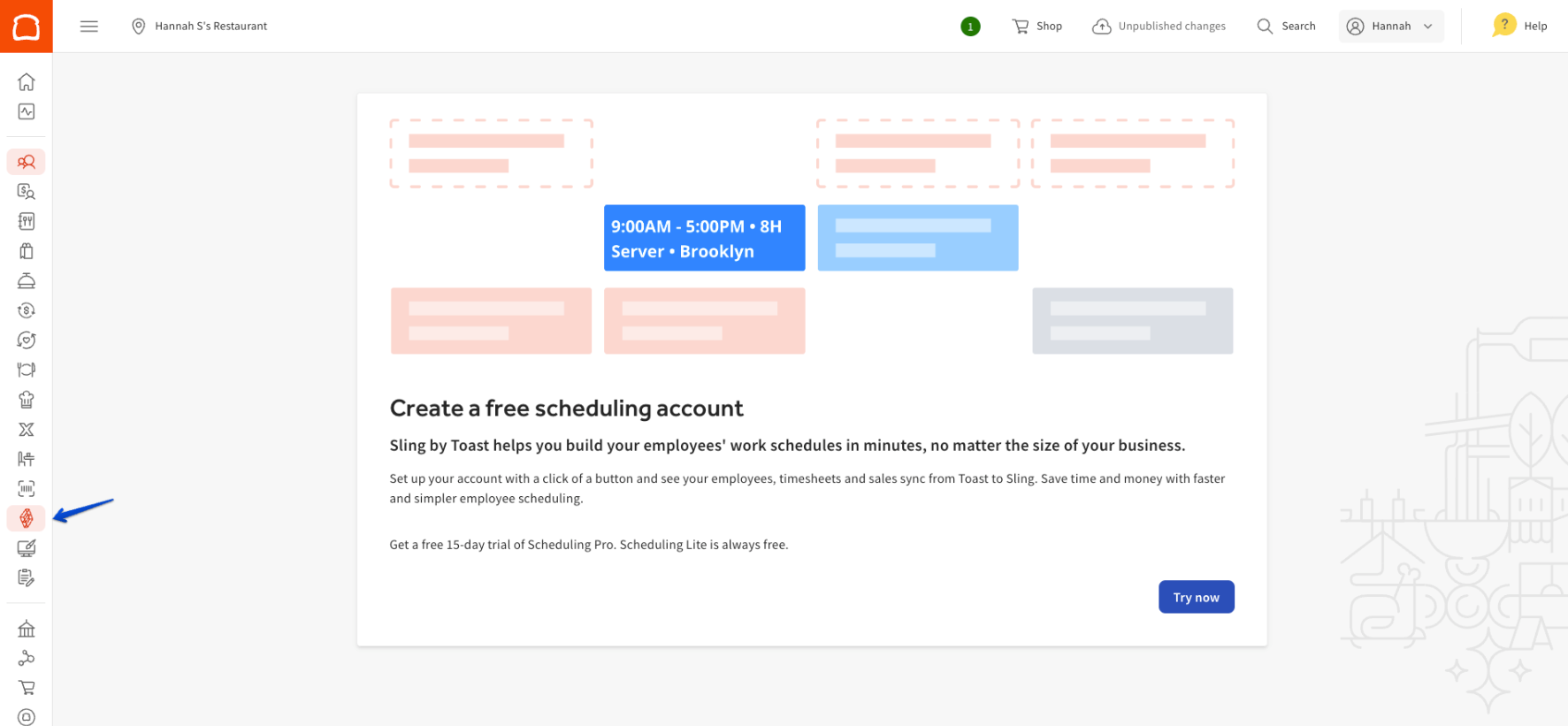
- Log in to your Toast Web account and navigate to Team > Scheduling.
- If Scheduling is not visible, request access from your Toast administrator.
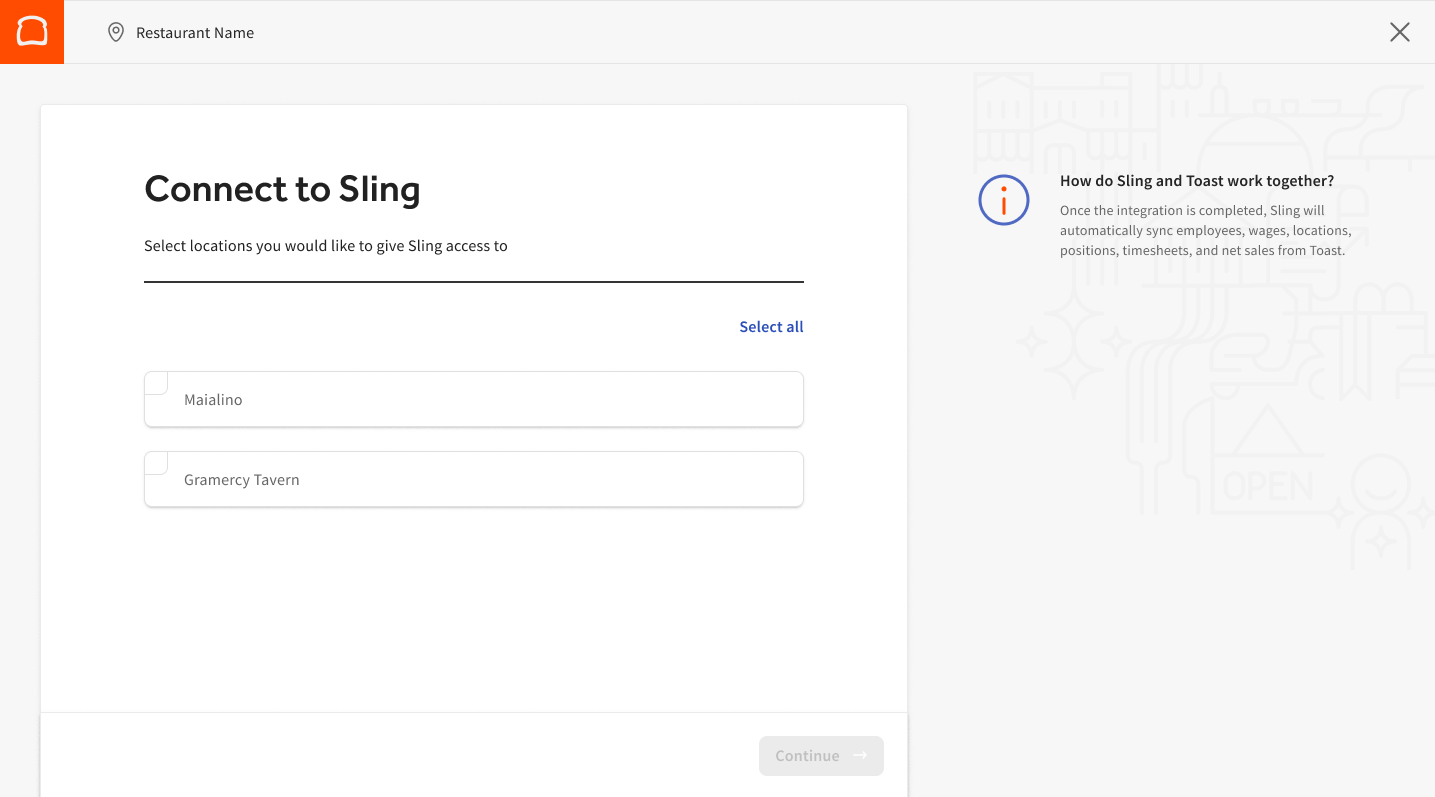
- Select Connect, then choose the location to integrate.
- If you instead see an Introducing Toast Scheduling pop-up, visit Get Started With Scheduling in Toast Web for step-by-step instructions.
- If you instead see an Introducing Toast Scheduling pop-up, visit Get Started With Scheduling in Toast Web for step-by-step instructions.
- Create a Sling account using the same email associated with Toast.
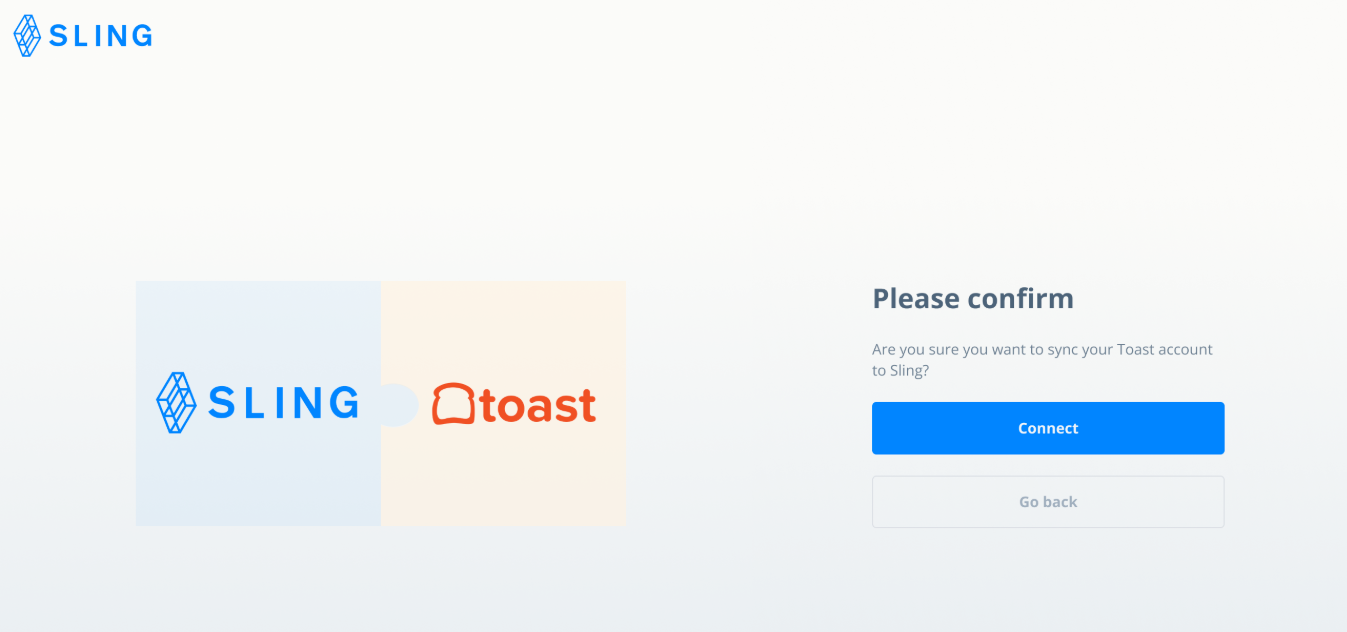
- Confirm that you want to connect your Toast account to Sling.
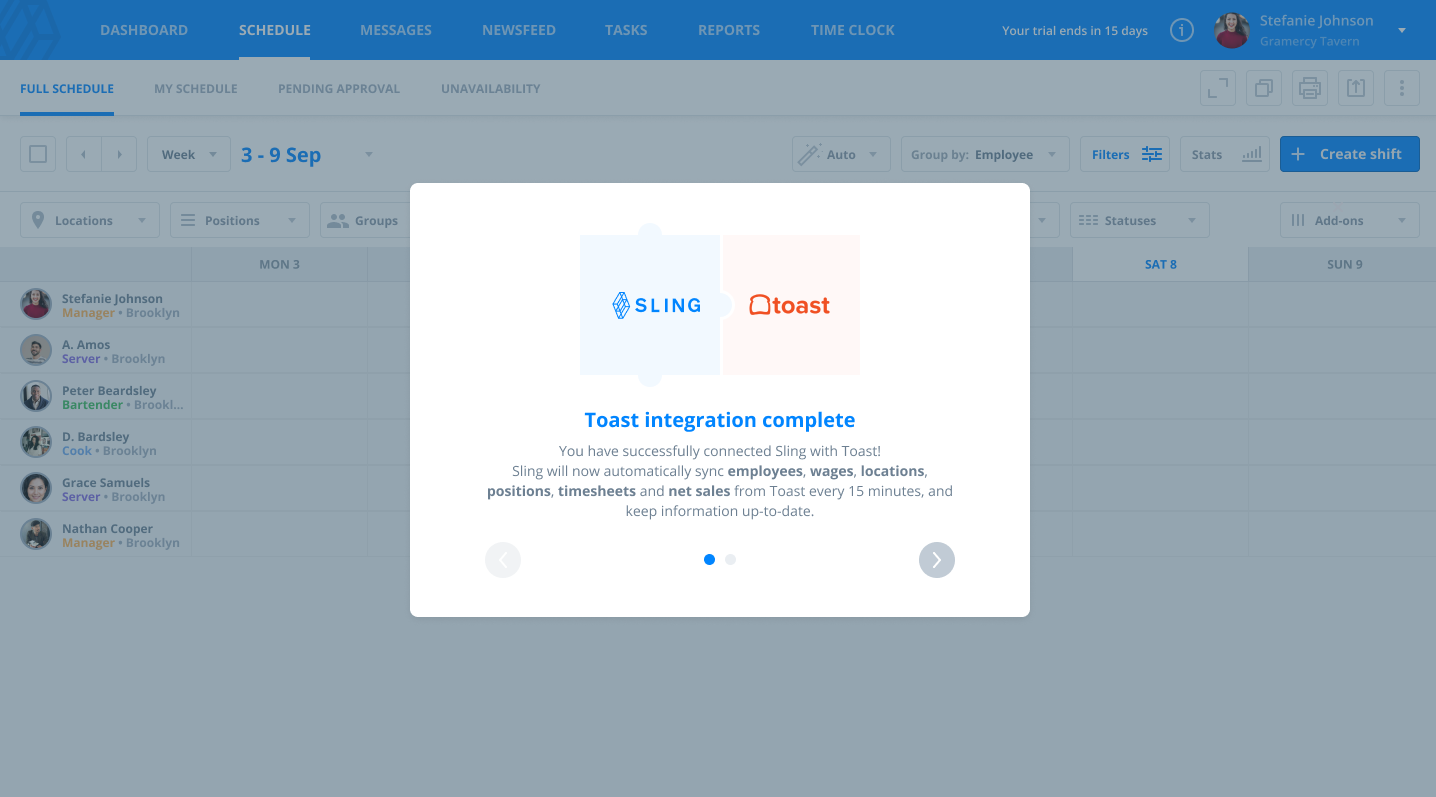
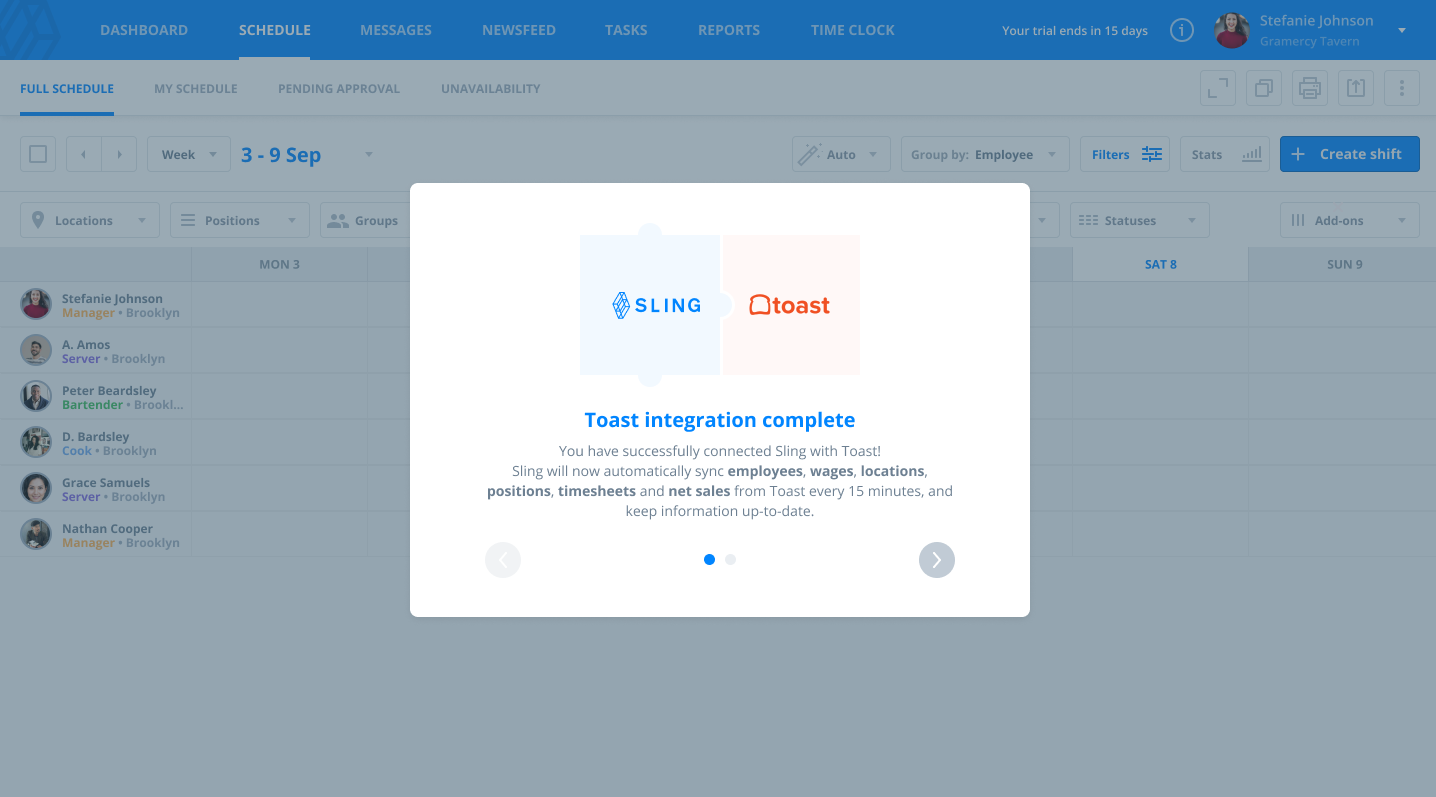
- Wait for the sync to complete and confirm the integration.
Note: Your Sling version depends on your Toast subscription (Scheduling Lite or Scheduling Pro). Contact support or your Toast representative if you are unsure.
Connect an Existing Sling Account
Follow these steps if you already have a Sling account:
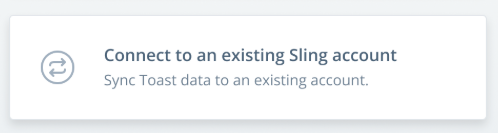
- Select Connect to existing Sling account.
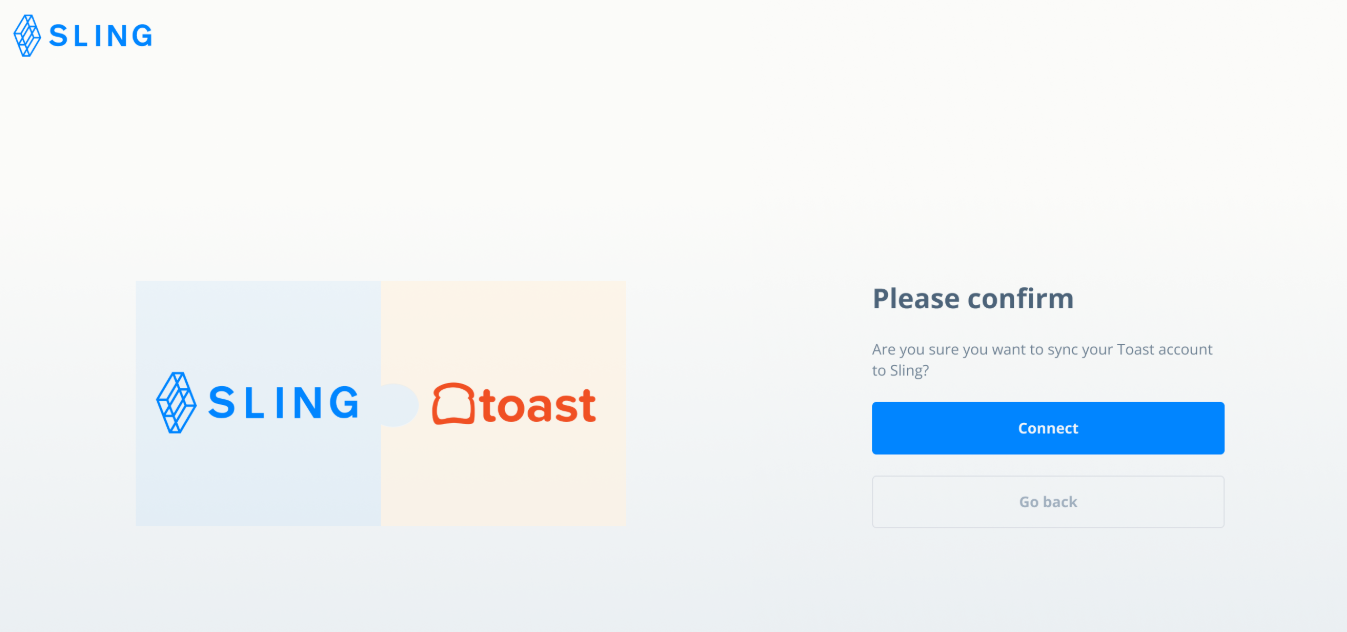
- Log in and confirm the integration between Toast and Sling.
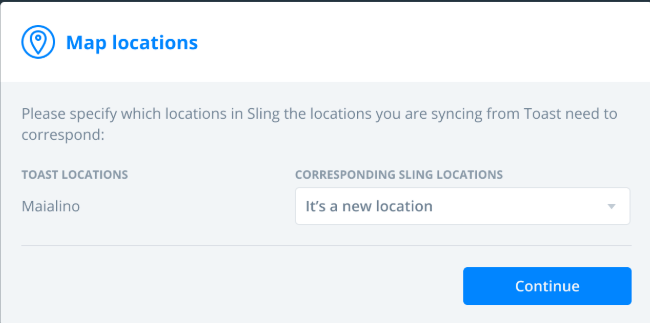
- Map existing Sling locations to the Toast location, or select It’s a new location.
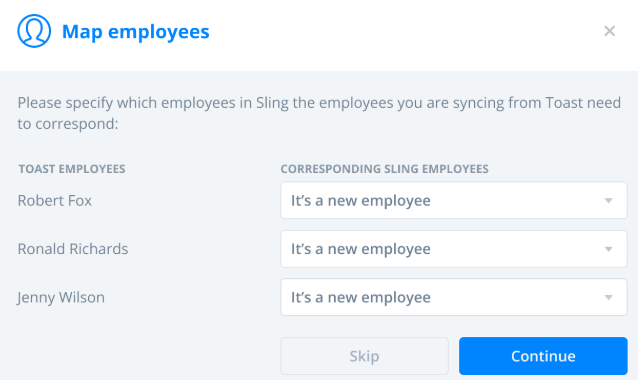
- Match employees between Toast and Sling, or select It’s a new employee if needed.
- Wait for the sync to complete and confirm the integration.
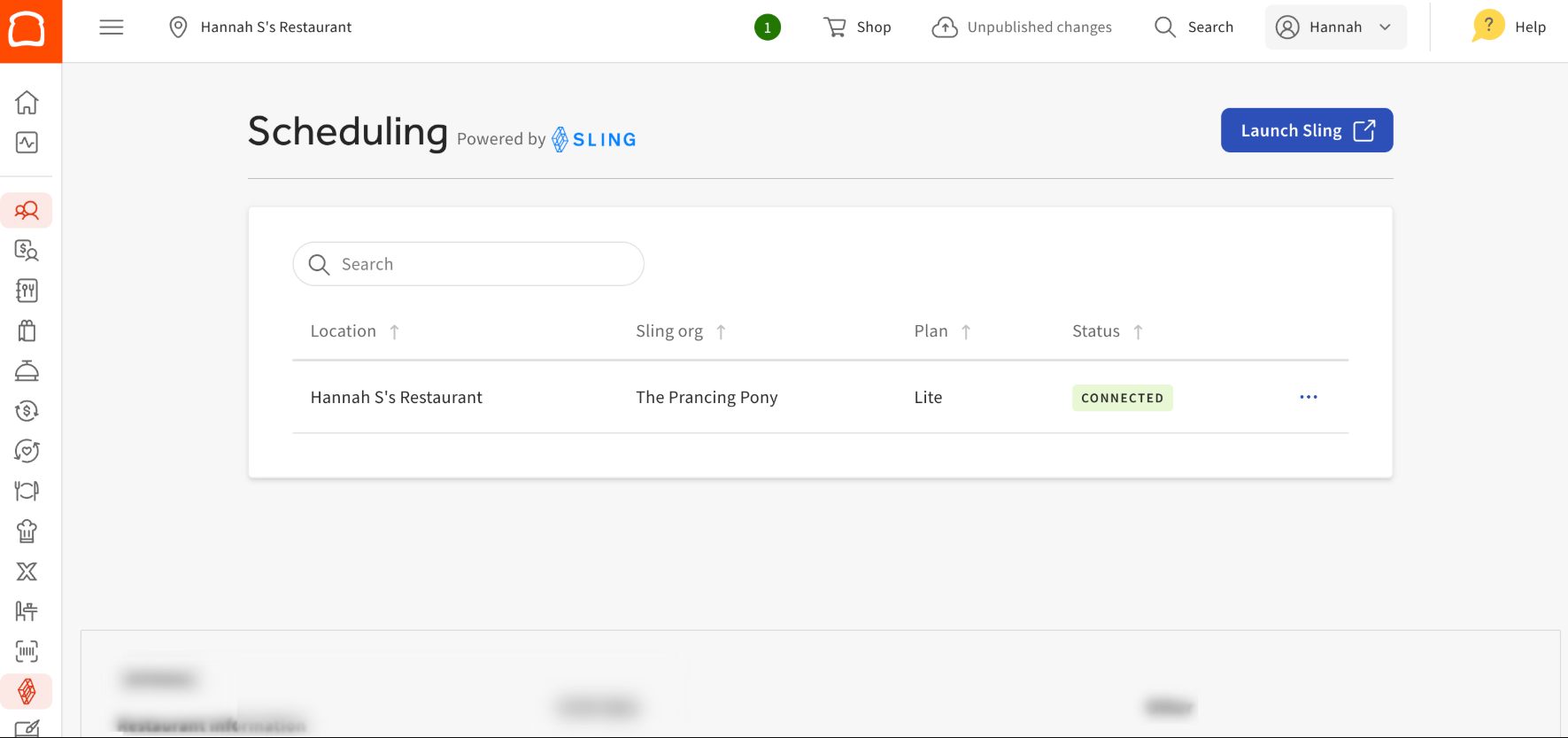
Once connected, the location will appear as Connected in Toast Web under the Scheduling page.
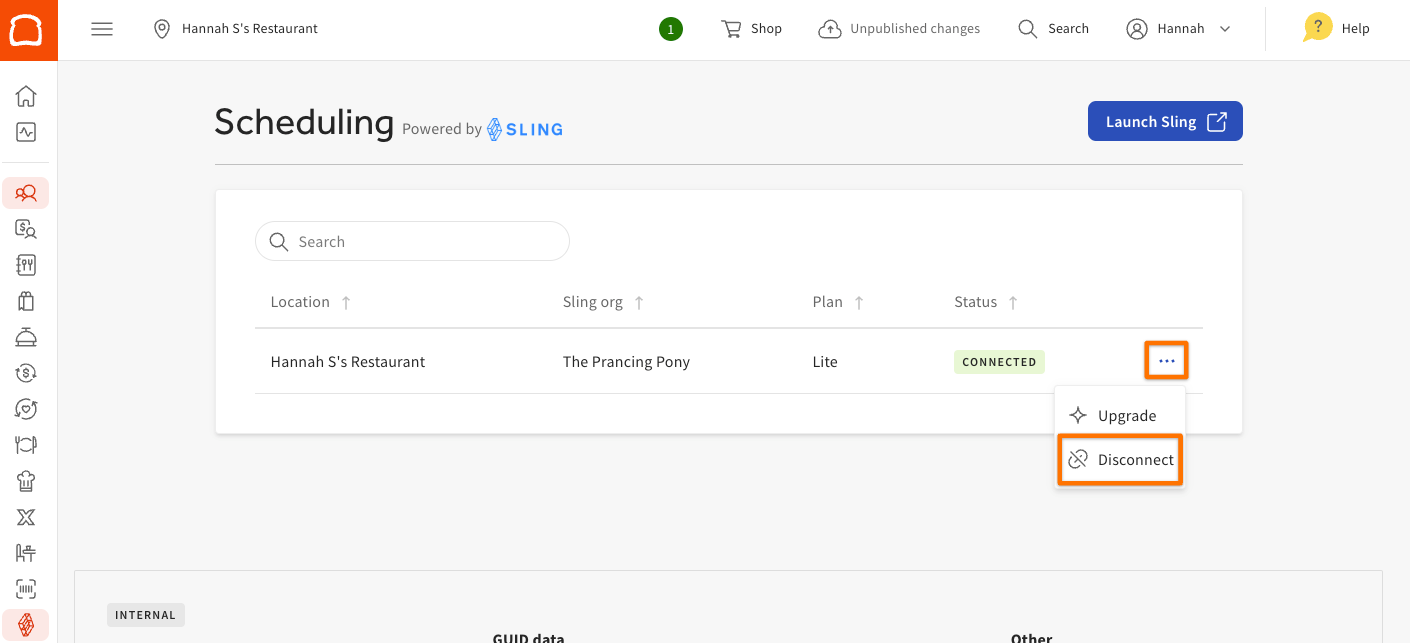
To refresh the connection, select the three-dot menu for the location, then select Disconnect.
Frequently Asked Questions
What is the sync frequency?
Sling and Toast sync automatically every 15 minutes, except for timesheets, which sync in real time.
Where should employee details be updated?
Update employee details in Toast to ensure accurate syncing to Sling.
Does Toast override data in Sling?
Yes. Toast overrides positions, locations, and wage details entered directly in Sling.
Can duplicate profiles be merged?
Yes. Duplicate profiles can be resolved using Sling’s merge option.
Helpful Links
- For more details about merging duplicate entries, refer to the related article.
- Learn how to enforce schedules created in Sling for use with Toast POS.
- Find guidance on adding additional locations to your Sling account for the Toast integration.
- Access the Toast + Sling admin manual for comprehensive setup instructions.