Digital Menu Board Content Validity Date
Last updated: Sep 17, 2026, 11:45 AM
Question
How can I make sure that the validity date on my content has not expired?
Answer
If you are seeing the default media page, follow these steps to ensure your content’s Validity Date hasn't expired.
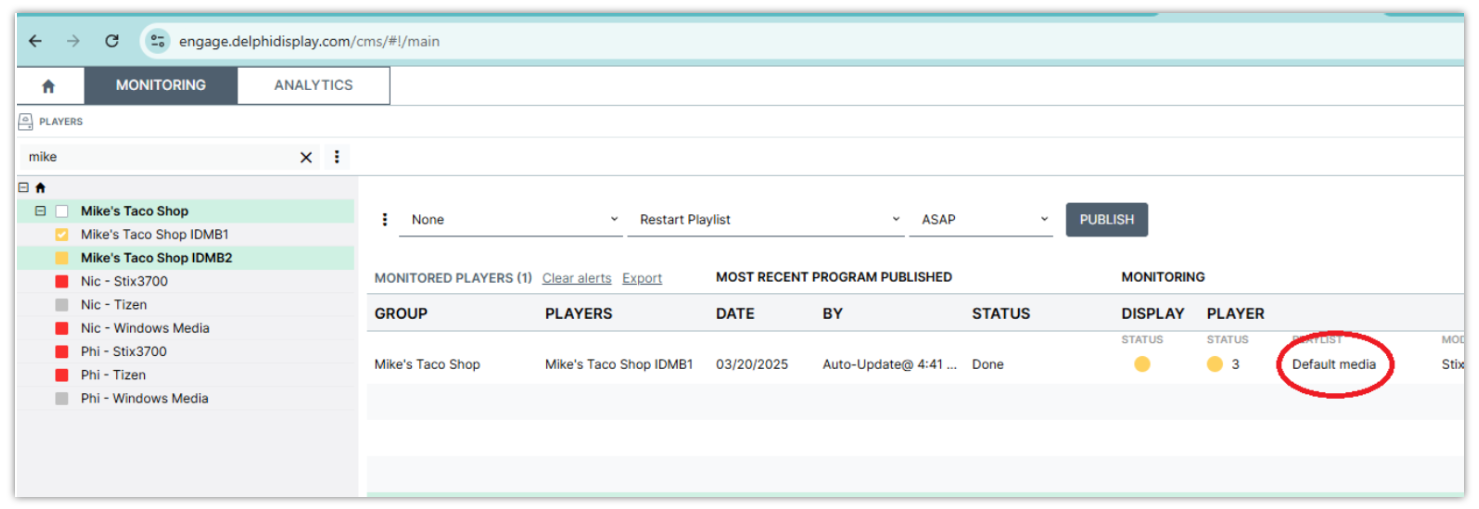
- Select Home on the top right.
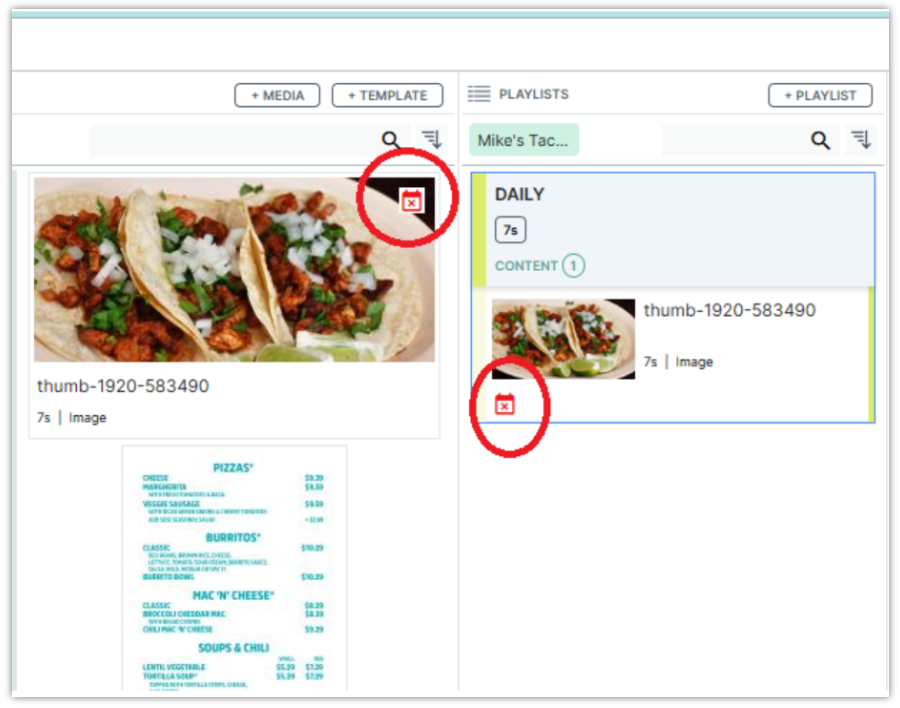
- Look at your content, and if you see a red X, your content has expired.
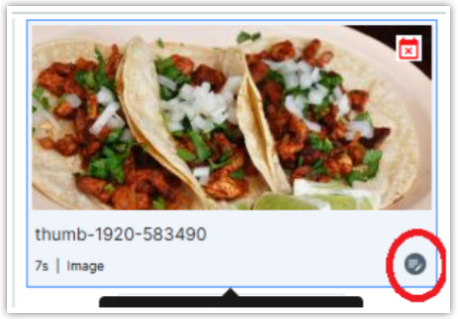
- Select the image properties button.
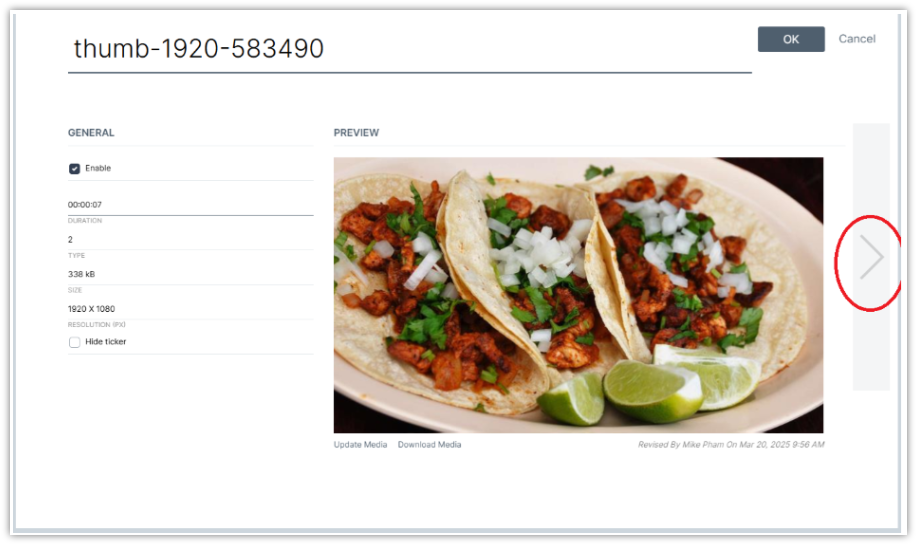
- Select the right arrow button once.
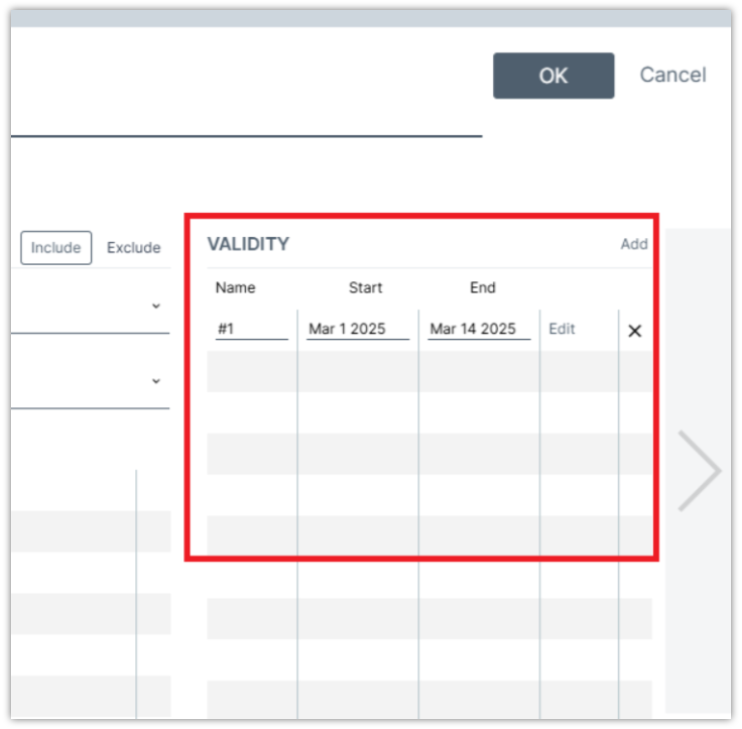
- You will now see the Validity date of the content. You can change the dates or upload new content.