Share Your Toast Online Ordering Site via QR Code
Last updated: Sep 17, 2026, 10:24 AM
Question
How can I give my guests a QR code that will show my online ordering menu?
Answer
A QR code is a barcode that, when scanned by a cell phone's camera app, can be opened as a link in the user's mobile browser. If you want to link to a view-only menu, you'll need to use a third-party QR code generator, such as this one (external link). You can create a PDF version of your menu, upload it online, and add the link to the QR code generator to build your own menu-only QR code.
Note: Changing your online ordering page's URL at any time will render the QR code obsolete, and you will need a new QR code to reflect the updated URL.
To download your restaurant's Toast Online Ordering QR code, follow these steps:
- In Toast Web, navigate to Takeout & delivery > Toast order sources > Restaurant info.
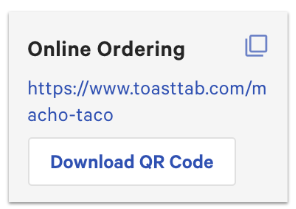
- On the right side of the page, in the Share Your Public Links section, select Download QR Code under the Online Ordering header.
- Your computer will download the image file.
- Add your image file to your website, marketing material, or print it for your guests!
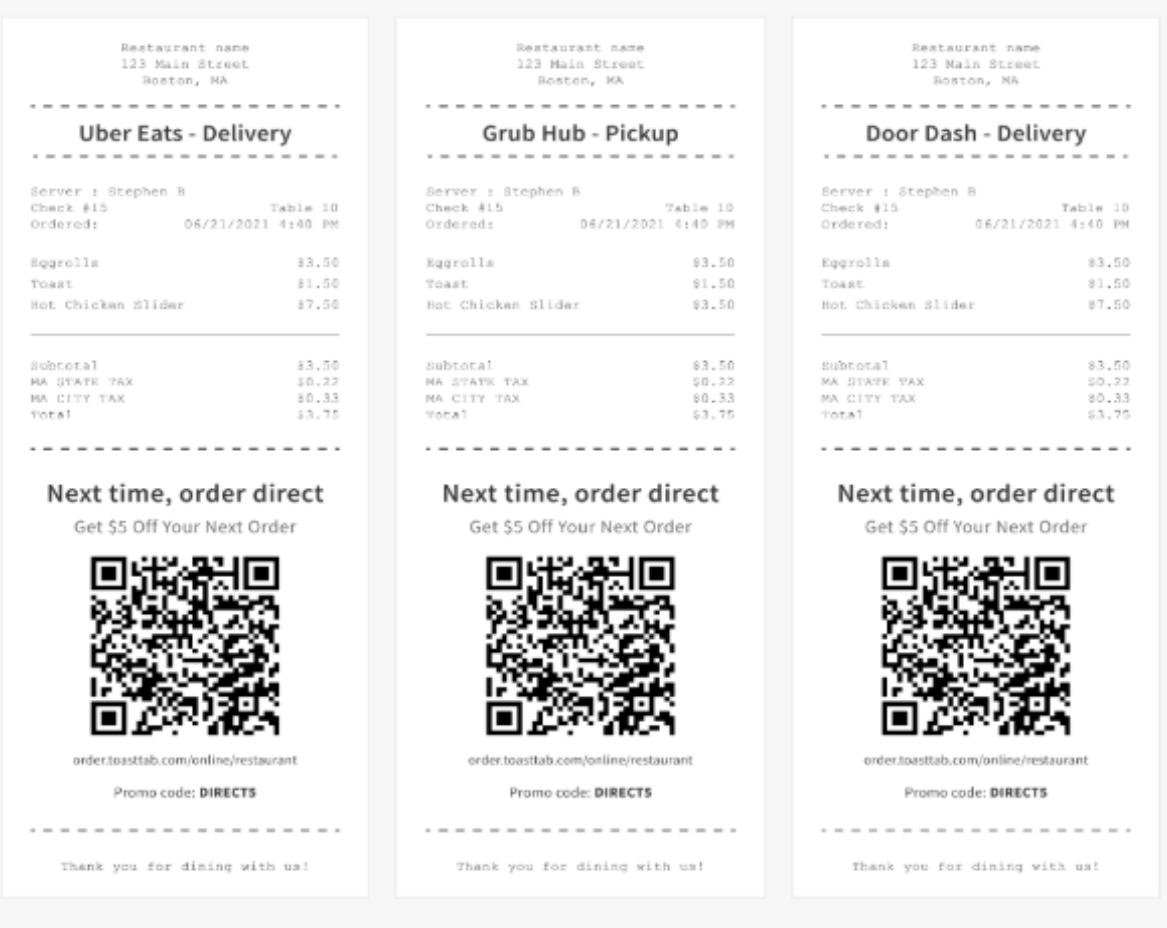
If you are looking to add a QR code to your third-party ordering receipts advertising ordering direct through Toast Online Ordering, navigate to Takeout & Delivery > Grow your online orders > Configure QR Code on third-party app printed receipts. You can completely customize all promotional messaging and even add a promo to this new QR section on your third-party receipts, or disable it altogether if you prefer. This setting is recommended, but optional, and is only visible on guest-facing copies of receipts. The QR code does not appear on your kitchen ticket.
Please ensure that the marketing messaging used is accurate and in compliance with applicable regulations. Visit Toast Acceptable Use Policy to learn more.
Additional Information
This article describes how to generate a QR code for your Toast Online Ordering site. If you want guests to use a QR code for an easy-to-use, contactless ordering and checkout system, check out Get Started With Toast Mobile Order & Pay®. With Toast Mobile Order & Pay®, guests can easily scan a QR code to browse menus, order, and pay, all from their mobile device. Plus, with Apple Pay, guests can pay in less than 10 seconds.