Get Started With WineView Clubs Integration
Last updated: Aug 28, 2026, 4:45 PM
Learn how to set up the WineView Clubs integration with Toast.
| This integration requires access to Toast Partner Integrations. To learn more, see Set Up Toast Partner Integrations. |
- WineView Clubs Integration Features
- Enable WineView Clubs Integration With Toast
- WineView Clubs Integration: Troubleshooting and Support
WineView Clubs Integration Features
Whether you're doing club releases every quarter or offering the new age gym membership monthly model, WineView Clubs gives you the most flexibility to set up clubs your way. From setting up different billing periods compared to fulfillment periods, your wine clubs can be set up Monthly, every other Month, Quarterly, Semi-Annually, and Annually. They also provide you with easy tools to manage pickups, automate notifications, shipping, and give you several ways to sign up members, view fulfillment history, lifetime value, and more.
They optimized WineView to run on both your Toast handhelds and terminals. In just a few steps, give your staff the ability to check members in, auto-open or merge checks to apply member discounts, easily add new members' cards on file, and more.
Enable WineView Clubs Integration With Toast
To enable the WineView Clubs integration with Toast, follow these steps:
- To enable WineView Clubs with Toast, log into Toast Web and navigate to Integrations > Integrations management > Browse & purchase integrations.
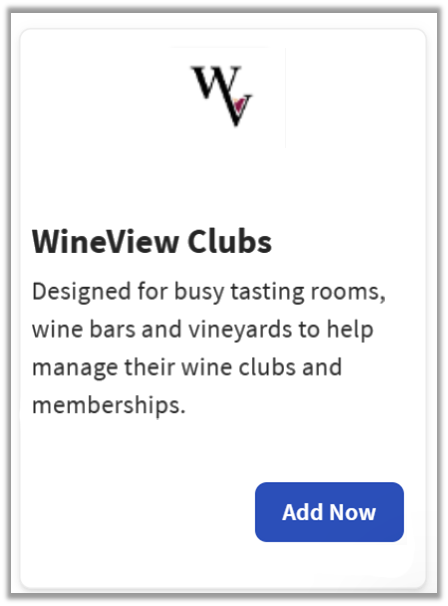
- Enter WineView Clubs in the search field and select Add Now.
- If you have multiple locations, please select the restaurants you would like to connect to WineView Clubs. Finally, select Apply.
- Note: Your restaurant must have access to Toast Partner Integrations to add this integration. To learn more, see Set Up Toast Partner Integrations.
- Review the data scope visibility terms and conditions, and select Confirm to accept. See the Data Scope Visibility article for more information.
- Once you select Add Now on the WineView Clubs tile in Toast Web, you will select which restaurant(s) you would like to connect to your WineView Clubs account, and select Apply
- After you select Apply, you will be forwarded to a confirmation screen.
- After adding the integration in Toast Web, the WineView Clubs team will reach out to you directly to start your account setup and onboarding if you have yet to create your WineView Clubs account.
WineView Clubs Integration: Troubleshooting and Support
For any questions or support issues relating to the WineView Clubs integration, you can contact WineView Clubs at:
- US General Support
- Email: support@wineview.com
- Phone: (205) 329-0149 (Monday to Friday 8 a.m. - 5 p.m. EST)
- Canada General Support
- Email: support@wineview.com
- Phone: +1 (205) 329-0149 (Monday to Friday 8 a.m. - 6 p.m. EST)