Get Started With the LomanAI Integration
Last updated: Sep 17, 2026, 11:34 AM
Learn how to set up the LomanAI integration with Toast.
| This integration requires access to Toast Partner Integrations. To learn more, see Set Up Toast Partner Integrations. |
- LomanAI Integration Features
- Enable LomanAI Integration With Toast
- LomanAI Integration: Troubleshooting and Support
LomanAI Integration Features
Seamlessly connect Loman’s 24/7 AI phone agent with Toast POS to capture every order and guest question over the phone.
Restaurants running on Toast POS can now supercharge their phone channel with Loman AI. Every call is answered by an AI voice agent that takes accurate orders while syncing directly into Toast, so orders show up in your POS and KDS systems. That means no more missed sales, fewer disruptions for staff, and a smoother guest experience.
Enable LomanAI Integration With Toast
To enable the LomanAI integration with Toast, follow these steps:
- To enable LomanAI with Toast, log into Toast Web and navigate to Integrations > Integrations management > Browse & purchase integrations.
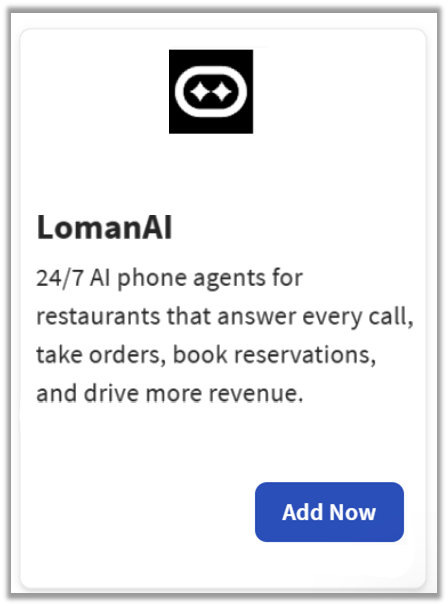
- Enter LomanAI in the search field and select Add Now.
- If you have multiple locations, please select the restaurants you would like to connect to LomanAI. Finally, select Apply.
- Note: Your restaurant must have access to Toast Partner Integrations to add this integration. To learn more, see Set Up Toast Partner Integrations.
- Review the data scope visibility terms and conditions, and select Confirm to accept. See the Data Scope Visibility article for more information.
- Once you select Add Now on the LomanAI tile in Toast Web, you will select which restaurant(s) you would like to connect to your LomanAI account, and select Apply
- After you select Apply, you will be forwarded to a confirmation screen.
- After adding the integration in Toast Web, the LomanAI team will reach out to you directly to start your account setup and onboarding if you have yet to create your LomanAI account.
LomanAI Integration: Troubleshooting and Support
For any questions or support issues relating to the LomanAI integration, you can contact LomanAI at:
- General Support
- Email: support@loman.ai