Get Started With the Reeco Integration
Last updated: Aug 28, 2026, 4:31 PM
Learn how to set up the Reeco integration with Toast.
| This integration requires access to Toast Partner Integrations. To learn more, see Set Up Toast Partner Integrations. |
- Reeco Integration Features
- Enable Reeco Integration With Toast
- Reeco Integration: Troubleshooting and Support
Reeco Integration Features
Take total control of your back-of-house. Reeco was built for high-volume hospitality teams who don't have time for manual errors. They unify your entire operation—from purchasing and inventory to recipes and invoicing—into one intuitive workflow. By connecting your team, your suppliers, and your data in real-time, Reeco replaces messy spreadsheets and paper trails with pure clarity.
- Close the Gap: See exactly what you planned to spend versus what you actually spent.
- Stay in Sync: No more chasing invoices or switching between disconnected systems.
- Protect Your Margins: Automate the busy work so you can focus on more predictable, profitable growth.
Enable Reeco Integration With Toast
To enable the Reeco integration with Toast, follow these steps:
- To enable Reeco with Toast, log into Toast Web and navigate to Integrations > Integrations management > Browse & purchase integrations.
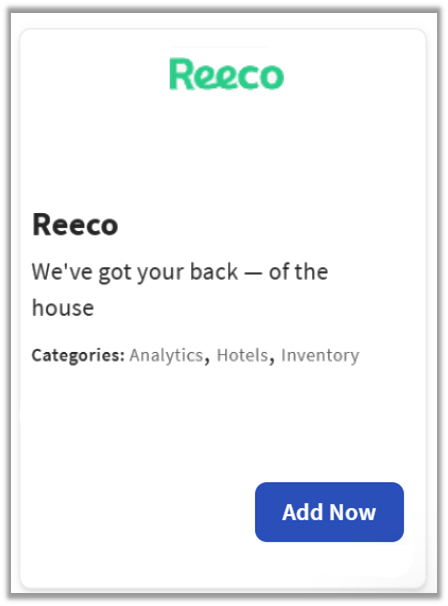
- Enter Reeco in the search field and select Add Now.
- If you have multiple locations, please select the restaurants you would like to connect to Reeco. Finally, select Apply.
- Note: Your restaurant must have access to Toast Partner Integrations to add this integration. To learn more, see Set Up Toast Partner Integrations.
- Review the data scope visibility terms and conditions, and select Confirm to accept. See the Data Scope Visibility article for more information.
- Once you select Add Now on the Reeco tile in Toast Web, you will select which restaurant(s) you would like to connect to your Reeco account, and select Apply
- After you select Apply, you will be forwarded to a confirmation screen.
- After adding the integration in Toast Web, the Reeco team will reach out to you directly to start your account setup and onboarding if you have yet to create your Reeco account.
Reeco Integration: Troubleshooting and Support
For any questions or support issues relating to the Reeco integration, you can contact Reeco at:
- General Support
- Email: Support@reeco.com