Update Restaurant Phone Number or Address
Last updated: Sep 17, 2026, 6:53 PM
Note: This topic is for Toast POS users only. If you utilize Toast Payroll and you want to change your shipping address, check out this Support Center article: Toast Payroll: Paycheck Delivery Options.
- Edit Restaurant Location Information
- Frequently Asked Questions
- What is the difference between a Restaurant name and a Location name?
- How do I change the business name that's associated with my restaurant's phone number?
- Where will my location address show?
- Where will my restaurant phone number display once I update it?
- What is a location code?
- Who can access the Restaurant Location info page?
Edit Restaurant Location Information in Toast Web
| In order to edit this information for your restaurant, you must have 4.8 Marketing Info permission. To learn more about setting up these permissions, visit these articles: Permissions Reference Guide and Assign User Access Permissions. |
- In Toast Web, navigate to Takeout & delivery > Toast order sources > Restaurant info.
- Select the location information link as shown below.
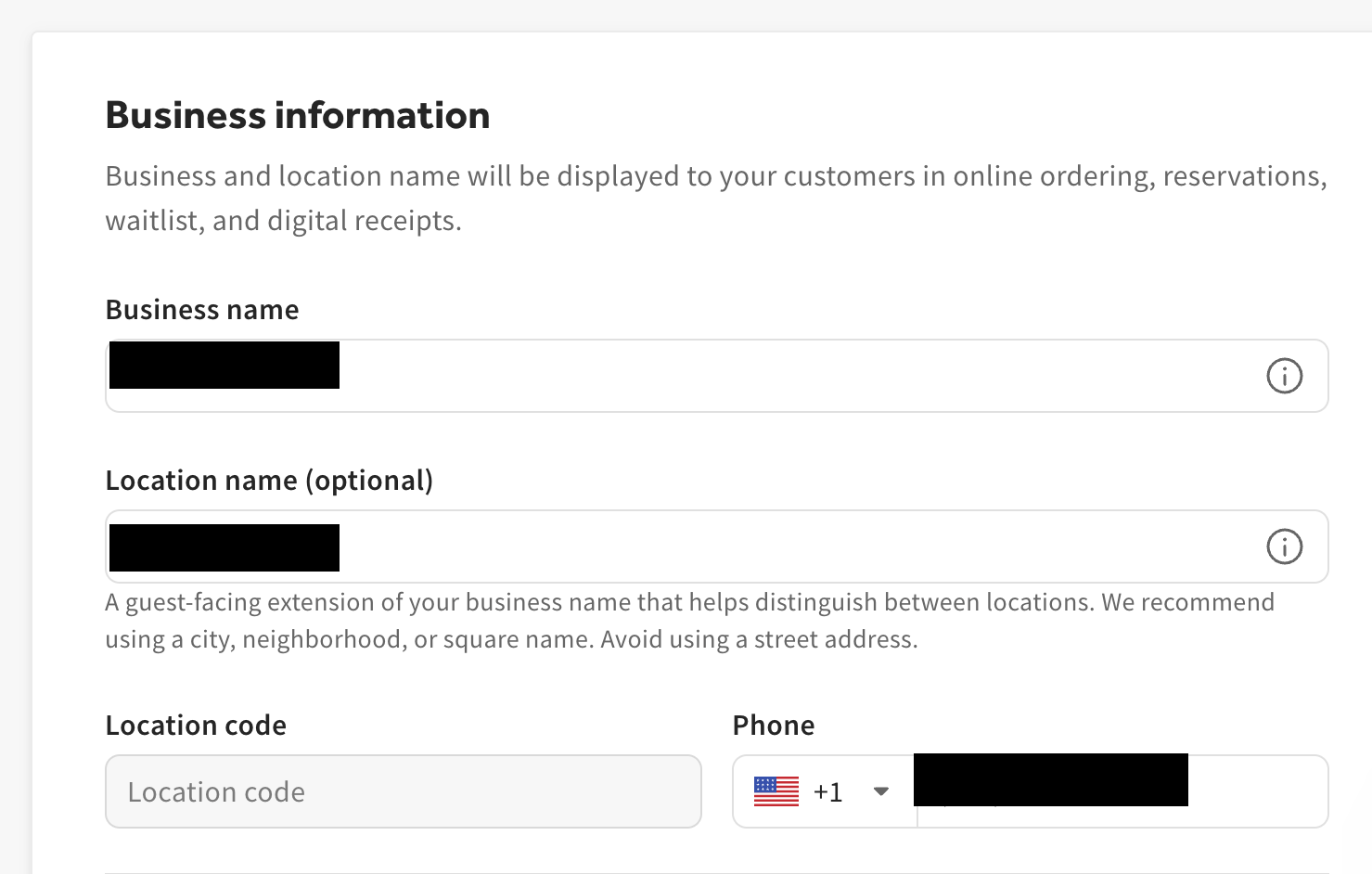
- From here, you can edit your Restaurant name, Location name, restaurant Phone, and Location address.
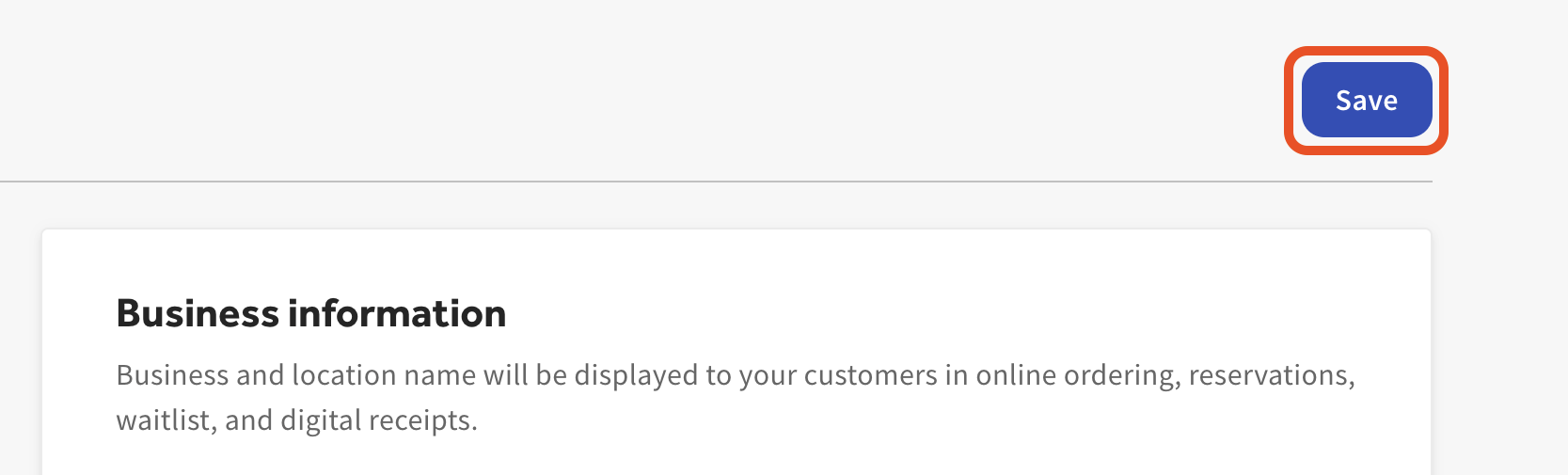
- After editing any information on this page, select Save to ensure that your changes are published.

| Note: Your location address is used as your physical address for hardware delivery and tax forms. It's also displayed for your guests in digital ordering and email marketing. |
Frequently Asked Questions
What is the difference between a Restaurant name and a Location name?
Your restaurant name is the name displayed on your Toast Online Ordering page and digital receipts. Your location name is an extension of the restaurant name. The location name is shown in online ordering as well. For example, the restaurant name might be "Tom's Pizza" and the location name might be "Soho." So, online ordering would display "Tom's Pizza - Soho."
How do I change the business name that's associated with my restaurant's phone number?
The name shown with your restaurant's phone number in Toast — on your Toast Online Ordering page, digital receipts, and Toast Local — comes from the Restaurant name and Location name fields on the Restaurant info page, not from the phone number itself.
To change it, follow the steps in Edit Restaurant Location Information in Toast Web above: navigate to Takeout & delivery > Toast order sources > Restaurant info, select the location information link, edit Restaurant name and/or Location name, then select Save. You'll need the 4.8 Marketing Info permission.
Where will my location address show?
Your location address will be displayed to guests on your Toast Online Ordering page and in other channels such as Toast Local. It will also be used as a shipping address for hardware and tax documents.
Where will my restaurant phone number display once I update it?
Your restaurant phone number appears in the footer of your Toast Online Ordering page and on your Gift Card purchase pages. It may also be shown directly to guests if they need to contact the restaurant — for example, if an issue comes up during checkout.
What is a location code?
A location code is a way for restaurants with multiple locations to navigate across locations internally. This is a simple way to differentiate locations from one another. For example, Tom's Pizza might have multiple locations displayed using location codes such as "101 Tom's Pizza" and "102 Tom's Pizza".
Who can access the Restaurant Location info page?
Users who have access to the marketing information segment (4.8 Marketing Info) can view and edit this page.