Request a New Driver for a Toast Delivery Services® Order
Last updated: Apr 8, 2026, 10:15 AM
Question
How can I request a new driver for a Toast Delivery Services® order?
Answer
You can request a new driver on an order on the POS via All Checks.
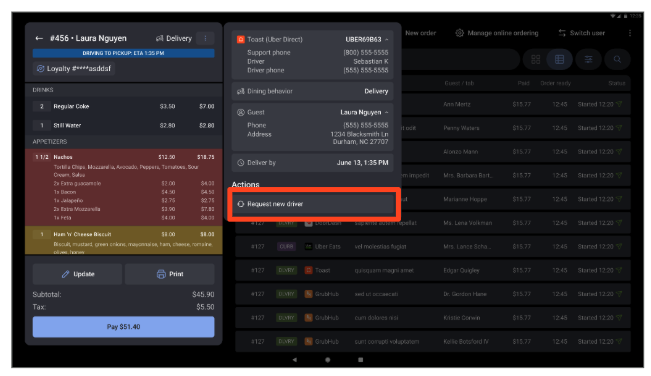
- To request a new driver, navigate to the All Checks in the POS, select the Toast Delivery Services® order, and then select Request new driver.
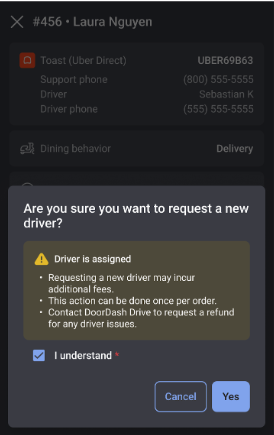
- Confirm your request by checking I understand, then select Yes.