Get Started With the SevenRooms Integration
Last updated: Aug 28, 2026, 4:49 PM
Learn how to set up the SevenRooms integration.
- SevenRooms: Integration Overview
- Enable SevenRooms Integration With Toast
- SevenRooms: Troubleshooting and Support
SevenRooms: Integration Overview
SevenRooms is a reservations, guest seating, and waitlist platform helping Toast customers have a more efficient front of house, combined with guest spend and check information directly from Toast POS in real time. Management and FOH can see high spenders and then touch tables for more engagement, along with digital receipts being added to SevenRooms guest CRM profiles every visit. You can see reporting and guest spend information from SevenRooms reservations reporting, which links to Checks in Toast, and once linked, pulls in all check data into SevenRooms.
Enable SevenRooms Integration With Toast
- To enable the SevenRooms integration with Toast, log into Toast Web and navigate to Integrations > Integrations management > Browse & purchase integrations.
- Enter SevenRooms in the Search field and select Add Now.
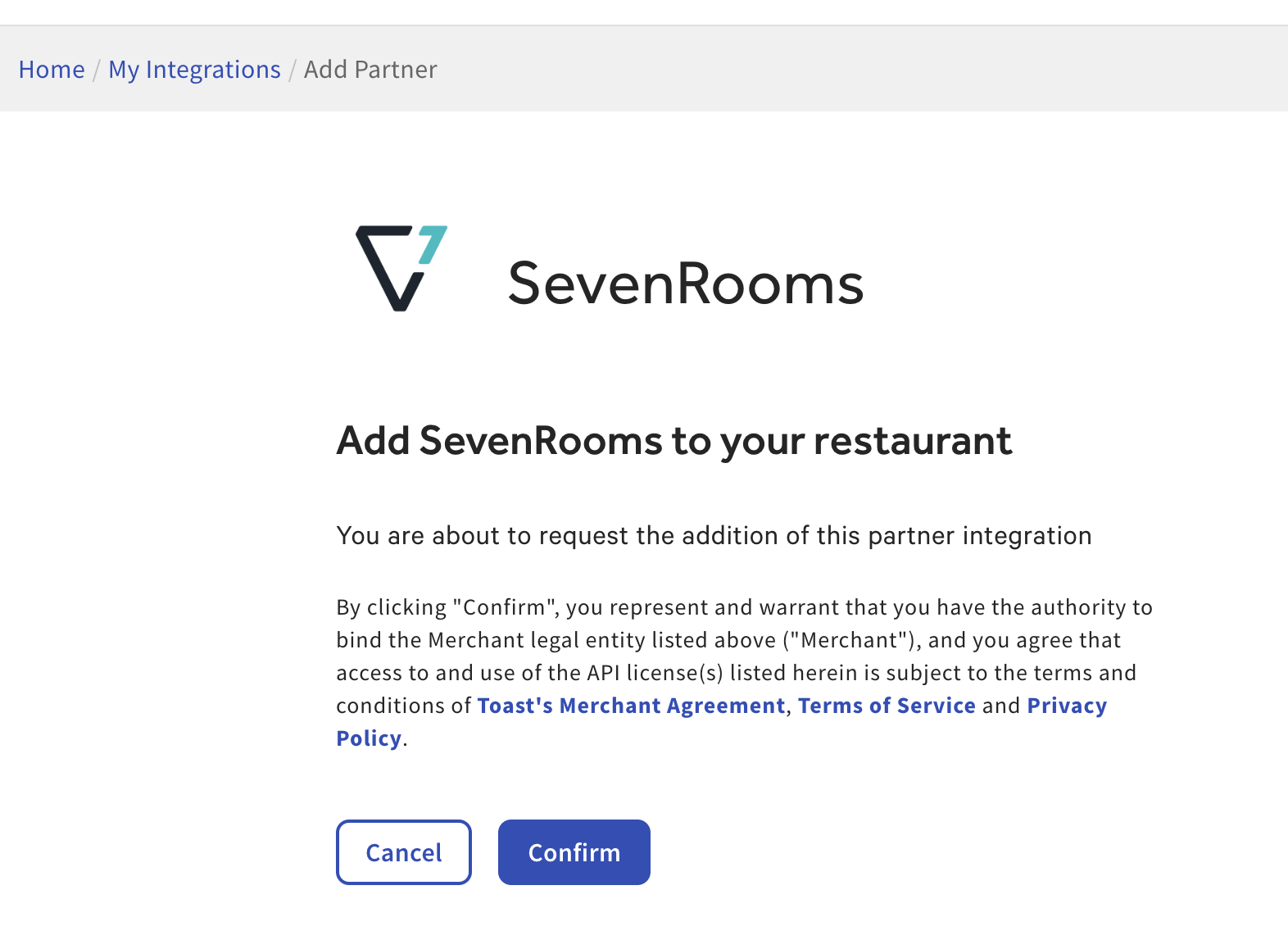
- Review the data scope visibility terms and conditions, and select Confirm to accept. For more information, see the Data Scope Visibility article. If you have multiple locations, select from the drop-down menu.
- Note: Your restaurant must have access to Toast Partner Integrations to add this integration. To learn more about Toast Partner Integrations, see this Support Center article: Set Up Toast Partner Integrations.
- Once completed, a representative from SevenRooms will contact you within one business day to assist you with the onboarding process. The onboarding process may take between three to four weeks, depending on your customization needs.
SevenRooms: Troubleshooting and Support
For any questions or technical issues relating to the SevenRooms integration, you can send an email to:
- General Support: support@sevenrooms.com
- Phone number: +1 (877) 777-0907 (available 24/7)