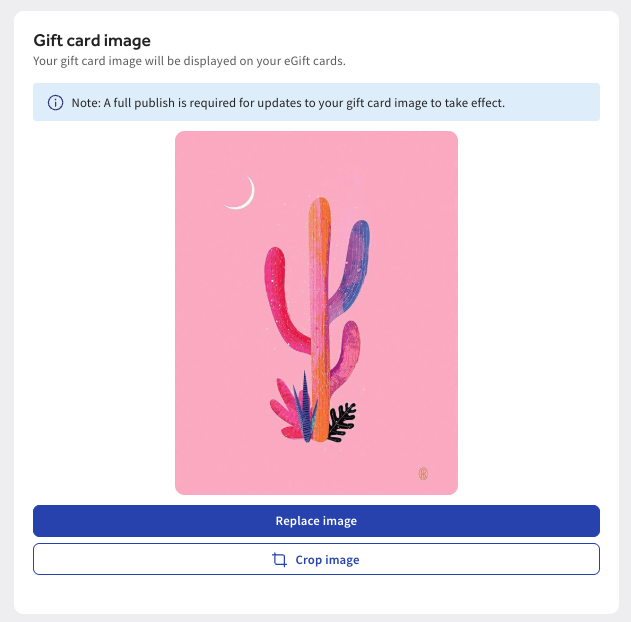
Update eGift Card image
Last updated: Sep 16, 2026, 2:37 PM
Question
How do I update my eGift card image?
Answer
To adjust your Toast eGift Card Shop image:
- In Toast Web, navigate to Payments > Gift Cards > eGift card image settings.
- Navigate to the Gift Card image and select +Upload image or Replace image. Note: Minimum resolution 640px by 400px and maximum file size of 5 MB.
- Select Save and Publish. Note: A full publish is required for updates to your gift card image to take effect.
- Lastly, navigate to the Public links section to copy URLs or download QR codes for:
- Looking up gift card balances
- Purchase gift cards