Get Started With the Mews Integration
Last updated: Sep 17, 2026, 4:19 PM
| This integration requires a Hotel PMS Integration subscription, which can be purchased by navigating to Toast Shop. |
Mews is an innovative hospitality cloud that empowers the modern hotelier to improve performance, maximize revenue, and provide remarkable guest experiences.
- Mews Integration Features
- Enabling the Mews Integration With Toast
- PMS Receipt Setup
- PMS Sales Category Configuration
- Mews Troubleshooting/Support
- Mews Integration FAQ
- Additional Resources
Mews Integration Features
Mews is a property management system designed to simplify and automate all operations for modern hoteliers and their guests. From the booking engine to check-out, from front desk to revenue management, every process is easier, faster, and more connected. And with the integrated Mews Payments ecosystem, every transaction is secure and seamless.
Key Features:
- Search for hotel guest records on Toast POS
- Post checks closed via Room Charge payments to the guest folio in Mews
- Consume all sales data (not just checks with Room Charge payments) from Toast POS and integrate with leading hotel accounting solutions
To learn more about what you can do with Mews in your restaurant, see our integration page here.
Enabling the Mews Integration With Toast
- To enable Mews with Toast, first navigate to the Integrations section of Toast Web using the left-hand navigational menu. Then, select Browse & purchase integrations.
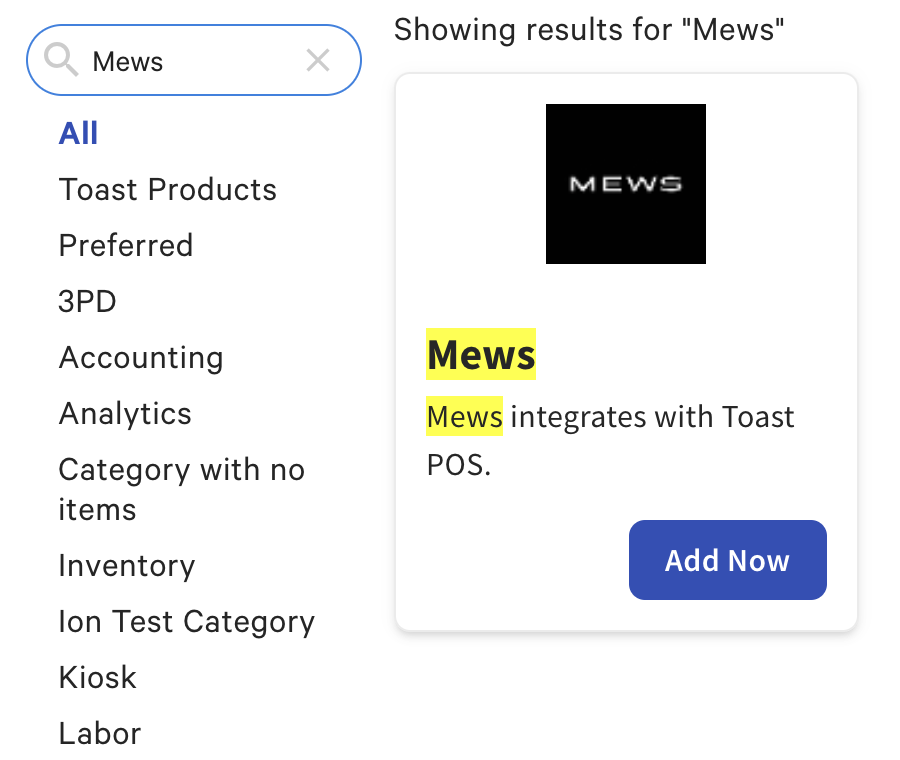
- Enter Mews in the search bar, and then select Add Now.
- Note: This integration requires a Hotel PMS Integration subscription. Pleaser work with your Toast Sales contact to subscribe to the Hotel PMS Integration product.
- Note: This integration requires a Hotel PMS Integration subscription. Pleaser work with your Toast Sales contact to subscribe to the Hotel PMS Integration product.
- Next, Confirm that you would like to add Mews to your restaurant. If you have multiple locations, select which location(s) will use this integration. Once selected, Confirm to accept.
- Once confirmed, you'll receive an email confirmation from Mews confirming the activation of the integration.
- Contact Omniboost support via email to finalize the integration integrations@omniboost.io and connect Toast with Mews. In your email, include:
- Restaurant name (as seen in Toast Web)
- Date you intend to go live with the integration
- Once the email is sent, log on to your Mews Dashboard to activate your integration.
- Select the three lines in the top right corner of the Mews dashboard.
- Select Marketplace.
- Type in Toast in the search bar.
- Select Explore.
- Then select Connect Integration at the top right corner.
- Select the three lines in the top right corner of the Mews dashboard.
- Once the integration has been mapped in Mews, reach out to Toast's integrations support team to have your other payment options added.

PMS Receipt Setup
Changes to a location’s receipt setup allow guests to provide their hotel information directly on their printed receipt, so servers and restaurant administrators can update their hotel information. This information will most likely include the guest's name, hotel room, and signature.
The instructions to set up receipts for hotel Property Management Software (PMS) integrations can be found in the Display a Room Charge Prompt of Customize Receipts: Advanced Configuration. Once this is done, receipts will now print with the room number line and the guest's last name, shown here:
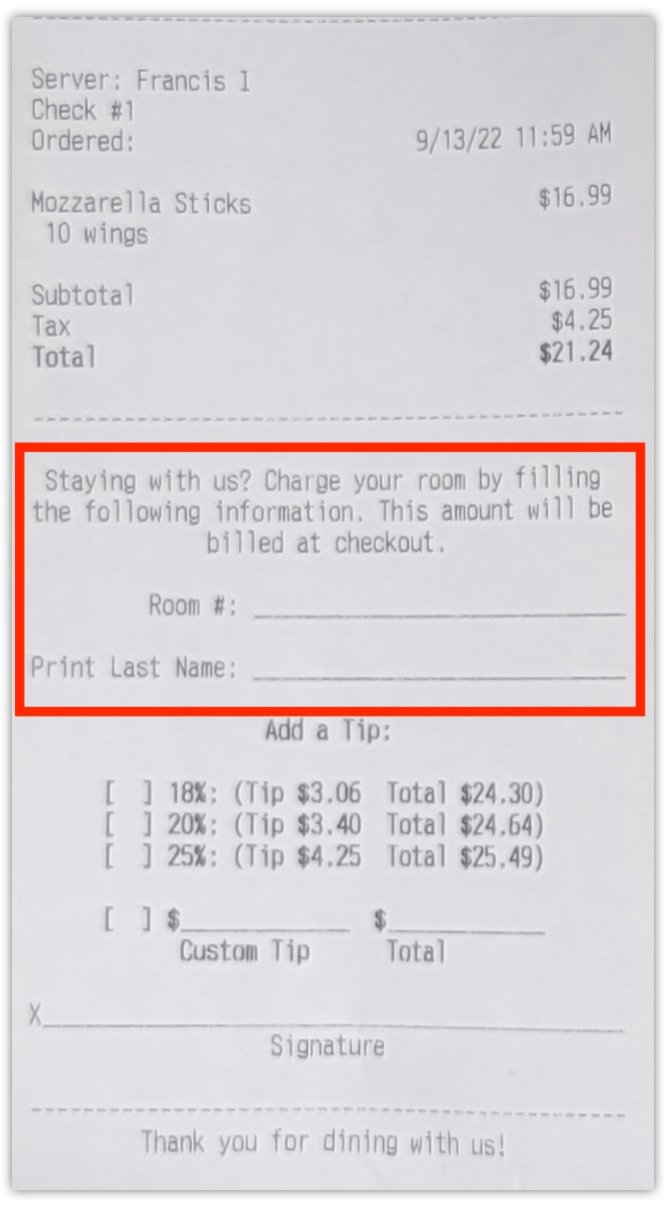
If you wish to remove the room charge lines from their receipts, follow the steps in the article linked above, then select No next to the Display Room Charge prompt on receipts.
PMS Sales Category Configuration
For revenue generated from Toast POS to be accounted for accurately within the Property Management System, sales categories must be configured and mapped to menus, menu groups, and/or menu items in Toast before you can finish setting up a PMS integration. Every location leveraging any PMS integration must have every item assigned to a sales category (either inherited or individually applied).
Sales categories are mapped to revenue categories within the PMS, which allows integrated partners to accurately reflect revenue generated by the sale of each menu item posted to a guest’s folio. Learn more: Configure Sales Categories.
Mews Troubleshooting/Support
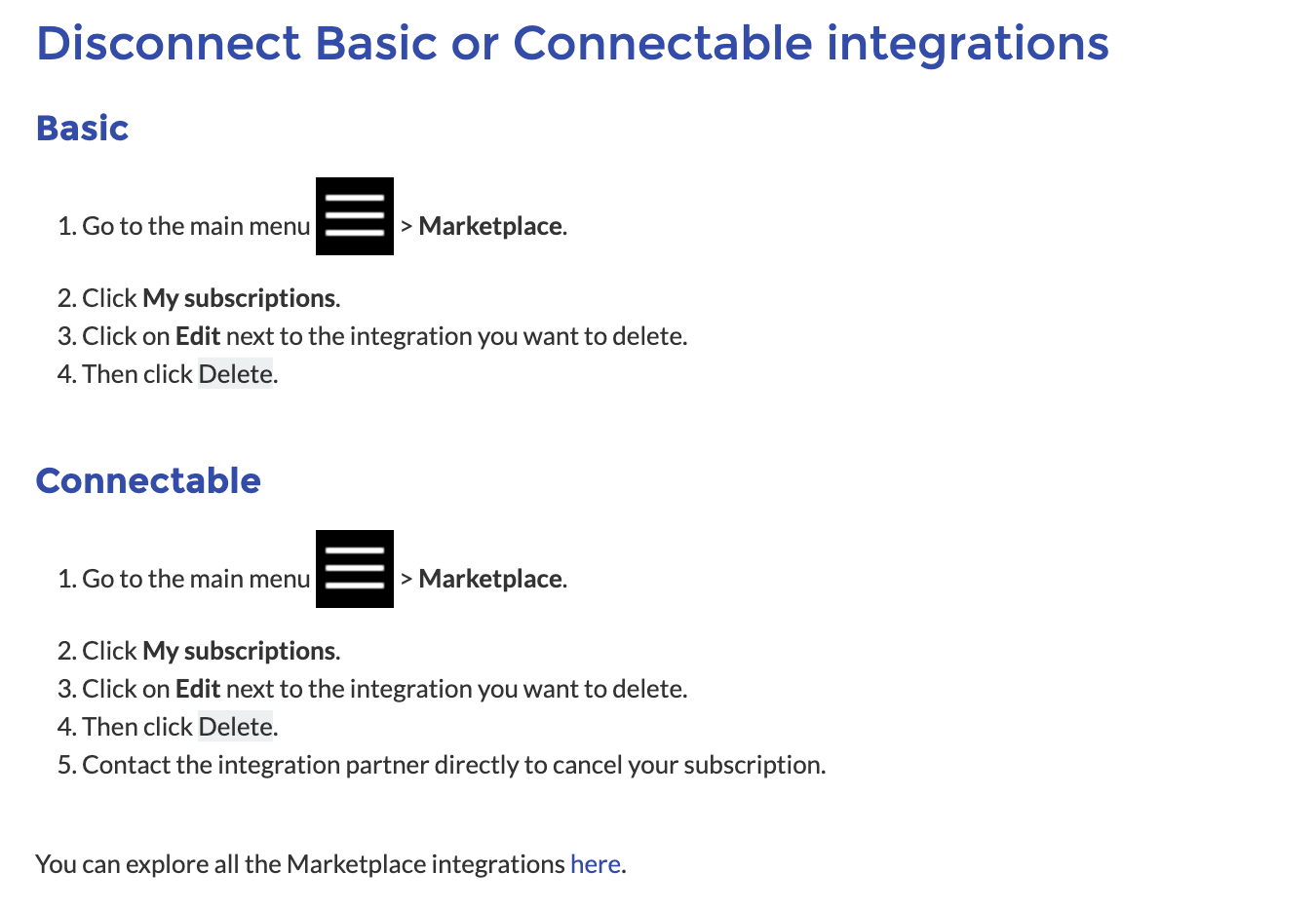
For any questions or technical issues relating to the Mews integration, please contact Mews directly via email at pos-support@omniboost.io or check out their resources. To connect, manage, or disconnect the integration on the Mews end, follow the steps below or view this article.
Mews Integration FAQ
Can single locations use Mews?
Mews has accounted for single-location and multi-location groups. They will assign them as needed in Mews, but no extra effort on the Toast end other than assigning the Other Payment Option (Room Charge) to locations that wish to have the integration active.