xtraCHEF: Add and Manage User Profiles
Last updated: Jul 29, 2026, 4:55 PM
Question
How can I create and edit user profiles in xtraCHEF?
Answer
User profiles should be created in Toast Web. The information will sync to xtraCHEF and you'll only need to add the location access and user role by following the second bullet below. Learn more by viewing Log in to Toast: Create an Account.
If you are a Tenant Admin, you have the ability to manage user profiles and even assign users new roles if needed.
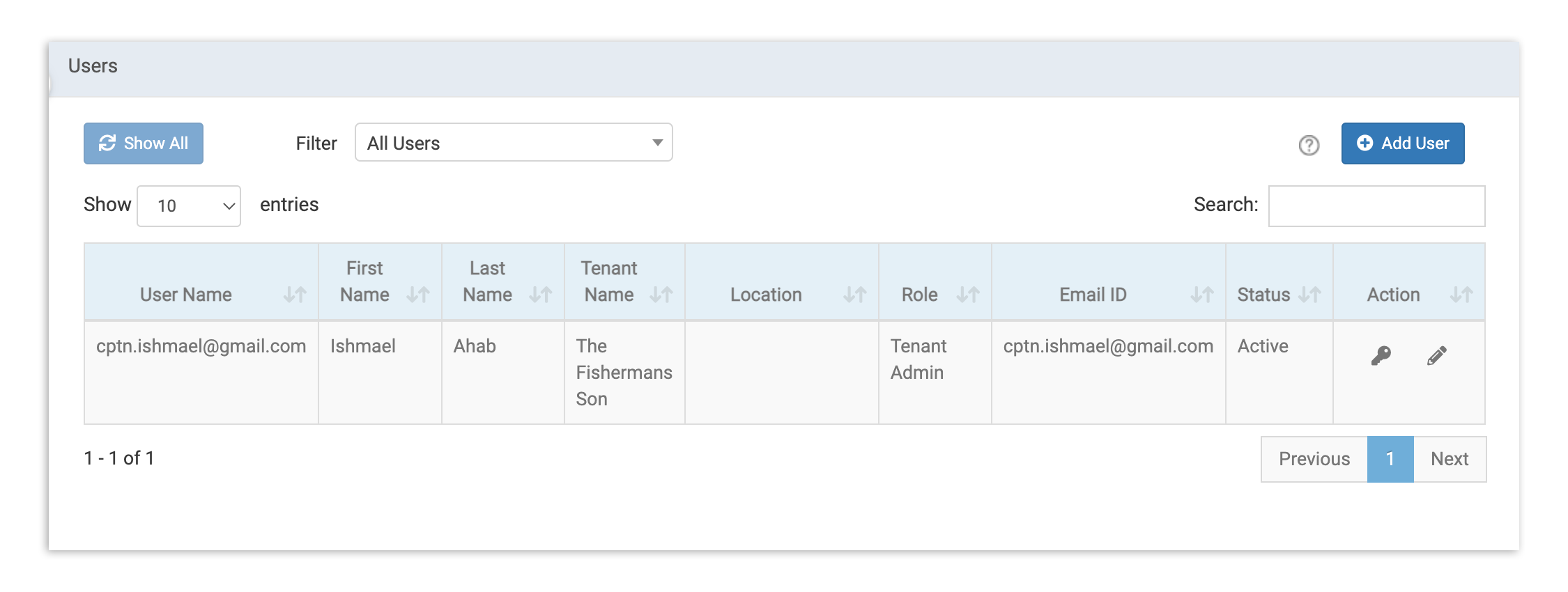
- To view all users in xtraCHEF, select the gear icon > Users. Locate an employee by using the search bar.
- Select the key icon to update update their password. This can be useful if a user has locked themselves out of their account. Select Yes on the pop-up and an email will be sent to the user to reset their password.
- Select the pencil icon to edit other details, such as name, location, and user role. Location and user role settings are located in the User Access tab.
- To change an xtraCHEF email address, you'll need to reach out to our Customer Care team or your Onboarding Consultant. Unfortunately, this isn't something you can change on your own within the xtraCHEF platform.
- You can revoke xtraCHEF access by deselecting the checkbox in the blue bar containing your tenant name.