Customize Your Online Ordering Page for Pre-Orders or Catering
Last updated: Sep 17, 2026, 5:33 PM
In this article, learn a few ways to set up your Online Ordering page to allow for pre-orders or Toast's Catering and Events module.
Save time and increase efficiency with Toast Catering & Events. We've made it easy for you to plan and execute events using the same tools you already use today. This can be helpful when preparing for the holiday season.
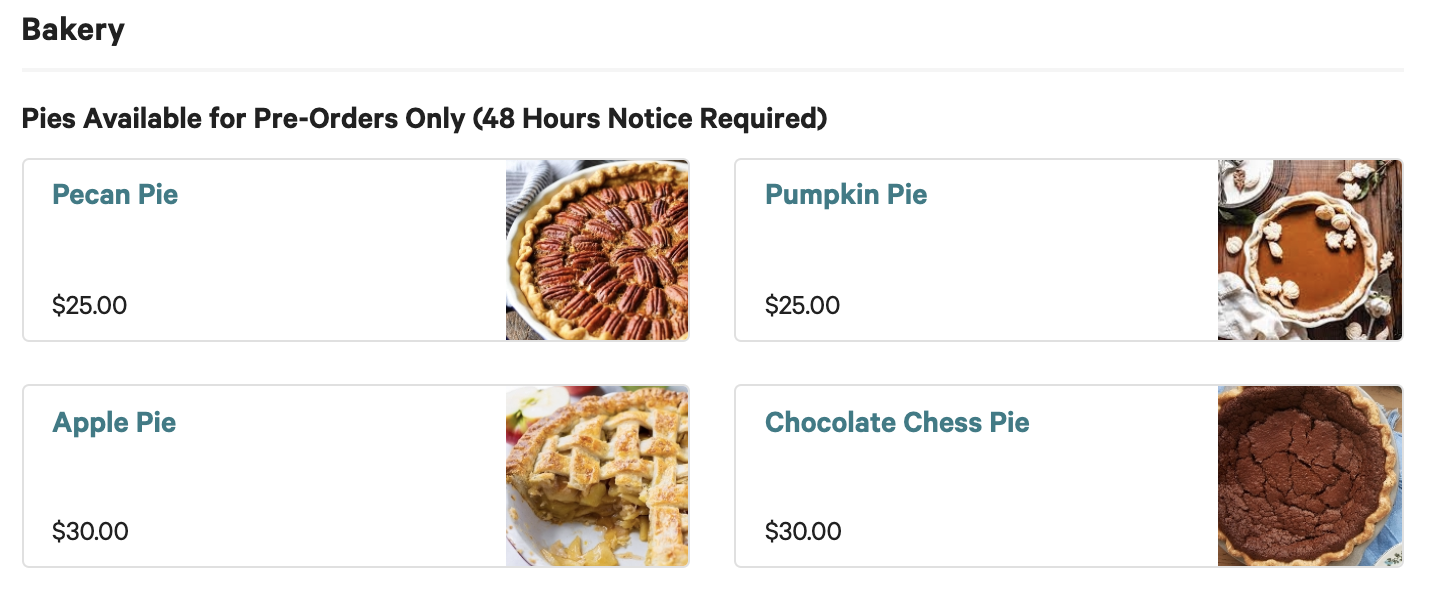
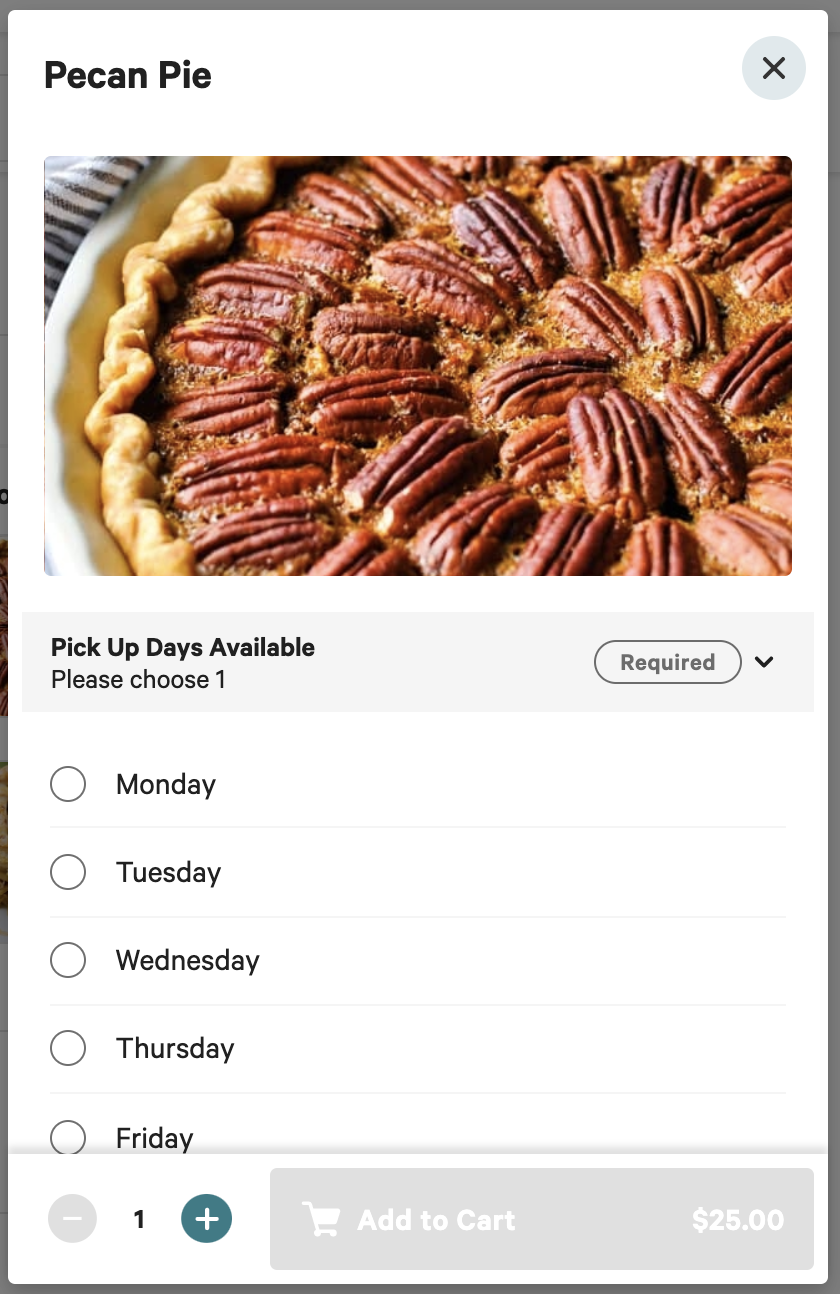
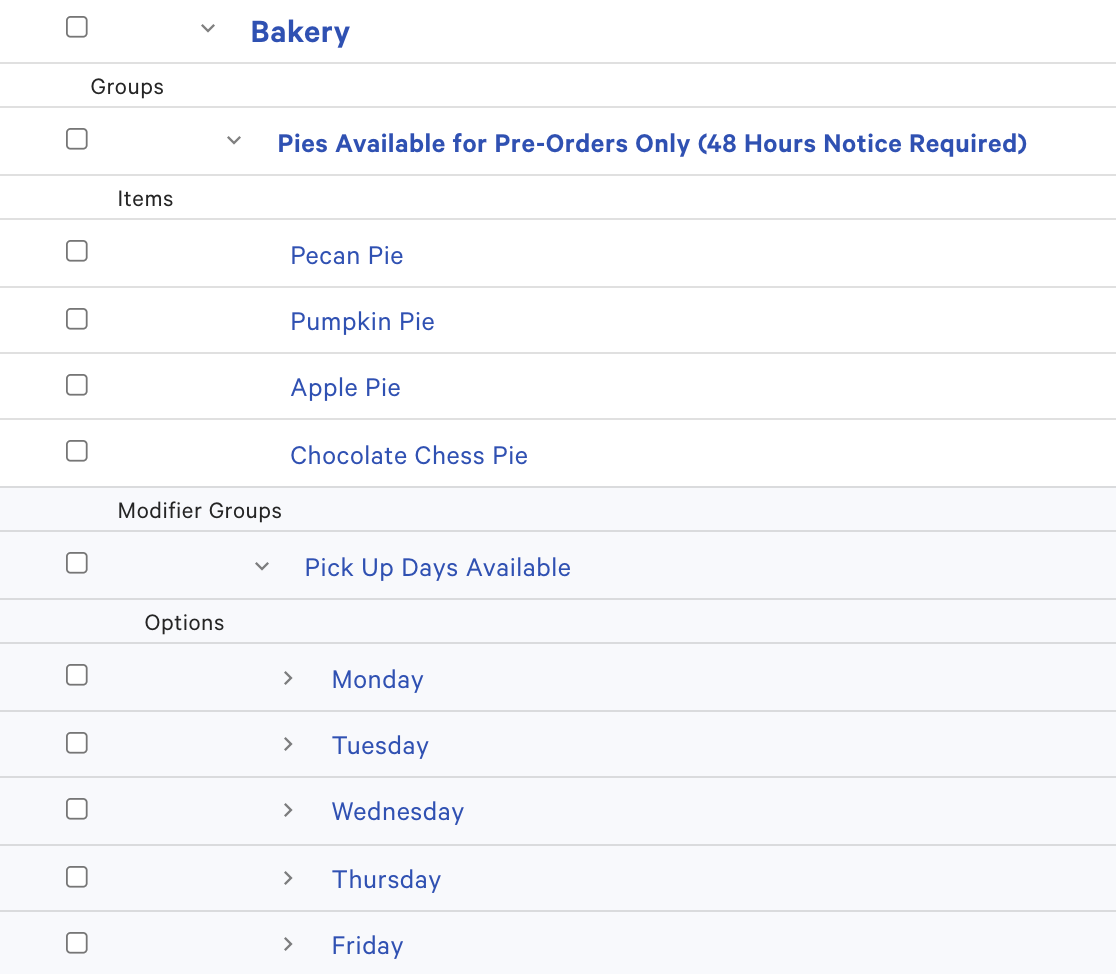
- Using your current Online Ordering page, create a separate menu or group for pre-order or catering only. You'll then want to make sure that the name of the group includes, for example, "48 hours notice required". In addition, you can add modifiers to the group for the available days for pick-up or delivery.
Note: If your guest places an order for a pre-orderable item and an item that they can pick up in 20 minutes, both will print on the same ticket at your restaurant.
Toast Web Setup (Advanced Properties):
Online Ordering: