Get Help: IBase Media Player Offline
Last updated: Sep 17, 2026, 11:50 AM
Question
How do I troubleshoot my IBase media player that shows an offline status?
Answer
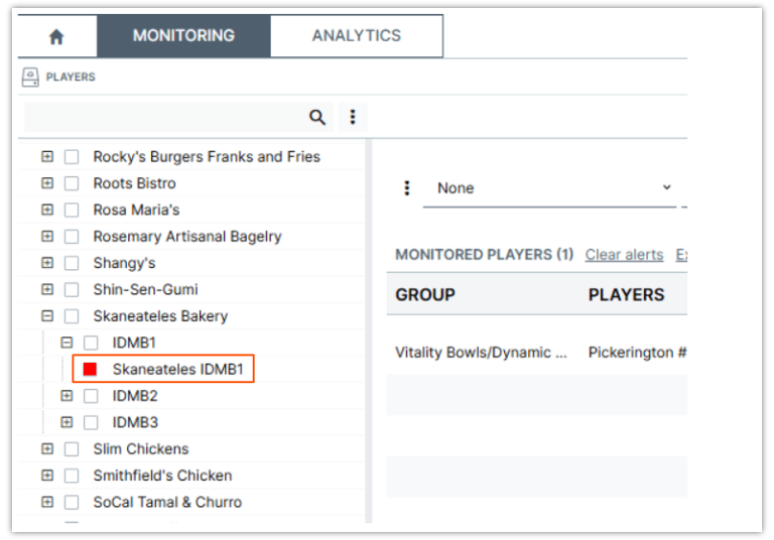
If your IBase media player shows a red checkbox in the Navori/Engage platform, it means the device is offline. Follow these steps to get your content back on screen.
- Check the link light by locating the Ethernet port on the IBase.
- If you do not see a flickering light, reseat the cable. Unplug and firmly replug the Ethernet cable at both the player and the network switch.
- Lastly, if there is still no light after reseating, try using a new Ethernet cable.
If the link light is on but the player remains offline, please reach out to Delphi Technical Support for further assistance.