Verify Your DoorDash Store ID
Last updated: Sep 17, 2026, 10:10 AM
Question
How do I verify my DoorDash Store ID?
Answer
To confirm your DoorDash store ID, follow these steps:
- Find your store ID on the DoorDash Merchant Dashboard
- Complete the checkout process in Toast Shop while in Toast Web.
- After purchasing the integration, navigate to My Integrations in Toast Web and select Configure Integrations.
- Select Settings (shown as a gear icon).
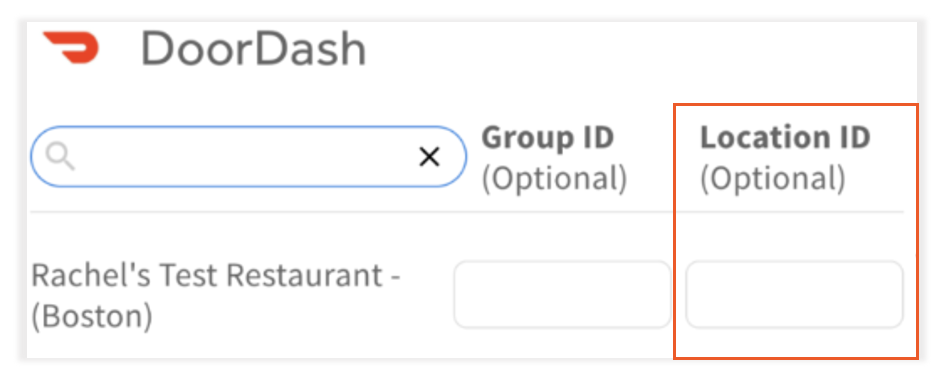
- Enter the Store ID in the Location ID field.