Toast Payroll: Map Profiles for Tips Manager Onboarding
Last updated: May 11, 2026, 11:56 AM
Question
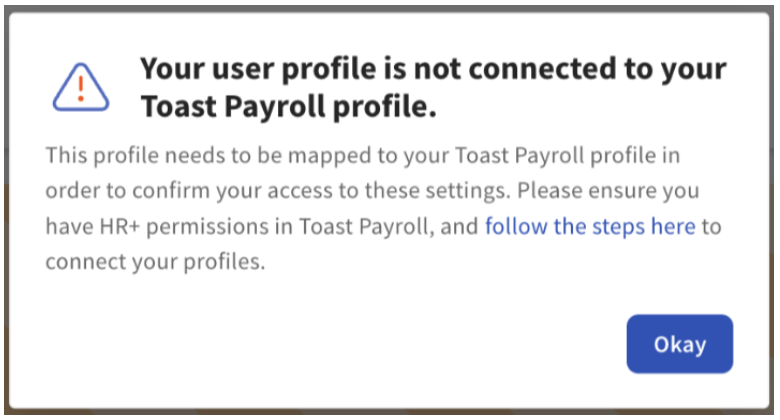
As an HR+ Toast Payroll user, why do I get an error saying my user profile isn't connected to my Toast Payroll profile when I try to complete Toast Tips Manager setup?
Answer
- Log in to Toast Payroll and select My Profile from the left-hand navigation bar.
- Scroll down and select POS Mapping.
- Follow the Individual Employee Mapping section in Toast Payroll: Manage Employee Mapping to successfully map your Toast Payroll and Toast Web profiles and jobs.
- While mapping your profile, if you notice that your Payroll Job is also unmapped, select the Email Support link to request job mapping from our team. You cannot map yourself without having a job assigned at that location.
- After mapping your profiles, you may proceed with Tips Manager onboarding.