xtraCHEF: Order History
Last updated: Apr 28, 2026, 4:21 PM
With xtraCHEF, access your organization's order history to help you track prices, vendors, and inventory trends over time.
Order History Overview
xtraCHEF's Order function creates a streamlined way to compare your vendor's bid sheets, standardize and simplify your order guides, and create and send orders directly to your vendor representatives or respective sales teams.
Outbound History, in particular, will help you track orders that have been placed or find historical orders based on a variety of parameters.
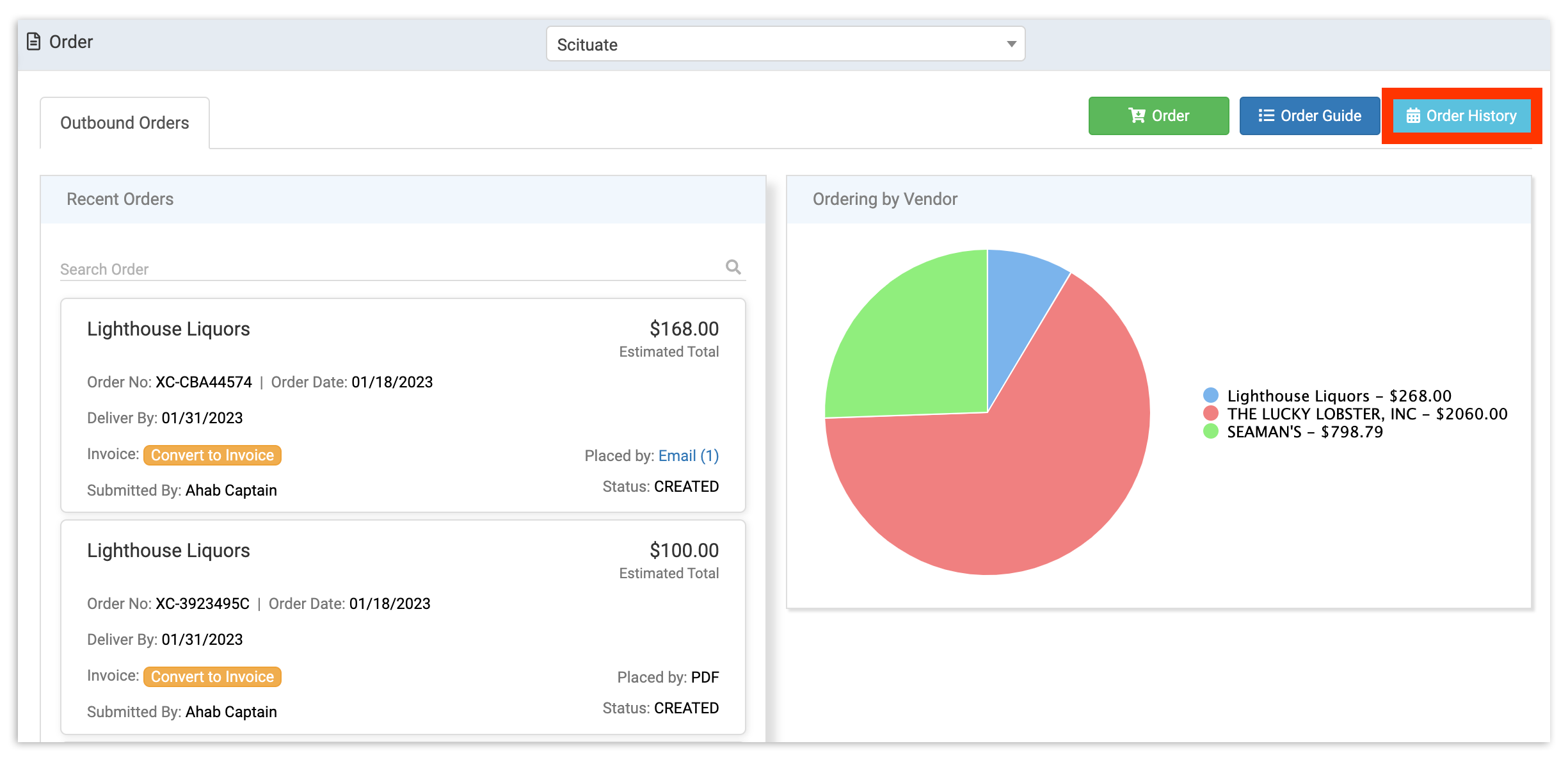
To utilize this tool, select Order from your navigation menu. This will take you to your Order page. To search for and view your past orders, select Order History.
Search Order History
Selecting Order History from the Orders page will allow you to select specific parameters to search orders by.
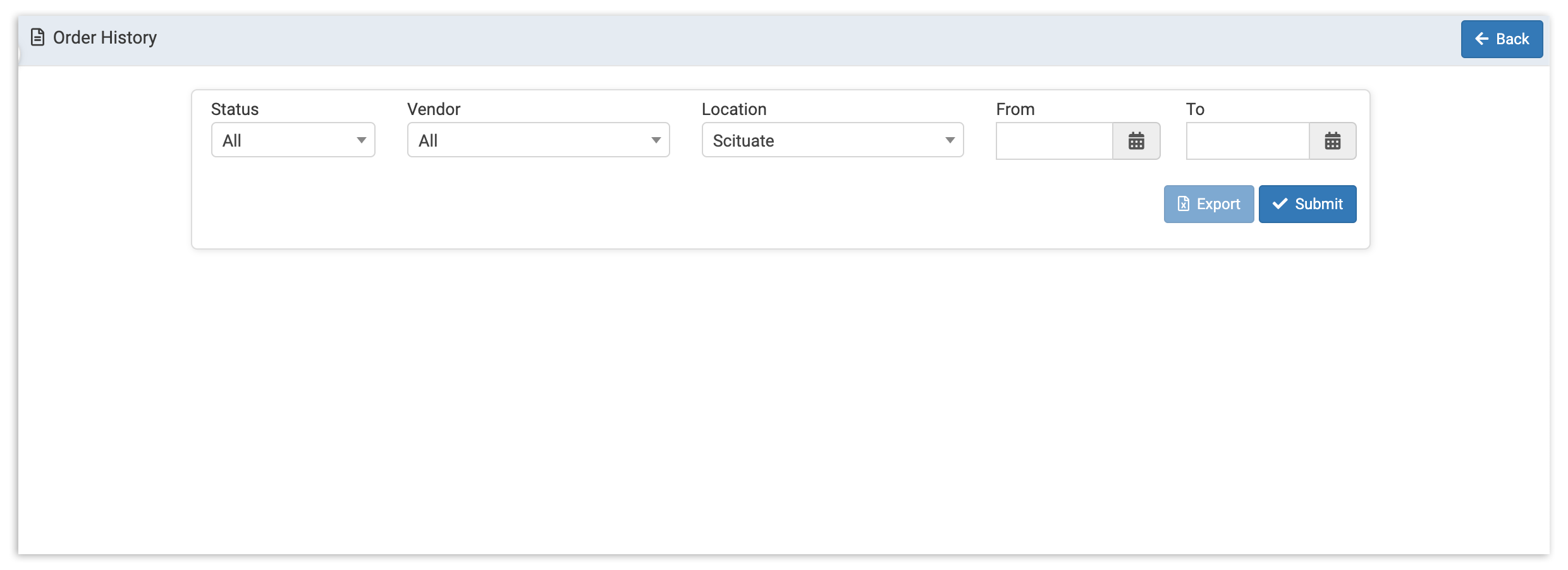
You can use multiple filters to search your order history, including Status, Vendor, Location, and a From and To date, but all fields are optional except the From and To date fields. To select a From and To date, select the corresponding calendar icon.
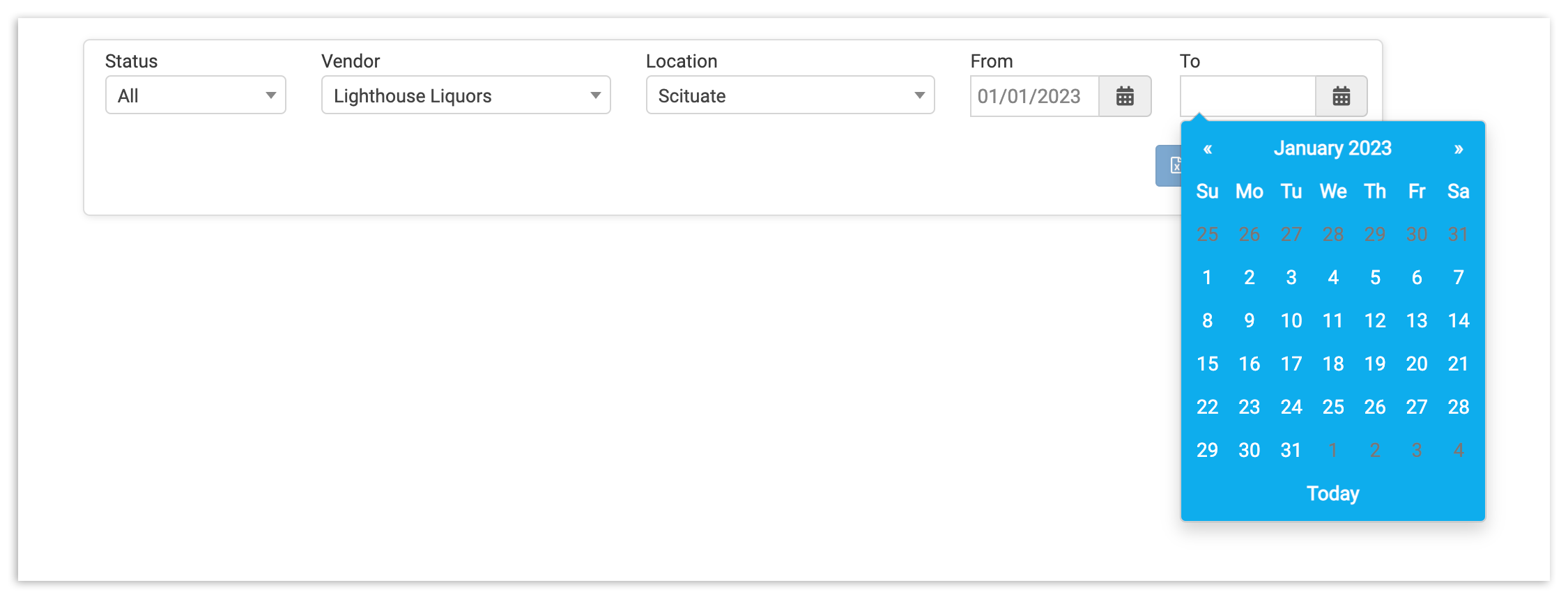
Finally, select Submit. This will pull up any and all Orders that match your parameters.
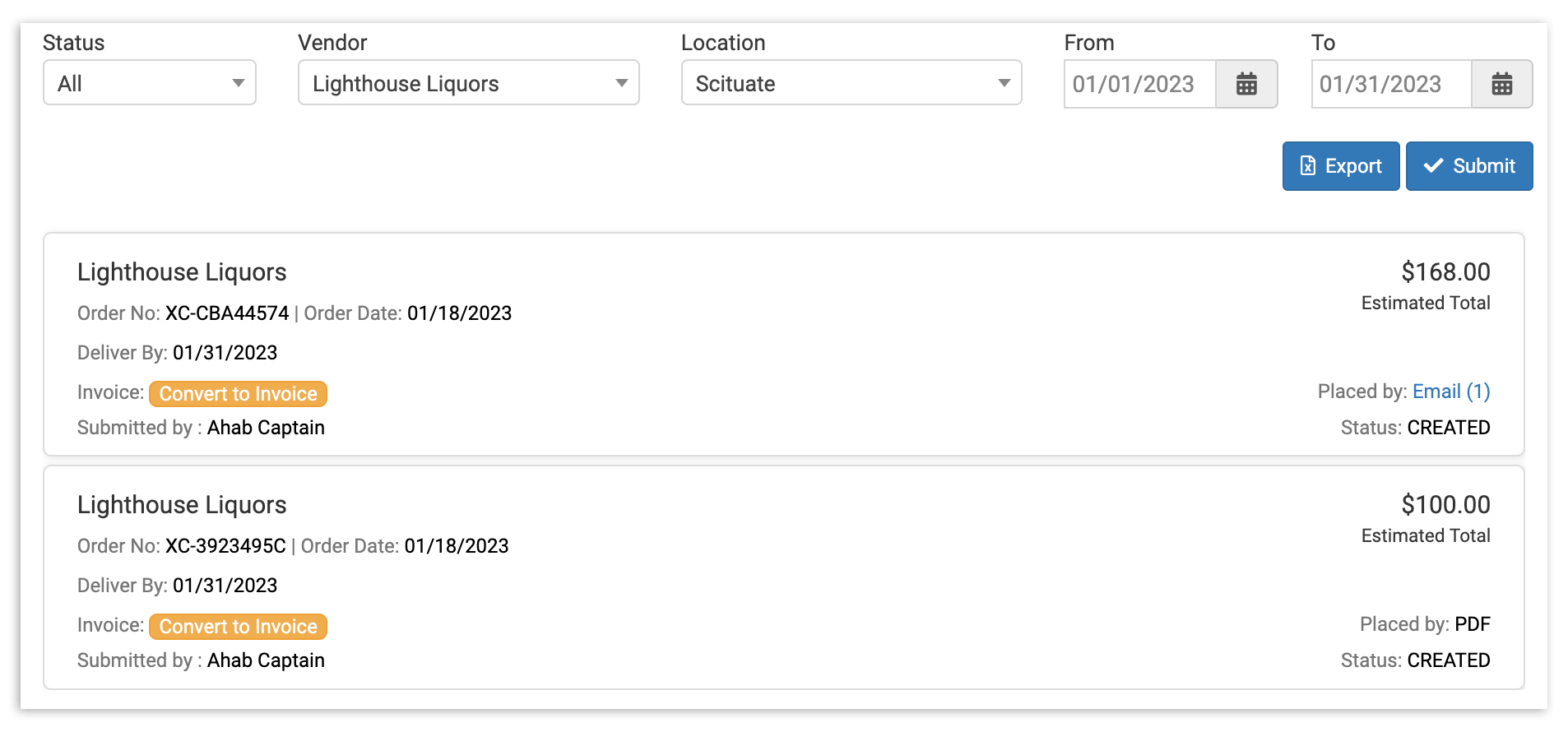
Here, you can review order details. If the order has been fulfilled, you can also convert your order to an invoice by selecting Convert to Invoice.
To ensure accuracy for accounting and reporting, we recommend uploading the invoice your vendor provides rather than converting your order sheet to an invoice. Any variations in price or invoice item substitutions from your vendor will result in inaccuracy.
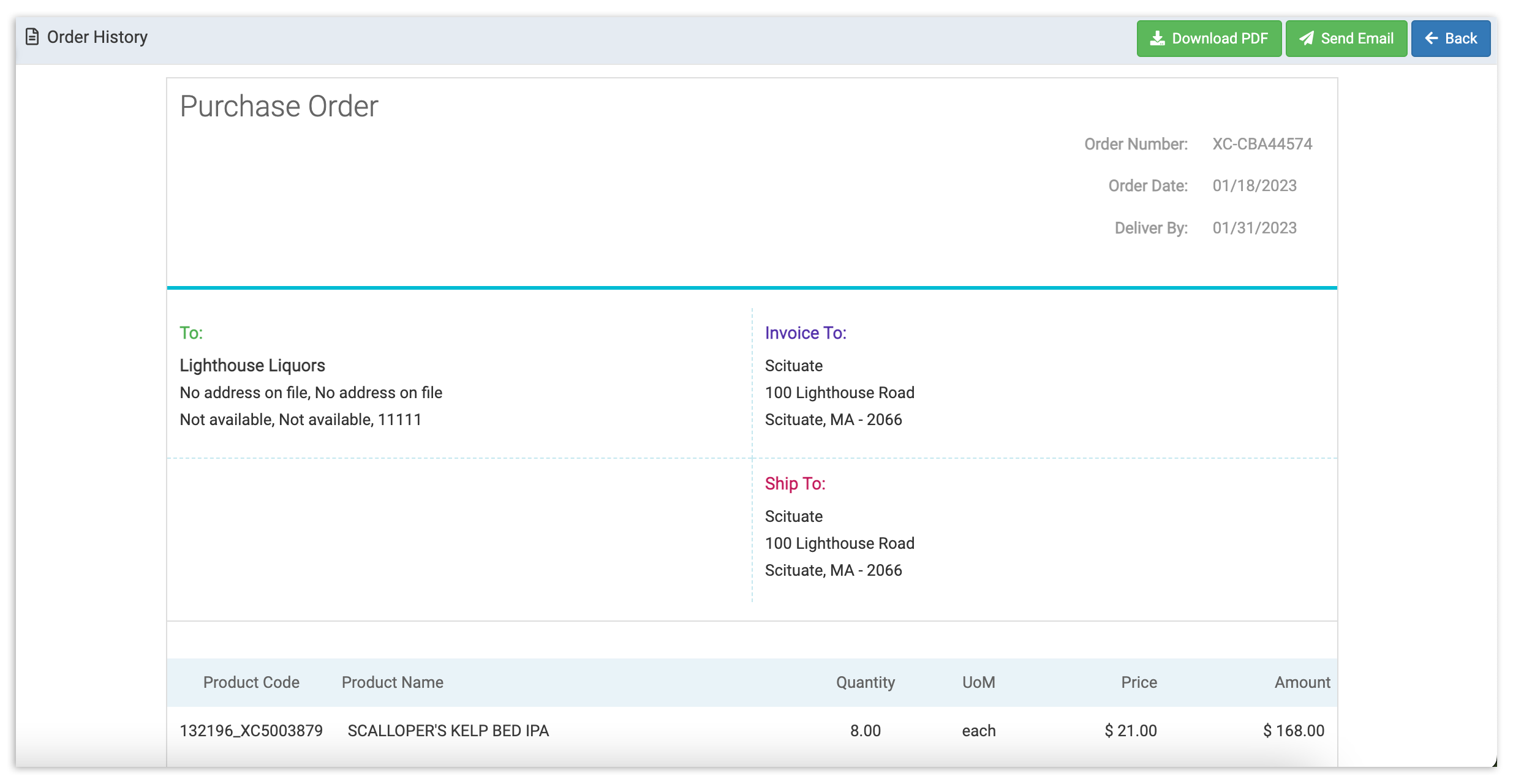
You are also able to select an individual order to pull up its full details. There, you will have the option to either download a PDF of the purchase order to your computer, or send a copy of the order to any email address - a convenient way to share last year's New Year's Eve order with your bar manager!
Now that you know how to search your previous orders, get ready to unlock some serious insights. Order context coming right up!