Este artículo aún no está disponible en tu idioma. Se mostrará en el idioma predeterminado.
Get Started With the WineEmotion Integration
Última actualización: 9 sept 2026, 11:52 a.m.
Learn how to set up the WineEmotion integration with Toast.
| This integration requires access to Toast Partner Integrations. To learn more, see Set Up Toast Partner Integrations. |
- WineEmotion Integration Features
- Enable WineEmotion Integration With Toast
- WineEmotion Integration: Troubleshooting and Support
WineEmotion Integration Features
Maximize your wine program’s potential with the seamless WineEmotion and Toast integration. This self-service solution allows guests to explore your premium selection with ease while you enjoy total operational control.
Enable WineEmotion Integration With Toast
To enable the WineEmotion integration with Toast, follow these steps:
- To enable WineEmotion with Toast, log into Toast Web and navigate to Integrations > Integrations management > Browse & purchase integrations.
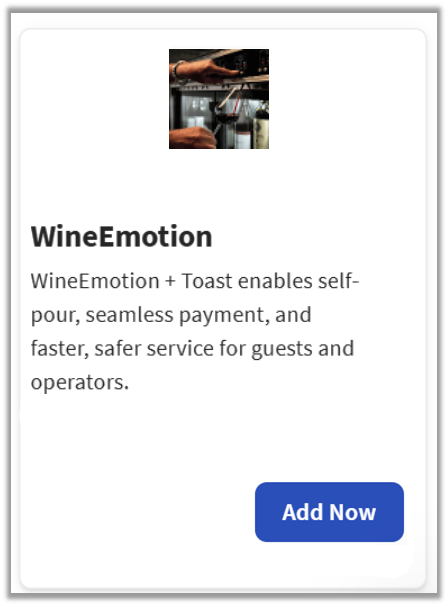
- Enter WineEmotion in the search field and select Add Now.
- If you have multiple locations, please select the restaurants you would like to connect to WineEmotion. Finally, select Apply.
- Note: Your restaurant must have access to Toast Partner Integrations to add this integration. To learn more, see Set Up Toast Partner Integrations.
- Review the data scope visibility terms and conditions, and select Confirm to accept. See the Data Scope Visibility article for more information.
- Once you select Add Now on the WineEmotion tile in Toast Web, you will select which restaurant(s) you would like to connect to your WineEmotion account, and select Apply
- After you select Apply, you will be forwarded to a confirmation screen.
- After adding the integration in Toast Web, the WineEmotion team will reach out to you directly to start your account setup and onboarding if you have yet to create your WineEmotion account.
WineEmotion Integration: Troubleshooting and Support
For any questions or support issues relating to the WineEmotion integration, you can contact WineEmotion at:
- General Support
- Phone Number: (407) 420-8007 / 8 a.m. - 8 p.m. EST
- Email: service@bevteks.com