Toast Payroll: Map Profiles for Tips Manager Onboarding
本文章目前没有您语言对应的版本。正在显示默认语言。
Toast Payroll: Map Profiles for Tips Manager Onboarding
上次更新时间:2026年1月2日 12:16
问题
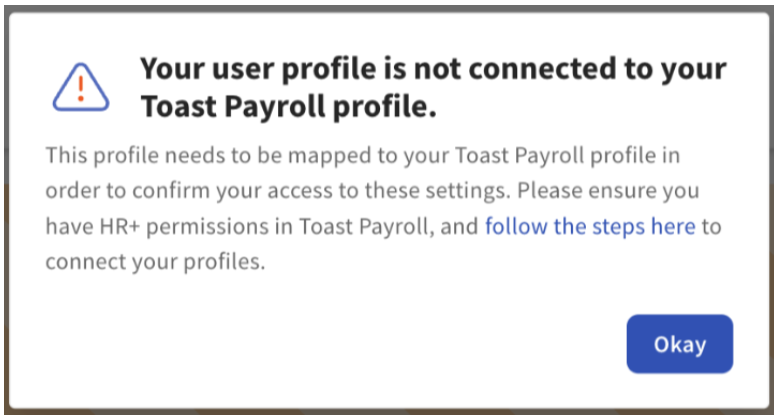
As an HR+ Toast Payroll user, why do I get an error saying my user profile isn't connected to my Toast Payroll profile when I try to complete Toast Tips Manager setup?
回答
Log in to Toast Payroll and select My Profile from the left-hand navigation bar.
Scroll down and select POS Mapping.
Follow the Individual Employee Mapping section in to successfully map your Toast Payroll and Toast Web profiles and jobs.
If you do not have a profile in the POS employee list, select Sync to POS to automatically create a Toast Web profile and sync it.
While mapping your profile, if you notice that your Payroll Job is also unmapped, select the Email Support link to request job mapping from our team. You cannot map yourself without having a job assigned at that location.
After mapping your profiles, you may proceed with Tips Manager onboarding.